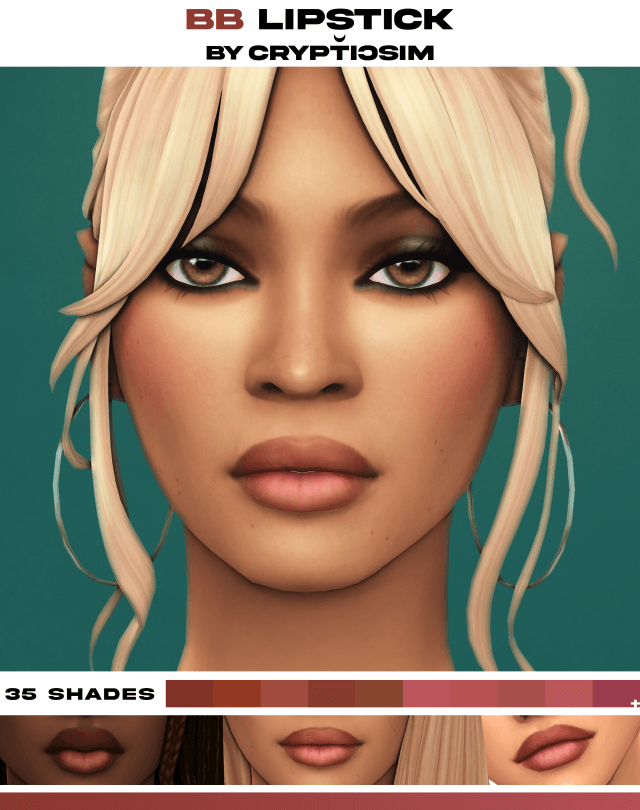
Texture Fidelity and Glass-Like Finish
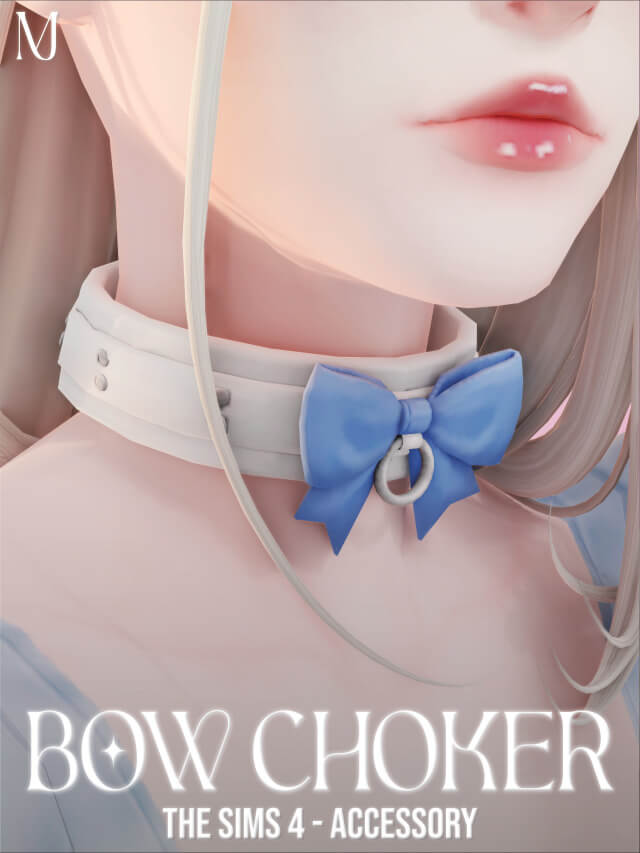
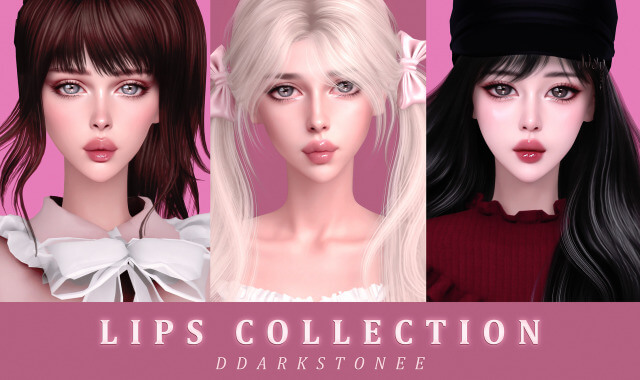
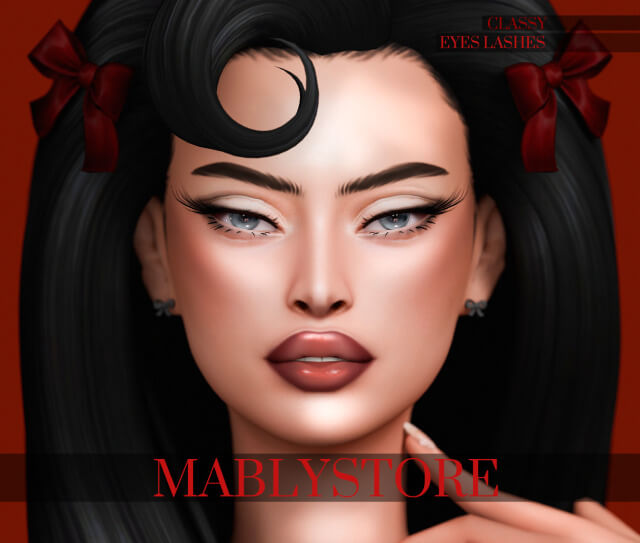
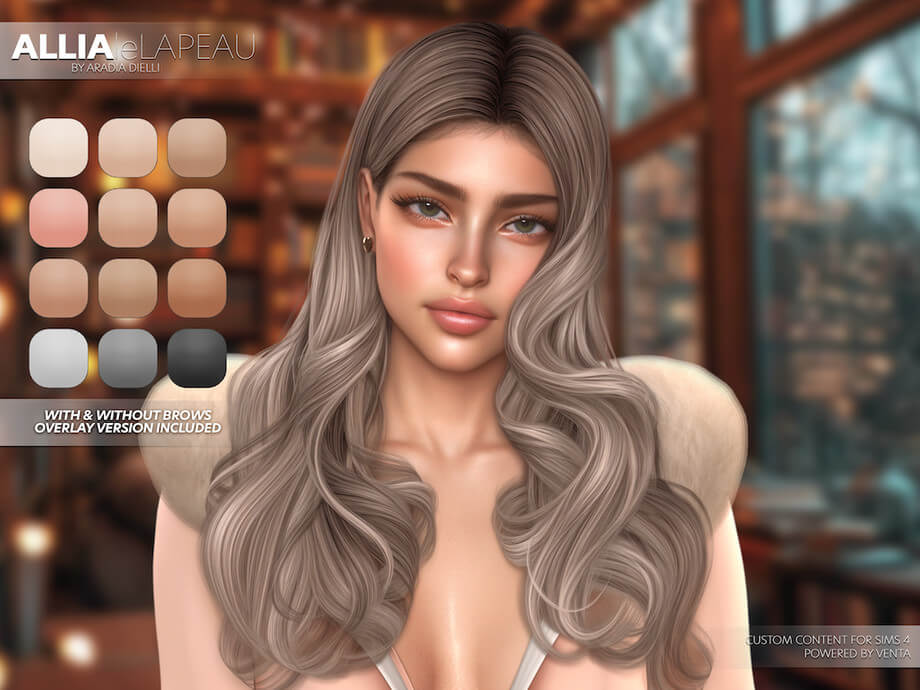
The defining characteristic of this Glossy Lipstick is its believable wet-shine texture. Many custom lipsticks struggle with either looking completely flat or overly plastic, but this creation achieves an authentic glossy sheen through soft specular mapping and delicate light highlight placement. The center of the lower lip features a gentle luminous glint that creates the optical illusion of fuller, plumper lips without altering physical mouth sliders.
The lip contour lines are softly blended along the vermilion border rather than drawn with harsh, rigid outlines. This feathered edge allows the gloss to rest naturally across various lip shapes and skin textures, preventing unnatural borders or bleeding artifacts around the corners of the mouth during facial expressions and dialogue animations.
Specular reflectivity has been balanced to avoid hyper-reflective metallic glare. Under bright outdoor sunshine, the lips gleam softly with moist dewiness, while in ambient indoor lighting, the effect shifts to a subtle satin sheen that looks fresh and sophisticated on every face shape.
Swatch Selection and Versatility
The pack offers five distinct swatches that cater to a wide spectrum of styling preferences. Included are a crystal-clear natural nude gloss, a soft petal pink, a warm peachy coral, a rich berry mauve, and a striking cherry red. Each shade maintains consistent reflective gloss while delivering distinct undertones that complement fair, olive, medium, and deep skin tones with equal grace.
Because the pigment formulation preserves slight translucence rather than total opaque coverage, your Sim's natural lip texture and skin undertones shine through subtly. This makes the lipstick remarkably versatile for clean-girl aesthetic makeovers, bridal looks, red carpet glam, or casual everyday high school styling.
The peachy coral option is particularly flattering on warm summer makeups, complementing bronzed skin tones and sun-kissed freckles. The deep berry swatch, on the other hand, pairs magnificently with smoky eyeshadows for gothic romance or dramatic formal events.
In addition, each swatch was developed to maintain color clarity under diverse in-game time cycles. Whether your Sim is illuminated by morning dawn rays or dynamic club strobe lights, the tones remain vibrant without turning washed out or muddy grey.
Slider Compatibility and Opacity Adjustments
A crucial strength of this release is its seamless integration with the built-in Sims 4 makeup sliders. Players can freely modify the opacity, hue, saturation, and brightness of each swatch directly inside Create-A-Sim. Dropping the opacity slider slightly yields a barely-there, tinted lip balm look perfect for bare-faced casual outfits or morning loungewear.
Conversely, sliding the saturation and opacity to maximum levels produces a dramatic, high-impact patent shine suitable for editorial fashion photoshoots and nightlife clubbing. The sliders respond accurately across all five presets, giving you virtually unlimited custom shade possibilities from a single lightweight package file.
Testing with hue sliders also reveals remarkable flexibility; you can nudge the cherry red toward magenta or warm brick tones without breaking the glossy highlight layer, providing endless customization potential for creative character stylists.
In-Game Visuals and Skin Overlay Harmony
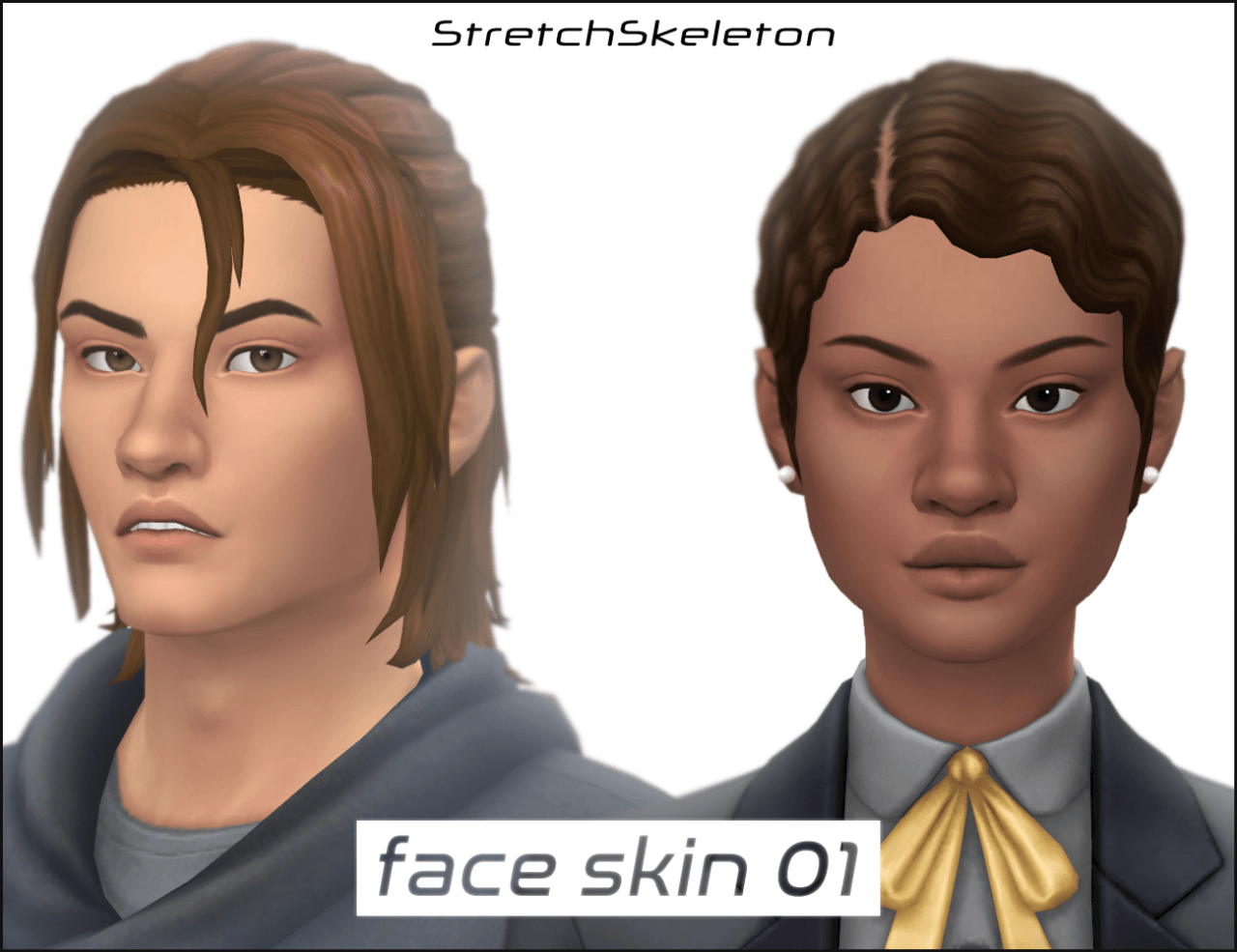
Makeup custom content must coexist peacefully with custom skin details, overlays, and face shine masks. In our gameplay testing, the Glossy Lipstick performed flawlessly across both default EA skin tones and popular Alpha skin overlays. It layers cleanly over 3D eyelashes, nose highlights, and eyeliner without causing layering conflicts or visual tearing in live mode.
During active conversations, smiles, and laughter, the texture tracks the facial rig smoothly. The gloss highlights do not stretch awkwardly when Sims open their mouths wide or eat meals, ensuring that your screenshots remain photogenic and immersive in all gameplay situations.
Even when paired with subtle mouth corner dimples or facial skin details, the lipstick layer sits comfortably on top of the texture stack, eliminating any unsightly seam misalignments or haloing effects around the mouth.
Whether captured during close-up portrait photography or viewed from standard third-person live mode camera angles, the luscious sheen enhances the emotional expressiveness of your Sims, making facial animations feel more grounded and lifelike.
In addition, the lightweight file size ensures that your mods directory remains uncluttered without sacrificing render quality. Whether you enjoy staging studio modeling sessions or playing out casual family legacies, this versatile lip product consistently delivers dependable aesthetic brilliance.
Download and Installation Instructions
Installing the Glossy Lipstick into your game takes only moments. Download the package file using the direct link button provided below. Place the downloaded .package file into your Sims 4 Mods directory (Documents/Electronic Arts/The Sims 4/Mods). Ensure that custom content is toggled on in your Game Options menu. Launch the game, navigate to Create-A-Sim, select the Makeup tab, and find your new lipstick ready under the Lipstick subcategory with custom thumbnail previews.
Frequently Asked Questions
Is this lipstick base game compatible?
Yes, this lipstick requires only the base game of The Sims 4 and is completely functional without any additional expansion or game packs.
Can male Sims wear this glossy lipstick?
Yes, by removing the feminine fashion filter in CAS, you can easily apply this lipstick to male Sims for editorial, glamorous, or natural shiny lip looks.
Does it support the in-game makeup opacity slider?
Yes, the makeup sliders for opacity, hue, saturation, and brightness work smoothly with this lipstick, allowing complete control over color intensity.