Mesh Geometry and Unisex Silhouette
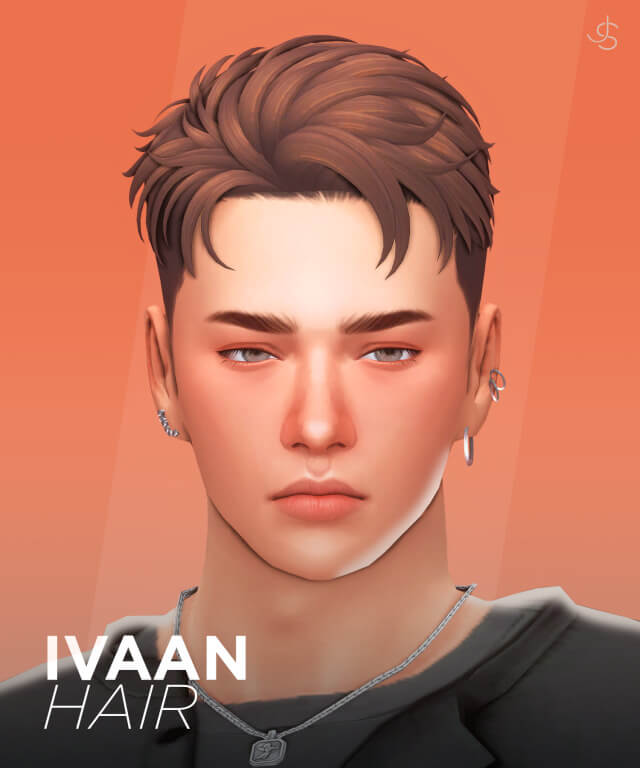
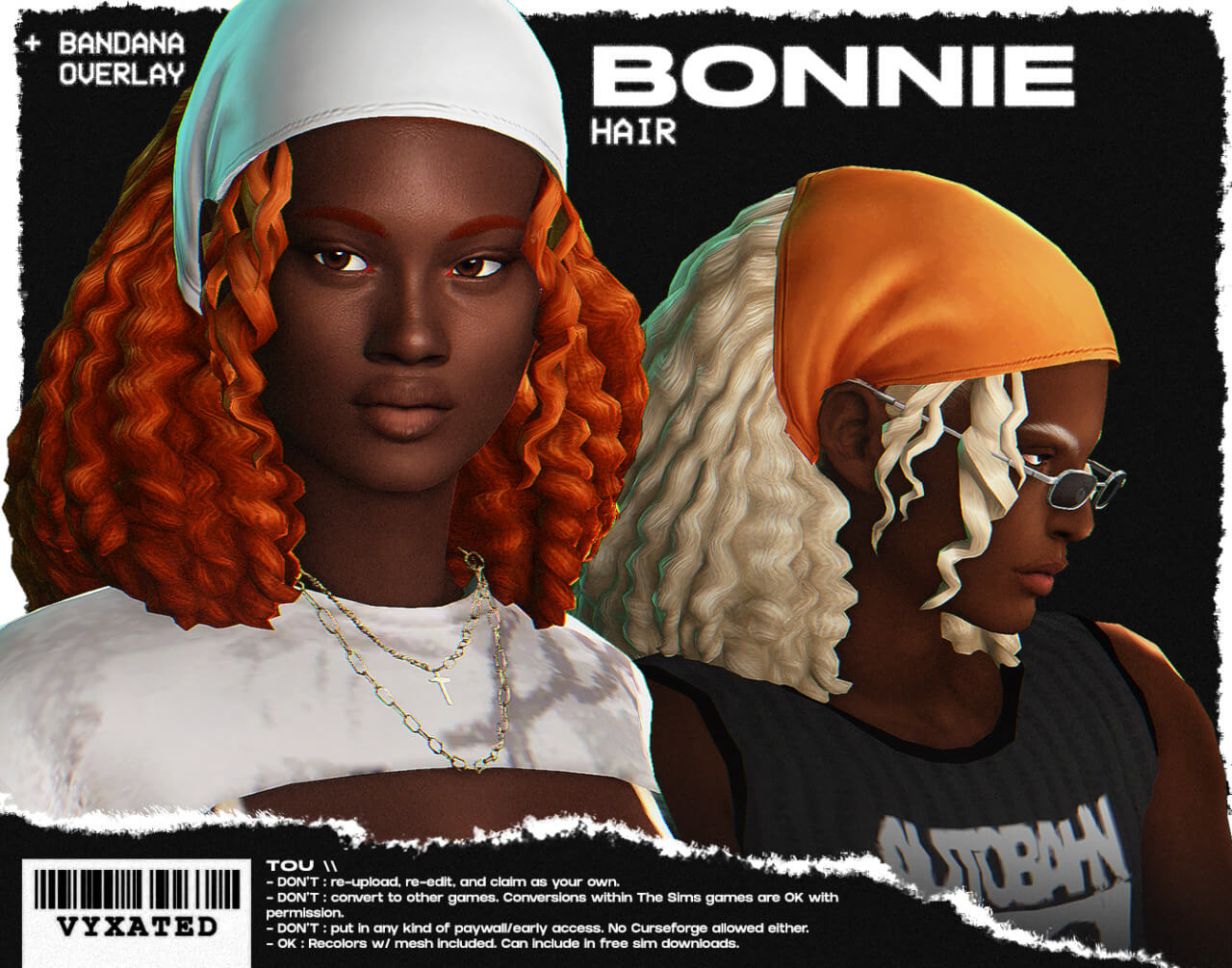
Bonnie hair showcases outstanding 3D modeling with approximately 7,100 polygons. This polygon count strikes the perfect balance between silky strand separation and optimized game performance. It provides rich geometric depth without overwhelming system memory during high-density neighborhood events:
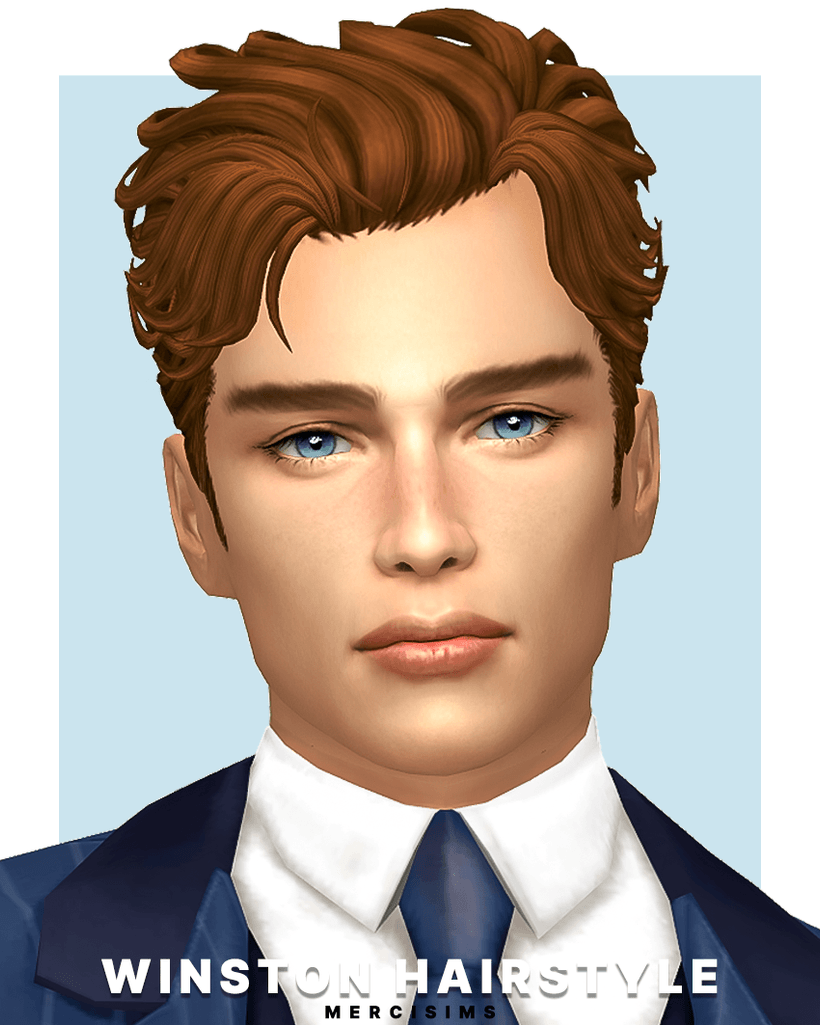
- Textured Medium-Short Cut: Soft, face-framing strands with gentle layering around the crown and nape that create natural movement.
- Balanced Unisex Design: Sits naturally on both masculine and feminine head structures without unnatural widening or jaw clipping.
- Multi-Generational Availability: Enabled across Child, Teen, Young Adult, Adult, and Elder life stages for seamless generational storytelling.
- Careful Vertex Weighting: Bends smoothly along the neck and collarbones during animated head turns and active interactions.
Because the mesh respects standard Maxis match aesthetic conventions, the hair strands display soft clay-like volume complemented by clean directional highlights. It fits into the base game universe harmoniously without feeling jarringly alpha or hyper-realistic.
The hairline mapping is particularly well-crafted, creating an organic transition against diverse forehead contours and skin overlay blends without harsh seams or unnatural empty spaces.
Vibrant Swatch Spectrum: 24 EA + 12 Custom Shades
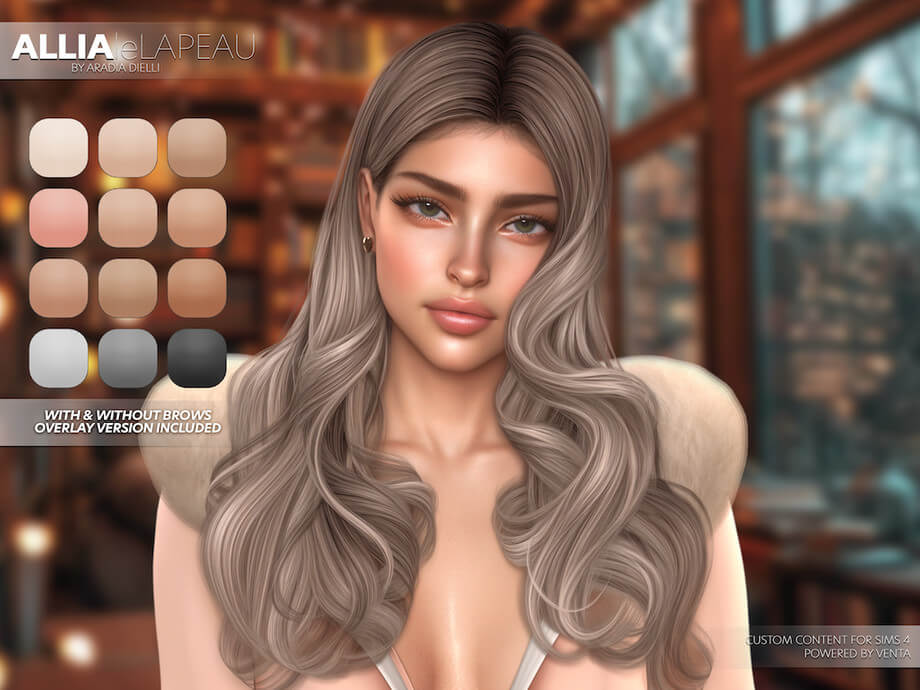
Vyxated equipped Bonnie hair with a generous palette of 36 total swatches, ensuring that players have ample color variety for every character concept:
- 24 Standard EA Swatches: Full support for all official game tones, including natural blondes, rich chestnuts, raven blacks, fiery coppers, and updated pastel fantasy shades.
- 12 Custom Designer Swatches: Carefully chosen supplementary tones featuring muted ash blonde, smoky lilac, rose gold, deep emerald, and midnight blue.
- Consistent Lighting Highlights: Highlight maps are tailored specifically for each swatch, preventing light colors from looking chalky or dark colors from appearing flat.
Whether you want your Sim to sport sun-bleached beach hair or dyed rebellious punk strands, the extensive swatch selection delivers immediate gratification without requiring external recolor packages.
The elder grey swatches feature soft silvery gradients that honor aging Sims gracefully, making this hair a fantastic choice for family legacy gameplay across multiple generations.
The Standalone Bandana Accessory Overlay
One of the most exciting aspects of this release is the included standalone bandana overlay. Located in the Hats category, this accessory is custom-fitted to sit snugly over Bonnie hair, transforming the overall aesthetic into a chic retro or bohemian statement.
The bandana features 30 distinct swatches, ranging from classic paisley motifs and checked gingham patterns to bold solid colors and retro floral prints. Because it is categorized as a hat accessory, you can freely choose when your Sim wears the bandana—for instance, styling it exclusively with their hot weather or athletic outfits while leaving the hair untied for everyday wear.
While the hair mesh itself is marked as not hat-compatible with default game hats to prevent clipping, this dedicated custom bandana fits like a second skin with zero mesh overlap or distortion.
Styling Combinations and CAS Aesthetics
In Create-a-Sim, Bonnie hair coordinates seamlessly with a wide range of aesthetic subcultures. For a laid-back 90s grunge ensemble, pair the hair and bandana with oversized flannel button-ups, distressed denim cutoff shorts, and worn combat boots. For a sun-soaked summer surfer look in Sulani, style the loose swatches with tropical swim trunks, tank tops, and woven shell necklaces.
Because the hair frames the brow line cleanly without casting heavy dark shadows over the eyes, intricate face accessories such as nose studs, wire-rimmed reading glasses, and delicate brow piercings stand out crisply in photo close-ups.
Performance and In-Game Testing
In live gameplay testing, Bonnie hair demonstrated flawless LOD (Level of Detail) optimization. When zooming camera perspectives in and out across sprawling lots in San Sequoia and Oasis Springs, the hair maintained consistent mesh integrity without popping or texture degradation.
The item is thoughtfully disabled for random townie generation, ensuring that unplayed neighborhood residents will not spawn wearing mismatched bandana combinations unless manually styled in CAS.
The hair pairs wonderfully with oversized sunglasses, hoop earrings, choker necklaces, and casual denim jackets, making it one of the most versatile hairstyles in modern custom content libraries.
How to Install Bonnie Hair
Download the Bonnie hair package files from the creator Tumblr post linked below. Unzip the downloaded archive if necessary, and place the .package files into your Mods directory located at Electronic Arts / The Sims 4 / Mods. Ensure custom content is enabled in your game settings before launching the game.
Frequently Asked Questions
Is Bonnie hair base game compatible?
Yes, Bonnie hair and its bandana accessory are completely base game compatible and require no DLC expansions or game packs to function.
Where do I find the bandana accessory in CAS?
You can locate the optional bandana overlay in Create-a-Sim under the Hats category, featuring 30 colorful swatches and custom thumbnails.
Can children wear Bonnie hair?
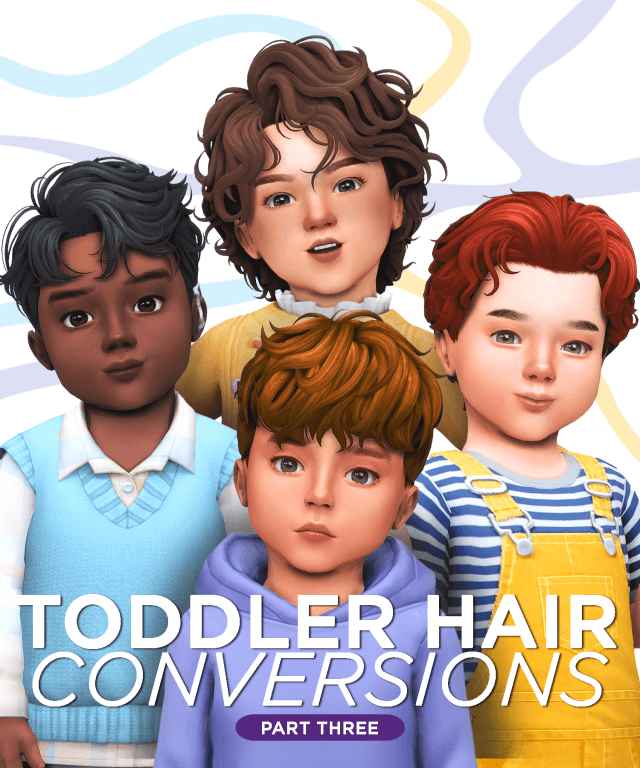
Yes, vyxated converted the hair for Children as well as Teens, Young Adults, Adults, and Elders, making it ideal for generational family play.
Download Bonnie Hair CC
Ready to give your Sims an effortless, stylish haircut with custom bandana styling? Download Bonnie Hair by vyxated via the direct link below.