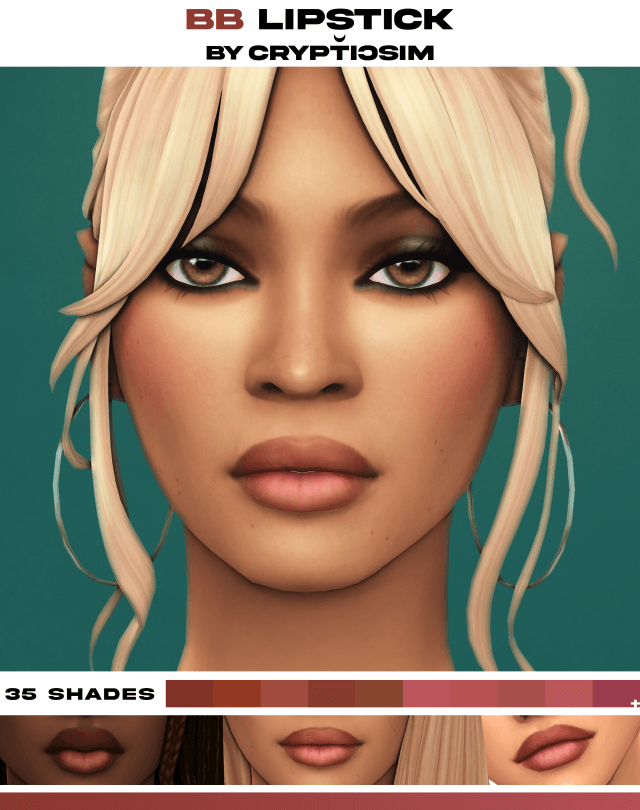
Facial Detailing: Skin, Eyebags, and Nosemask
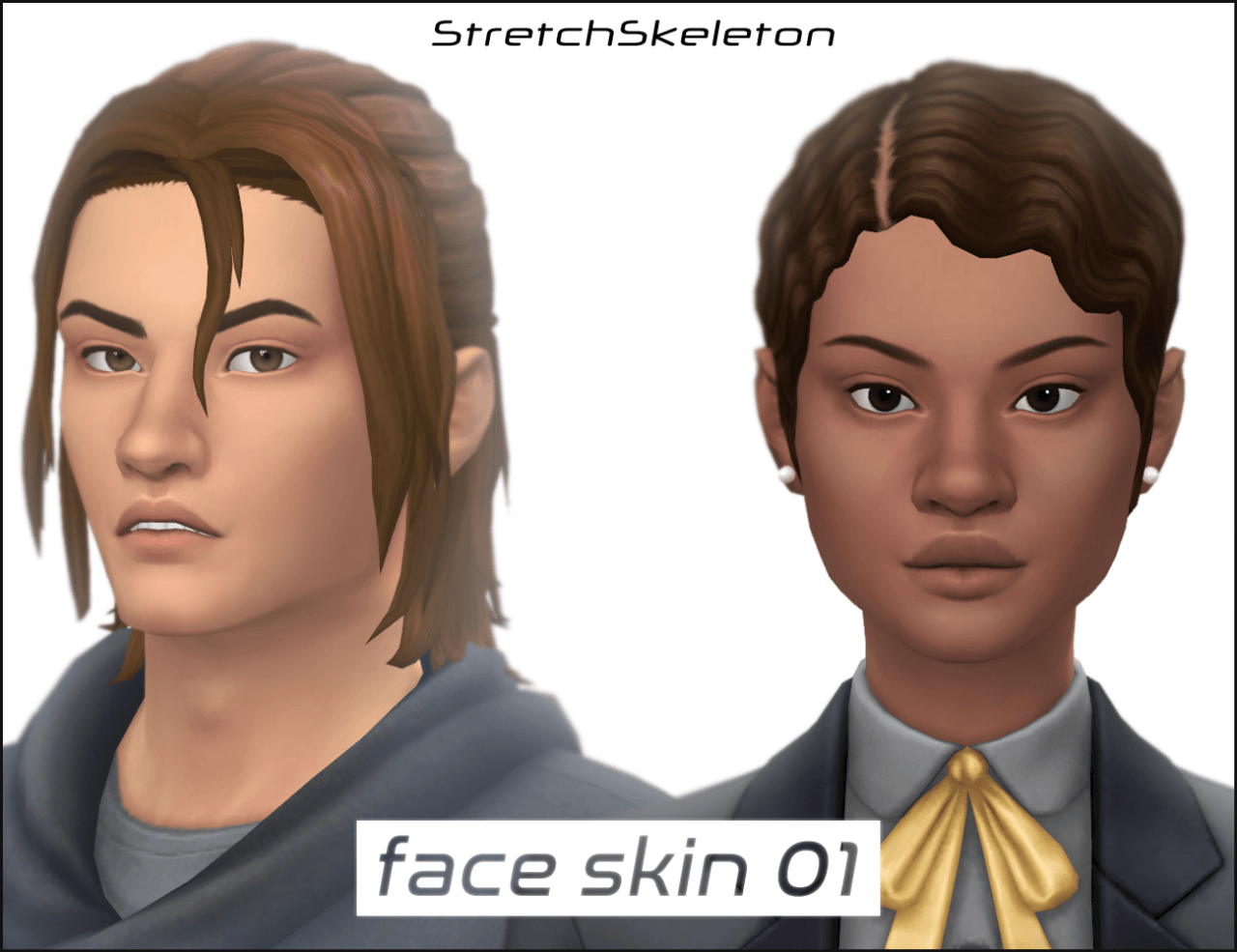
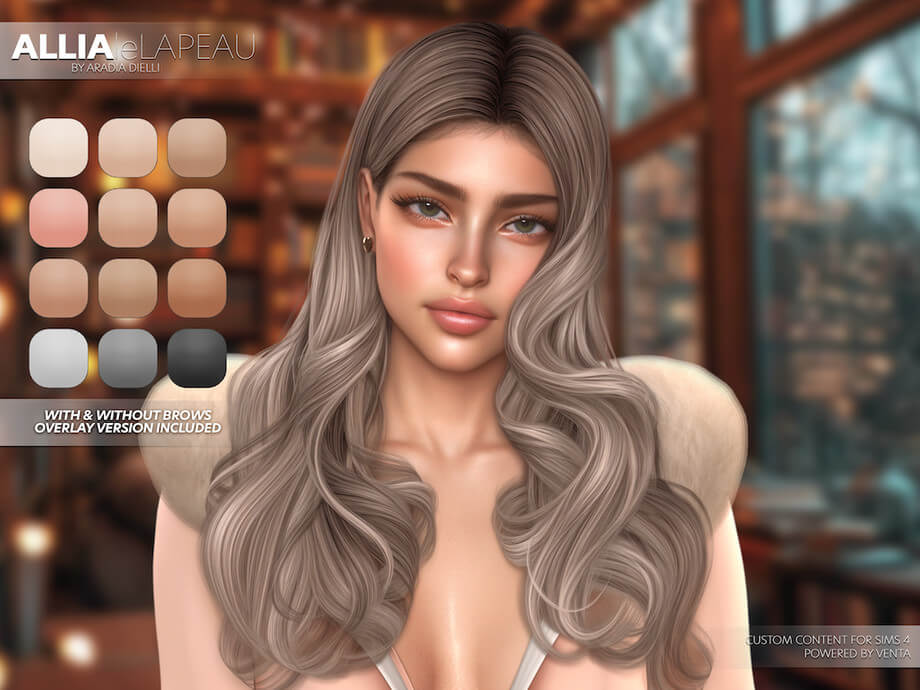
The artistic charm of Camila starts with her detailed skin layering. Rather than relying solely on a flat default skin tone, the creator combined several custom skin details to produce a lifelike, expressive face:
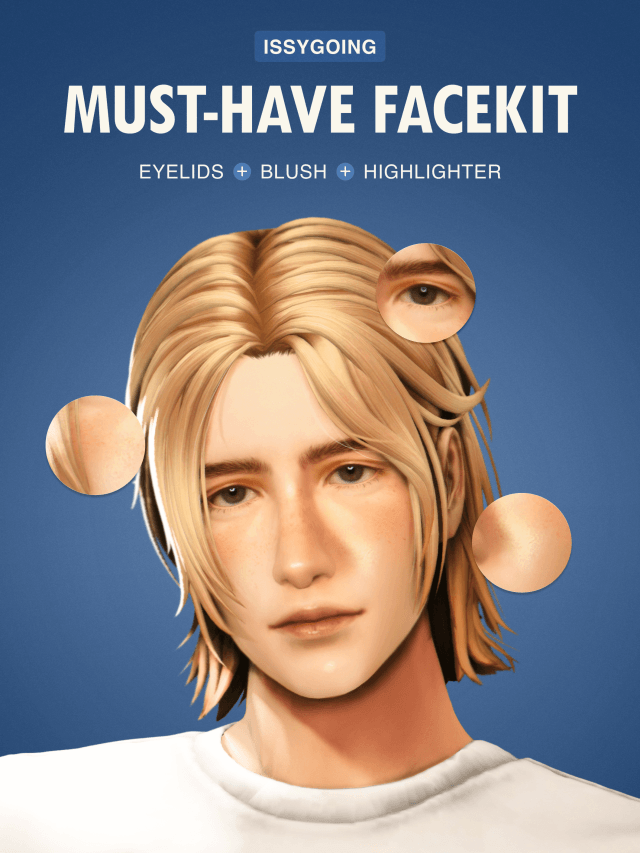
- Custom Skin Blend: A smooth, luminous skin overlay with soft warmth that looks radiant in natural game lighting.
- Subtle Eyebags: Delicate lower eyelid shading that lends realistic character expression, avoiding the artificial doll look.
- Defined Nosemask: A custom nose contour overlay that pinches the bridge slightly and highlights the rounded tip with soft gloss.
- Blended Hairline: Soft, realistic baby hairs along the forehead that bridge the transition between scalp and custom hair.
- Custom Eyebrows: Feathery, natural brow arches with distinct individual hair strokes that frame the eyes with warmth.
These subtle facial details combine to give Camila an expressive and approachable personality that shines during in-game conversations and animated reactions.
Makeup Artistry: Eyes, Lips, and Blush
Camila's makeup palette embraces a fresh, effortless beauty routine. The custom blush applies a soft coral flush high across the cheekbones and across the bridge of the nose, evoking a healthy sun-kissed afternoon outdoors.
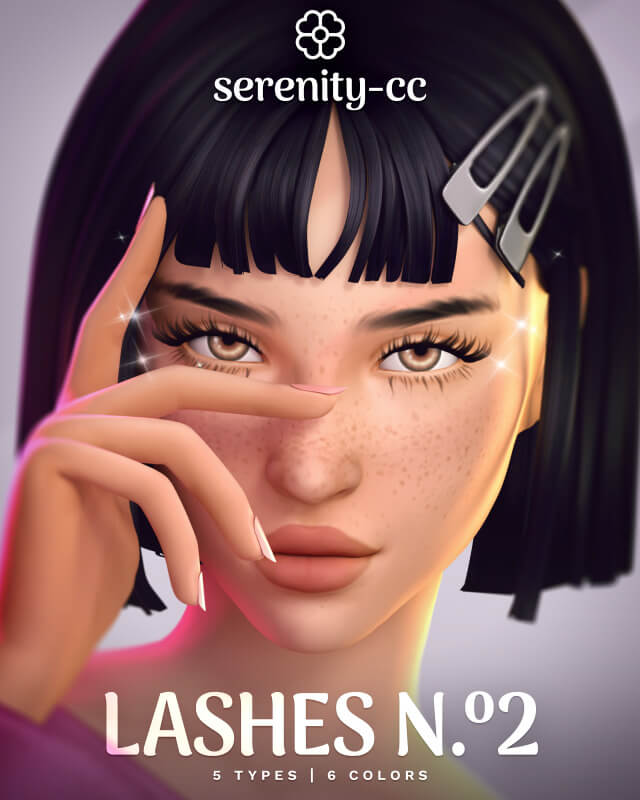
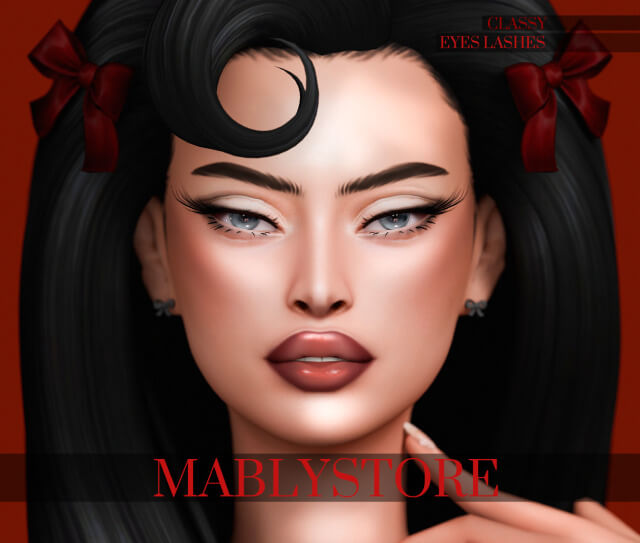
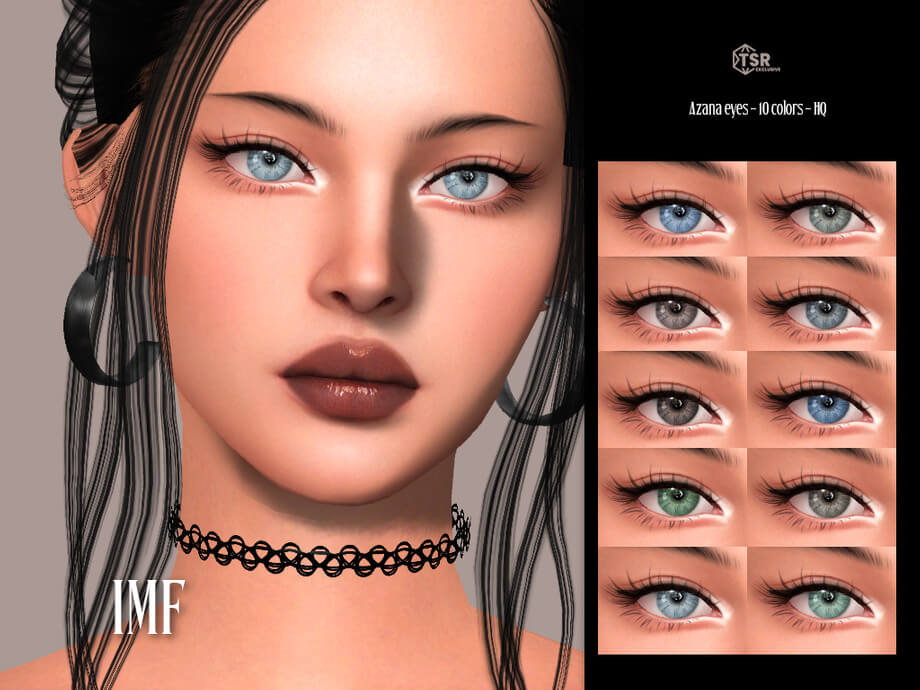
Her custom eyes feature rich iris textures with multi-tonal flecks and natural light reflections that give her gaze emotional depth. Layered 3D eyelashes add fluttery volume to the outer corners without cluttering her lower lash line.
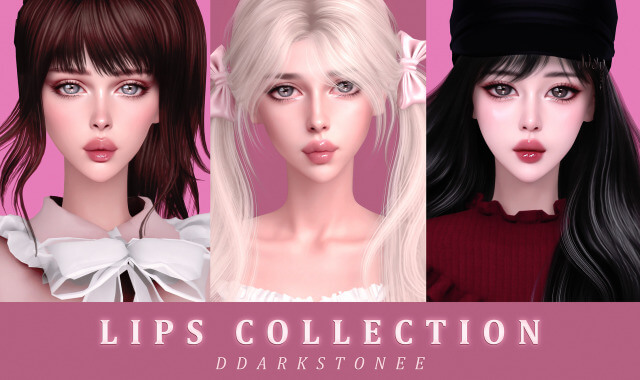
The lip product uses a natural tinted gloss with a juicy sheen and gentle gradient center, mimicking the popular Korean gradient lip trend that pairs effortlessly with casual and formal looks alike.
Wardrobe Styling: Top, Skirt, and Summer Sandals
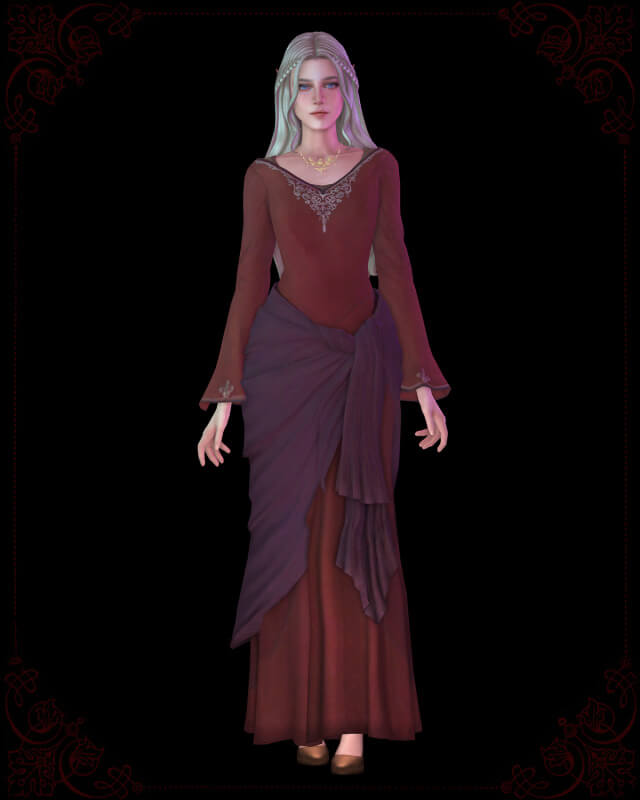
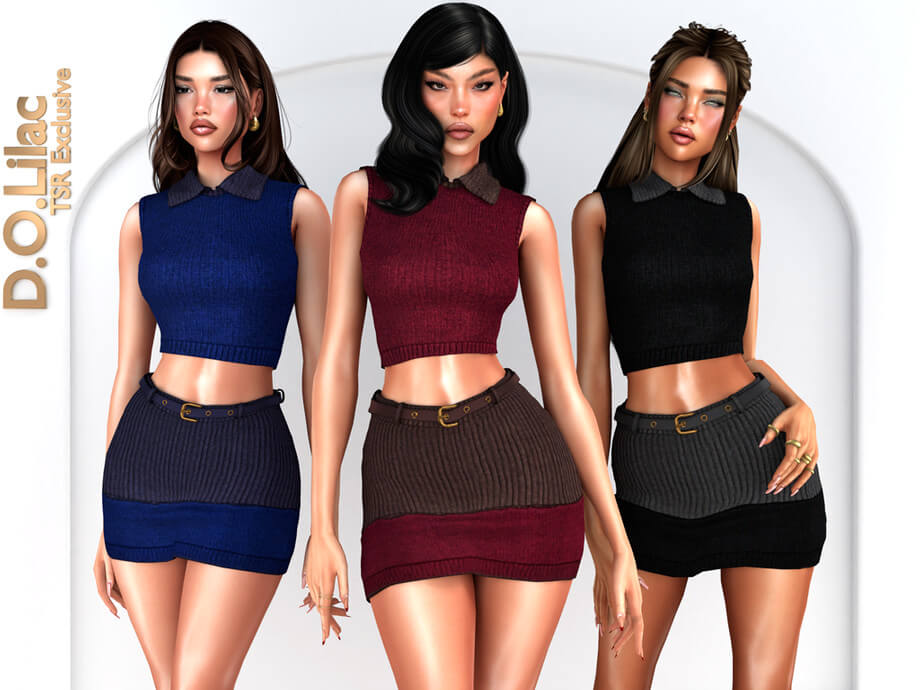
Camila's signature outfit captures effortless coastal chic. Her cropped knit top features delicate ribbed detailing and a flattering square neckline that complements her collarbones.
She wears a high-waisted linen skirt that flows gracefully to mid-thigh, finished with subtle button accents down the front seam. The skirt mesh includes clean bone weighting that avoids clipping during walking animations.
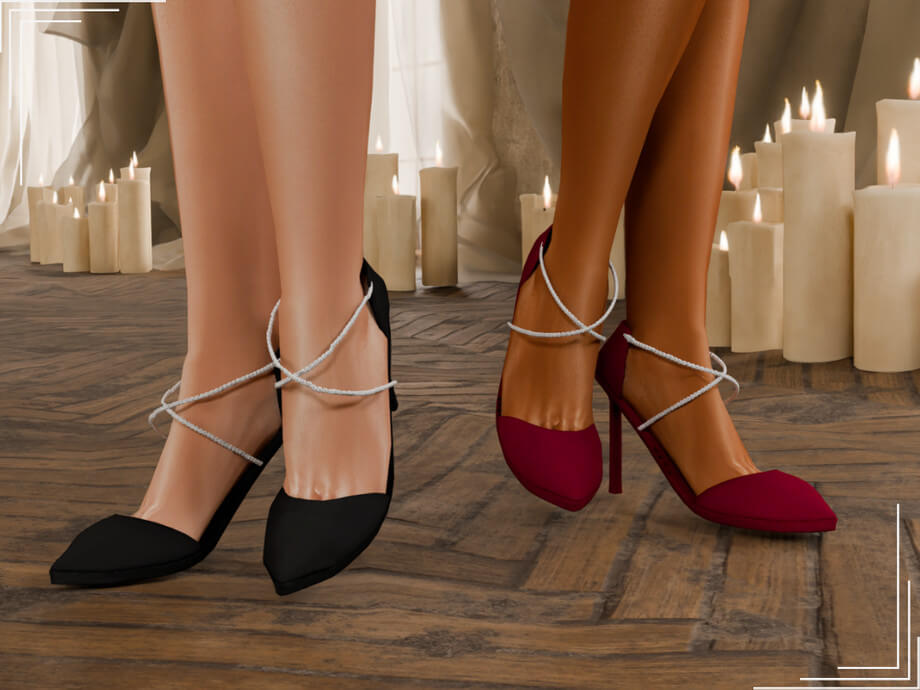
Completing the look are minimalist strappy sandals with thin leather straps that wrap cleanly around the ankles. Topped with coordinated manicure nails, the entire outfit looks cohesive and ready for an afternoon stroll through Tartosa or beach lounging in Sulani.
Character Archetypes and Storytelling Gameplay
Beyond her gorgeous visuals, Camila slots easily into many rich gameplay scenarios. She thrives as a creative culinary student moving into San Myshuno, learning gourmet recipes while blogging about local street food stalls.
In coastal worlds like Sulani or Tartosa, she makes a charming seaside shopkeeper or aspiring marine biologist. Her natural makeup and sunny styling give her an authentic girl-next-door charm that makes everyday neighborhood interactions feel deeply cinematic.
Players managing generational legacies can introduce Camila as a romantic partner for family heirs, infusing family trees with expressive facial genetics, balanced nose structures, and warm eye colors.
If you enjoy photography and creating social media lookbooks for your Sims, Camila serves as an extraordinary model. Her expressive facial rigging produces radiant smiles, thoughtful contemplative gazes, and playful pouts without the creepy stretching that plagues unoptimized custom head sculpts.
Setting up a cozy photography studio in San Myshuno with ring lights and soft backdrop curtains brings out the delicate highlights in her nose contour and the glossy sheen of her lips. Whether posing solo or taking romantic couple snapshots on the beach, she consistently photographs like a real fashion influencer.
Tray File Setup and Mods Folder Management
Installing a full Sim preset involves two simple steps: placing the tray files into your Sims 4 Tray directory, and placing the custom content package files into your Mods directory. When launching the game, remember to tick the Include Custom Content box in your CAS library filter.
Once loaded into CAS, Camila appears exactly as shown in promotional images, saving you from missing mesh glitches or bald, question-mark textures. From there, you can easily modify her traits, aspiration, voice, or wardrobe to suit your ongoing storyline.
She makes an ideal protagonist for a university student embarking on an art degree in Britechester, a boutique shop owner in Magnolia Promenade, or a charismatic romance interest for your generational heir.
Having a polished character preset like Camila enriches your save file with ready-to-play beauty and saves valuable styling time.
Download Camila Sim and CC Links
Bring Camila into your Sims 4 neighborhood today. Click the download button below to access the complete creator post containing tray files and CC links:
Frequently Asked Questions
Where do I place the downloaded files?
Extract the .trayitem and .blueprint files into your Documents/Electronic Arts/The Sims 4/Tray folder, and place all .package files into your Mods folder.
Why is Camila not showing in my CAS library?
In your game library, open the left filter sidebar, scroll down to the bottom, and check the box labeled Include Custom Content.
Do I need specific game packs for Camila?
Camila's core facial sculpt and CC pieces are Base Game compatible, allowing you to load her character without owning paid expansion packs.