Naturalistic Postures and Editorial Charm
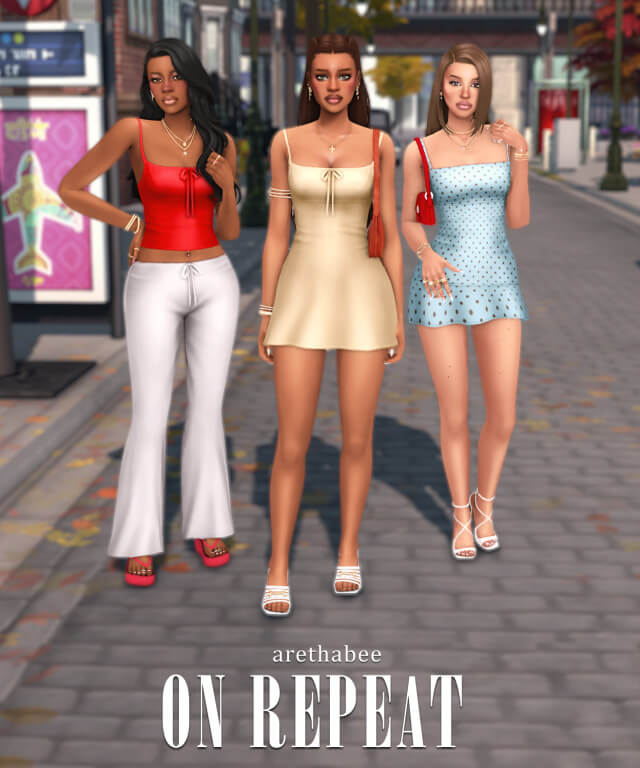
The core concept behind the Effortless Posepack is unforced elegance. Rather than dramatic theatrical stances or stiff mannequin stiffness, each pose captures gentle, organic weight shifts. Sims lean slightly on one hip, casually tuck a hand into a trouser pocket, gently touch their collarbones, or gaze off-camera with thoughtful introspection.
Hand posing is often the most challenging element of custom animation in The Sims 4, yet the creator sculpted each finger with remarkable anatomical care. Fingers rest gently against fabrics without awkward bending, clumping, or clipping through clothing meshes.
The head angles are calibrated to catch directional sunlight and studio lamps gracefully, casting soft shadows that highlight cheekbones, jawlines, and eye makeup with breathtaking clarity.
Posepack Features and Integration Options
The Effortless Posepack offers complete flexibility for both CAS modellers and live-mode virtual photographers. Key technical highlights of this collection include:
- Casual Standing Poses: A curated collection of relaxed standing stances with organic weight distribution.
- Expressive Upper Body Variations: Nuanced arm placements, hand-in-pocket gestures, and subtle neck tilts.
- Dual-Mode Availability: Available as a CAS trait-override pose replacement and as an in-game Pose Player pack.
- Natural Facial Expressions: Gentle, neutral, and warm smiles that avoid uncanny valley distortion.
- Unisex Adaptability: Formatted to accommodate both feminine and masculine character skeletons seamlessly.
Using the pack alongside Andrew's Pose Player and Teleport Any Sim allows in-game storytellers to position avatars perfectly within custom decorated rooms, outdoor gardens, and busy street corners.
Lookbook Creation and Social Media Machinima
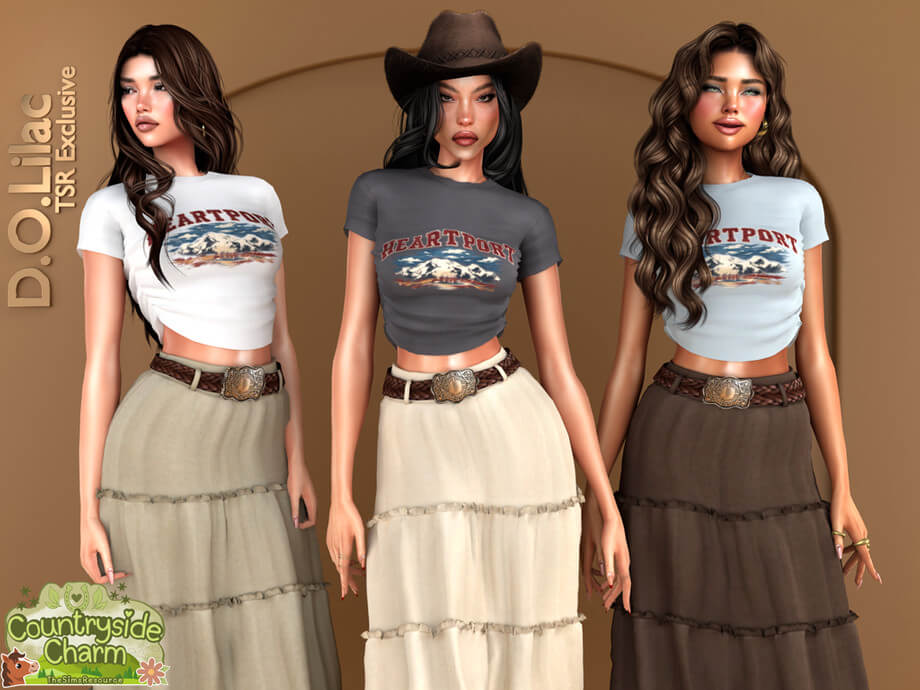
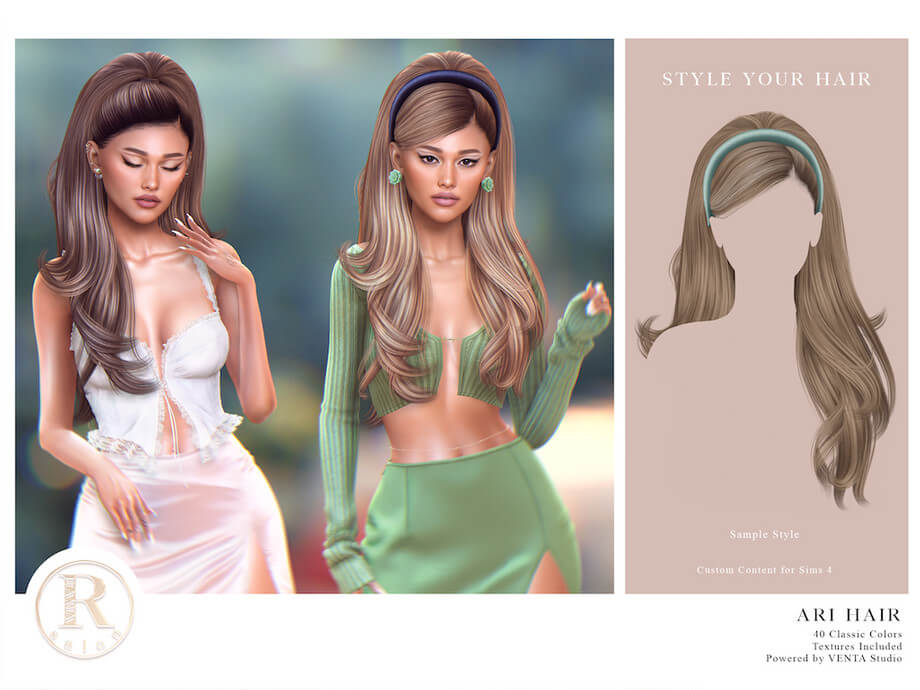
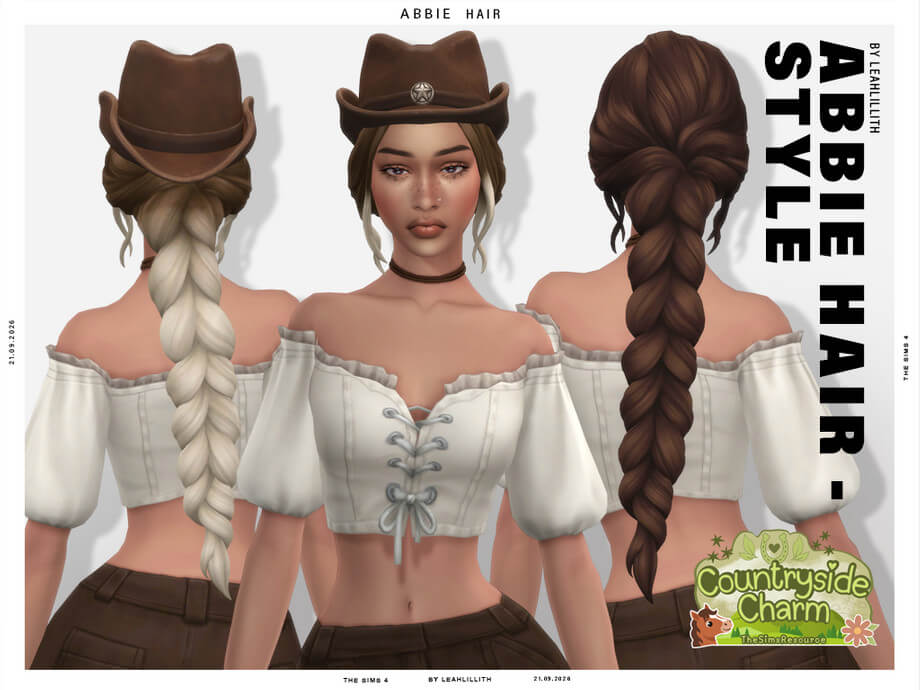
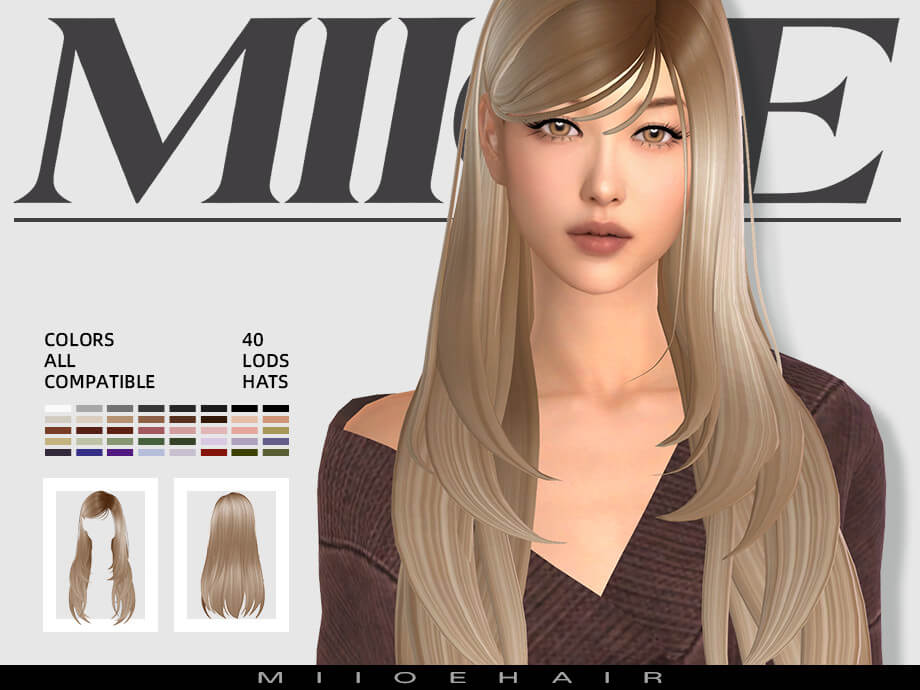
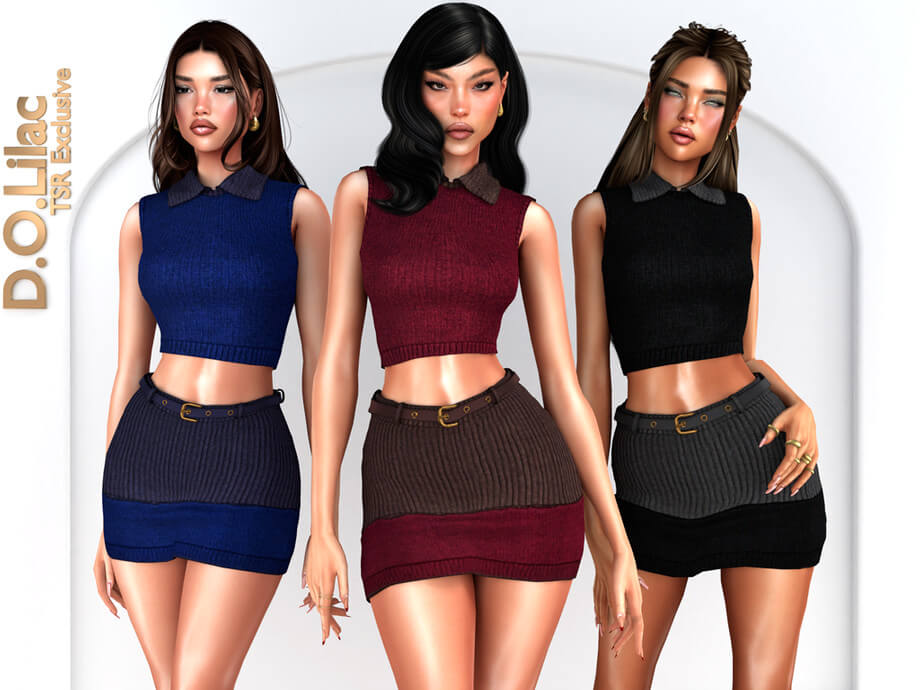
For custom content creators and simblr bloggers who produce lookbooks, this posepack is an indispensable utility. The neutral, understated stances showcase clothing silhouettes, fabric textures, and accessory layering without obscuring key details behind wild arm flailing.
The relaxed postures make garments look lived-in and natural, giving your digital lookbooks the polished visual aesthetic of real-world high-fashion lookbooks and magazine spreads.
In addition, because the poses do not rely on excessive spine twisting, they minimize texture stretching and joint tearing across complex alpha and Maxis Match clothing items alike.
Technical Stability and Compatibility
Animation files can occasionally glitch if bone hierarchies are improperly exported, but the Effortless Posepack exhibits flawless technical execution. Transitions into and out of poses via the in-game Pose Player are smooth, and canceling a pose returns your Sim cleanly to normal game autonomy.
The package is exceptionally lightweight, ensuring that keeping the pack permanently inside your Mods folder will not slow down game loading times or cause live-mode frame rate drops.
The posepack is fully compatible with the latest game patches and requires no specific expansion packs to operate correctly.
Clear internal naming conventions ensure that each pose is easily identifiable inside the Pose Player menu, saving you time during photoshoot sessions.
The nuanced postures in the Effortless collection give avatars a genuine sense of weight, emotion, and individuality that default animations simply cannot achieve. By capturing gentle moments of contemplation and unhurried ease, the pack allows virtual photographers to create truly memorable images.
Whether you are telling heartfelt family stories, documenting stylish lookbooks, or exploring atmospheric scenic photography, these poses elevate your visual storytelling with unparalleled natural grace and quiet sophistication.
Step-by-Step Installation Guidelines
Installing and activating the Effortless Posepack in your game takes only moments. Follow this simple checklist:
- Download the posepack file from the verified creator Patreon page linked below.
- Ensure you have Andrew's Pose Player and Teleport Any Sim installed if using the live-mode version.
- Place the .package file directly into your Documents > Electronic Arts > The Sims 4 > Mods directory.
- Ensure "Enable Custom Content and Mods" and "Script Mods Allowed" are turned on in your Game Options.
- Launch the game, click your Sim, select "Pose by Pack," and choose the Effortless collection to start posing.
The organic poses in the Effortless collection allow characters to project warmth, realism, and quiet confidence across all your virtual photography sessions. They transform routine model displays into visually captivating works of digital art that truly resonate with viewers.
Whether you are creating high-fashion lookbooks, staging emotional legacy family portraits, or simply documenting daily life in your game, this versatile posepack delivers timeless grace to every frame.
With its relaxed postures, refined hand anatomy, and seamless Pose Player integration, this posepack is guaranteed to become a favorite tool for virtual artists and digital storytellers.
Whether staging editorial lookbooks or capturing intimate character moments, these natural poses provide effortless charm and artistic distinction to every single photograph you create.
Final Thoughts and Download Link
The Effortless Posepack is a magnificent addition to any virtual photographer's or storyteller's custom content collection. Its understated elegance, beautiful hand positioning, and candid natural charm transform routine screenshots into memorable works of digital art. Download this lovely posepack today from the link below and bring effortless grace to your Sims' stories.