Voluminous Blowout Sculpting and Silhouette Grace
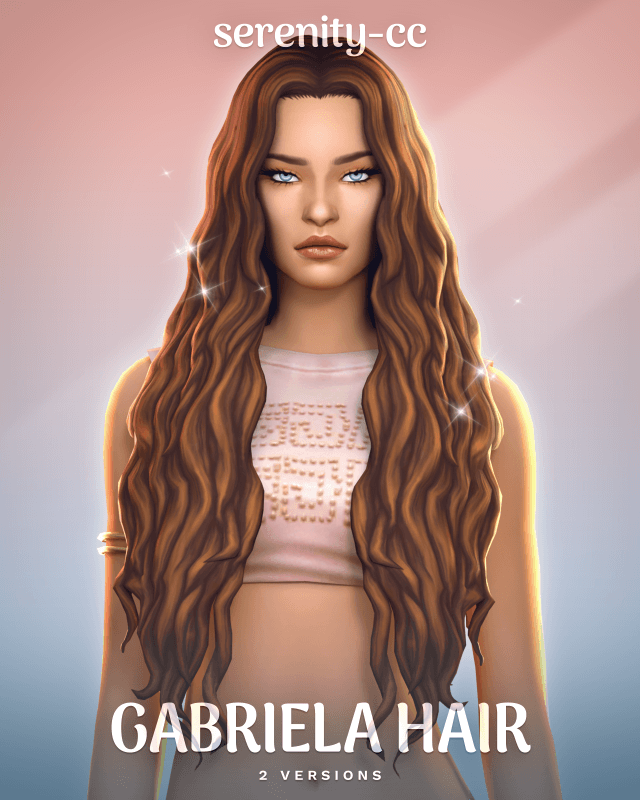
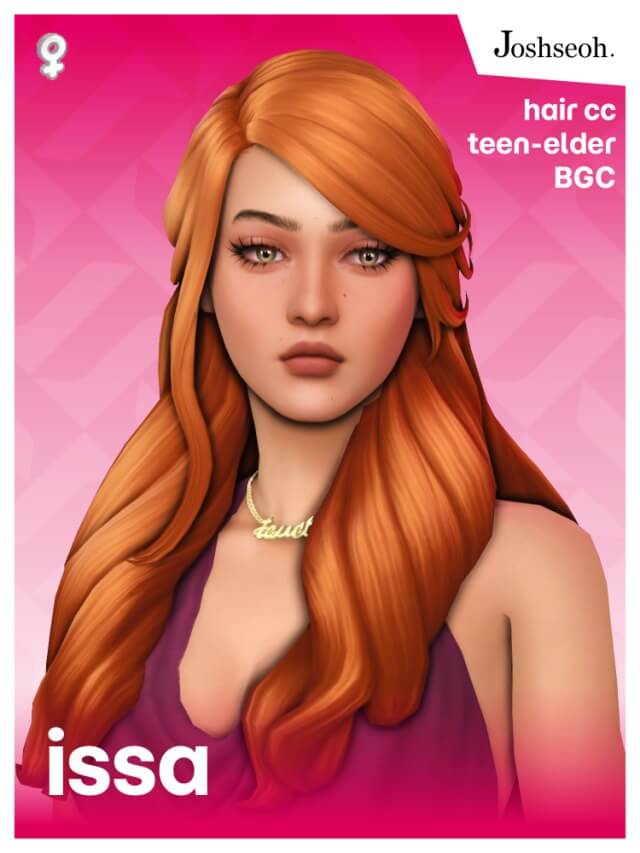
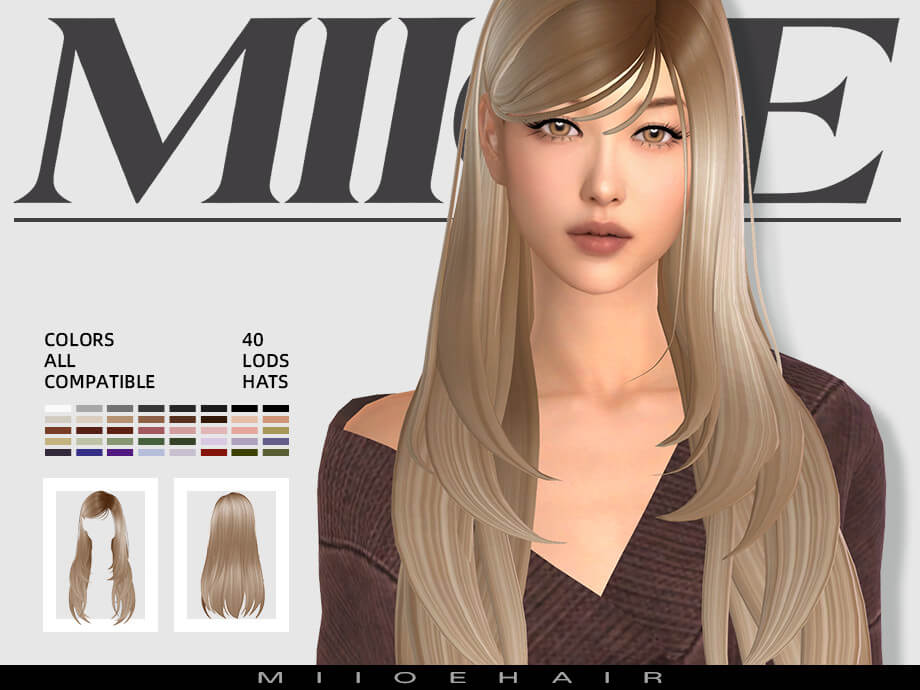
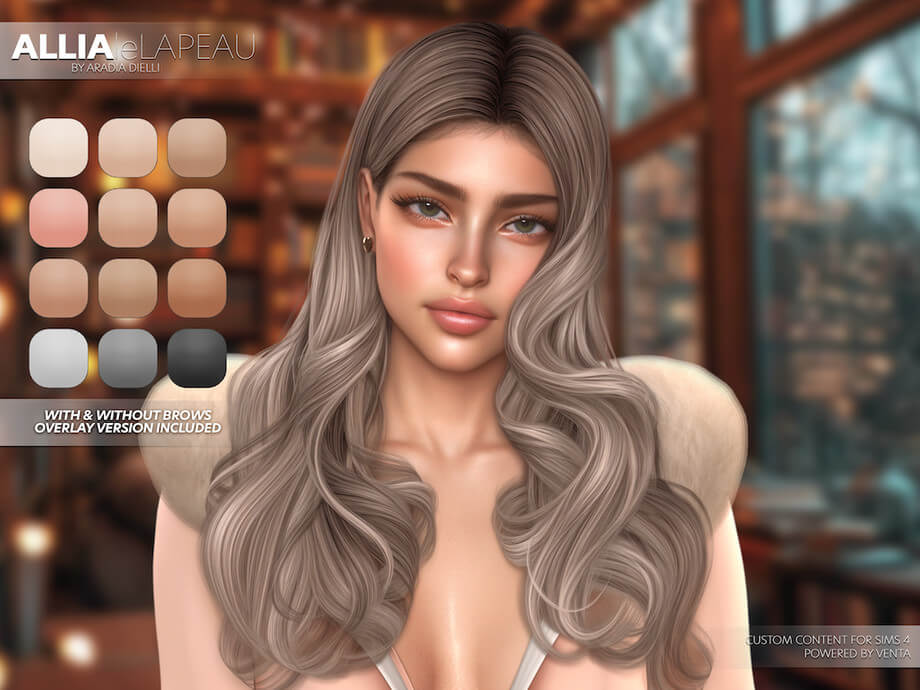
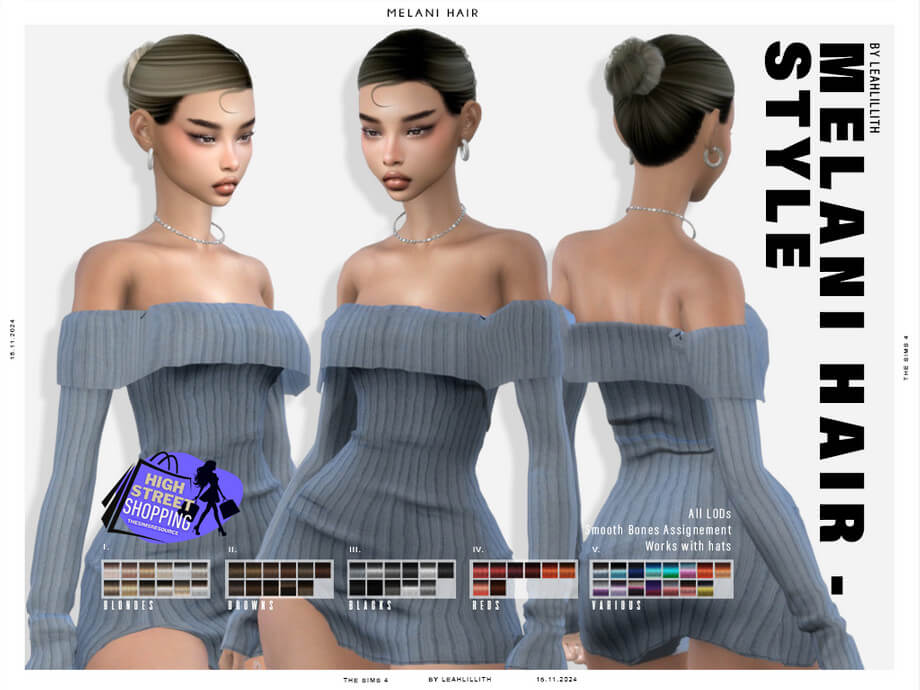
The Melani Hairstyle is designed to emulate the glamour of a fresh professional salon blowout. It features generous lifted volume at the roots that cascades into loose, textured waves draping over the shoulders and upper back. Rather than lying flat against the skull, the strands possess natural buoyancy that makes your Sim look vibrant, well-groomed, and undeniably fashionable.
The face-framing layers have been contoured with exceptional care. Gentle sweeping bangs curve softly along the forehead and cheekbones, drawing focus to your Sim's eyes and facial makeup. The length sits gracefully past collarbones without encroaching awkwardly on chest meshes, allowing necklaces and decorative top collars to remain visible.
in addition, the crown structure avoids the common trap of excessive height. It preserves realistic human cranial proportions while providing that coveted high-society glamour that makes everyday outfits look instantly elevated.
Alpha Texture Fidelity and Graphic Optimization
As an Alpha-styled custom hairstyle, the Melani Hair relies on intricate transparency maps and delicate specular highlights to depict individual hair strands with photorealistic detail. Each strand cluster is feathered at the tips, eliminating blunt edges and creating a soft, airy texture that catches light with natural radiance.
To enjoy this hairstyle in all its glory, players must configure their game graphics settings properly. As noted by the creator, Sims detail should be set to Very High, your game should be updated to the latest patch, and Laptop Mode must be turned off in game options. Disabling Laptop Mode prevents alpha transparency compression, eliminating the dark box artifacts that can sometimes occur on lower-spec configurations.
Under optimal graphics settings, the specular highlights gleam with healthy satin shine, capturing sunlight during outdoor strolls and reflecting indoor studio lighting during lookbook photoshoots.
The multi-tonal strand layering also delivers rich visual depth. Rather than a flat, monochromatic coloration, each swatch features subtle lowlights and delicate root shading that simulate natural salon color treatments, making the hair look vibrant and physically textured from every camera perspective.
Hat Compatibility and Smooth Rigging
Many voluminous Alpha hairstyles skip hat support due to the complexity of mesh deformation, but the Melani Hairstyle includes fully functional hat compatibility. When your Sim equips sun hats, wide-brim fedoras, or winter beanies in Create-A-Sim, the crown volume tucks smoothly beneath the hat brim while the luscious wavy lengths flow elegantly over the shoulders.
Bone weight rigging across the clavicles, shoulders, and upper spine has been smoothed with care. When your Sim laughs, turns around, or embraces a partner, the hair moves naturally with the torso, minimizing immersion-breaking shoulder clipping. Full LOD models (LOD0 through LOD3) ensure that game performance remains smooth even when multiple townies congregate on community lots.
Custom thumbnail previews in Create-A-Sim allow you to identify the hairstyle instantly without searching through endless hair thumbnails.
Create-A-Sim Wardrobe and Character Concepts
The Melani Hairstyle is a versatile asset that enhances numerous storytelling aesthetics. For a high-fashion shopping spree in San Myshuno or Del Sol Valley, pair the hair in rich chocolate brown or golden blonde with a tailored trench coat, oversized sunglasses, designer handbag, and pointed ankle boots for an authentic high-street influencer aesthetic.
For executive career paths, such as corporate executives, gallery owners, or political leaders, the polished blowout conveys professionalism and authority when combined with structured pant suits and minimalist pearl earrings.
Additionally, the romantic waves make it an ideal choice for wedding parties, bridal makeovers, and upscale charity galas when paired with floor-length evening gowns and glittering diamond jewelry.
Whether Sims are attending glamorous social functions or enjoying casual weekend outings, this versatile hairstyle consistently brings salon-quality elegance to your game, elevating everyday character design into high-fashion storytelling.
In addition, the natural strand movement around the shoulders ensures that portrait photography looks effortless and alive. When capturing dynamic lookbook angles or close-up facial portraits, the subtle waves frame the face with flattering symmetry that enhances your Sim's natural beauty.
From casual high-street shopping sprees to romantic candlelit anniversaries, the Melani Hairstyle delivers reliable visual excellence and effortless sophistication that makes every moment in your virtual world feel stylish, glamorous, and truly memorable.
Download and Installation Guide
Installing the Melani Hairstyle into your game is very straightforward via The Sims Resource. Download the package file using the direct button link below. Place the downloaded .package file into your standard Sims 4 Mods directory (Documents/Electronic Arts/The Sims 4/Mods). Make sure custom content is enabled in your Game Options menu under the Other tab. Launch your game, enter Create-A-Sim, and discover the hairstyle in the Hair category with its custom thumbnail preview.
Frequently Asked Questions
Is the Melani Hairstyle base game compatible?
Yes, the Melani Hairstyle is 100% base game compatible and requires no expansion packs or DLC to enjoy in your game.
Does this hairstyle work with hats?
Yes, the hairstyle includes custom hat chops, allowing your Sims to wear beanies, fedoras, and sun hats without mesh clipping.
Why does the hair appear glitchy or black in my game?
Ensure that Laptop Mode is turned off in your game graphics options and verify that Sims detail is set to Very High for optimal alpha hair rendering.