Facial Sculpting: Harmonic Proportions and Warm Realism
The standout achievement of the Keri Sim download is her beautifully balanced facial sculpting. Rather than leaning into extreme, exaggerated alpha doll proportions or generic EA vanilla presets, the creator crafted delicate facial anatomy with organic harmony.
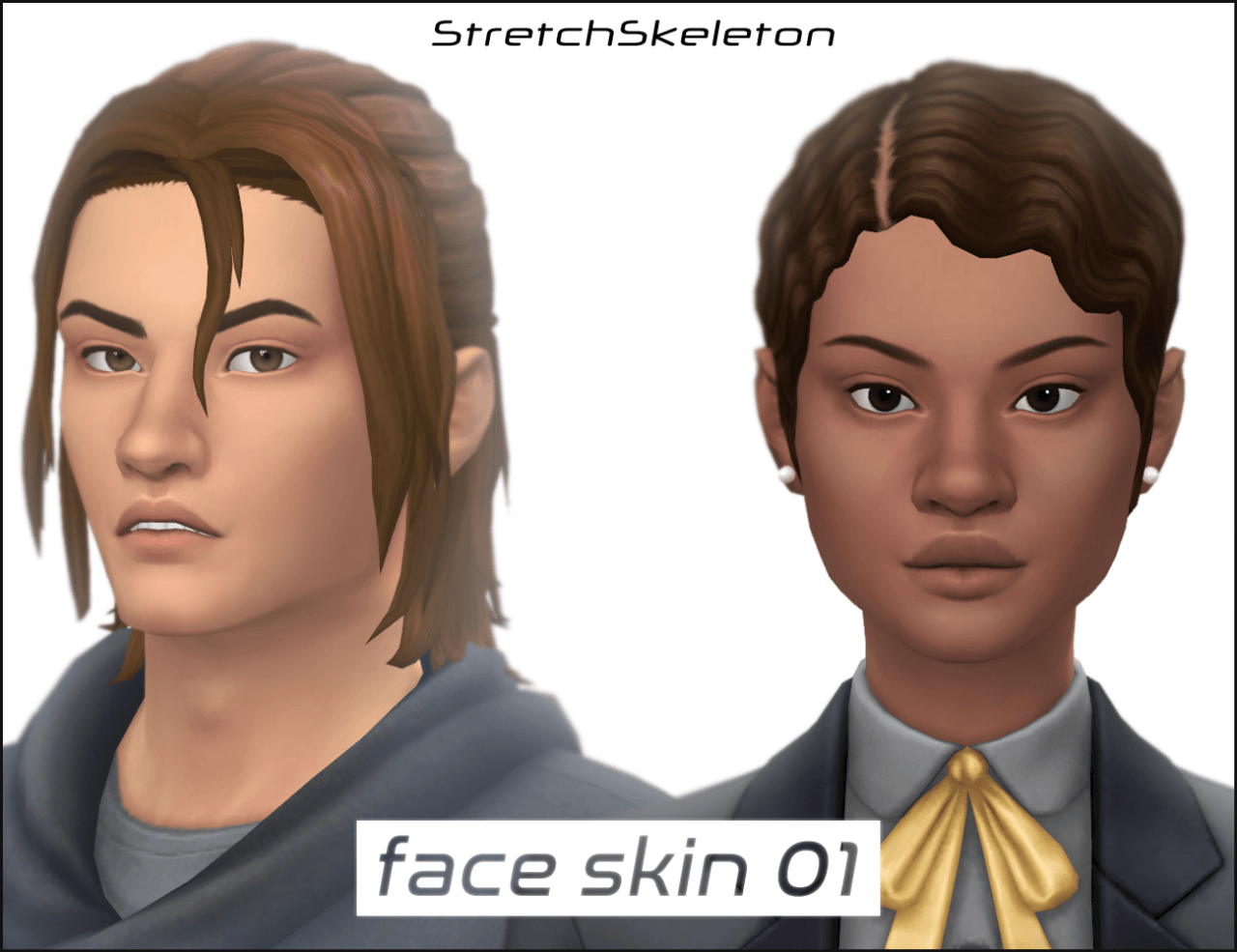
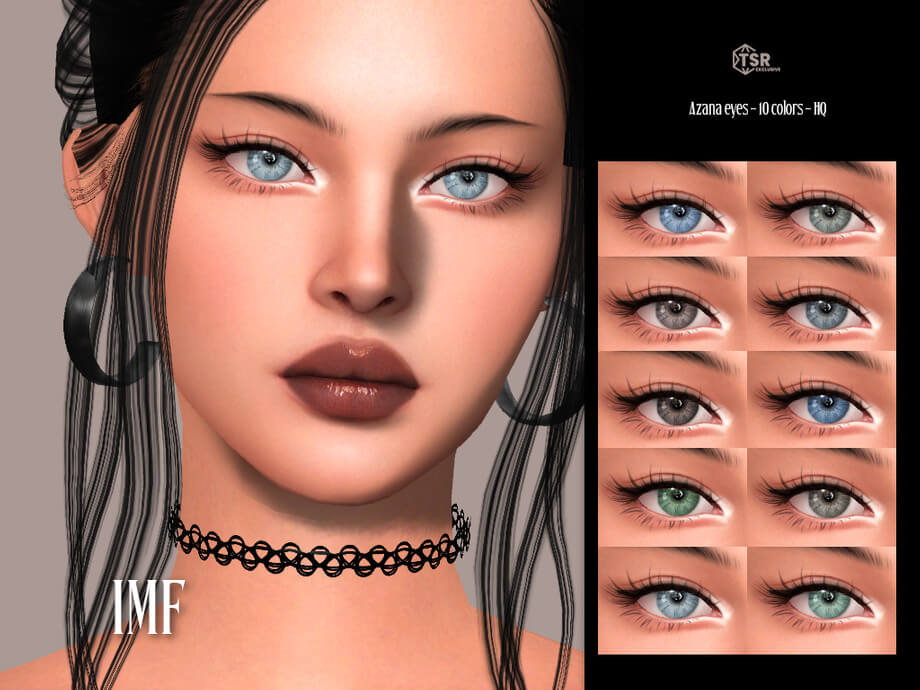
Keri features soft, almond-shaped eyes with gentle lower lid contouring, giving her gaze warmth and emotional depth. Her nose profile is sculpted with subtle tip elevation and delicate nostril curvature, blending seamlessly into softly defined cheekbones.
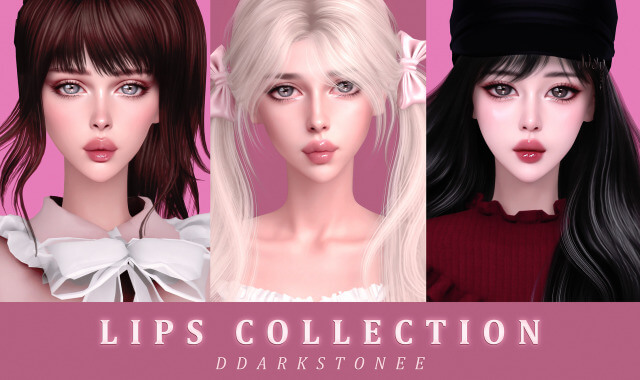
Her lips have a naturally plump bow with realistic lip line creases, textured to catch subtle glossy highlights without feeling painted on. Her jawline possesses clean, gentle tapering toward the chin, giving her facial structure poise and grace.
Her skin details include soft freckling across the bridge of the nose and forehead, subtle eyelid shading, and natural eyebrow arches that lend her face an expressive, lifelike presence in both conversation animations and still portraits.
Her expressive smile and emotive gaze ensure that she looks enchanting during spontaneous in-game interactions, from laughing with friends to sharing tender romantic glances.
Additionally, her facial proportions remain consistent across all emotional states, avoiding the awkward distortion that sometimes plagues heavily customized characters during extreme Sim emotional expressions.
Signature Aesthetics: Curated Hair, Makeup, and Wardrobe
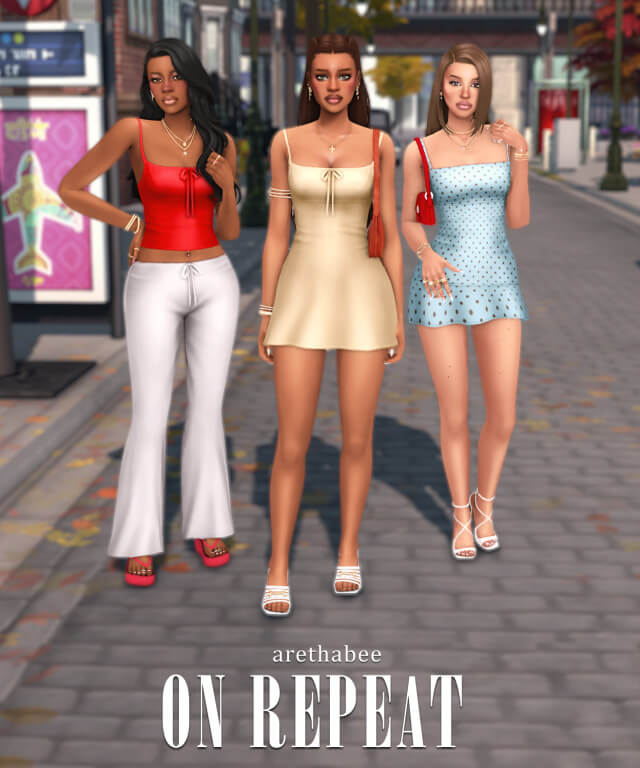
Keri arrives completely outfitted with a carefully curated ensemble that reflects modern chic street style and effortless elegance:
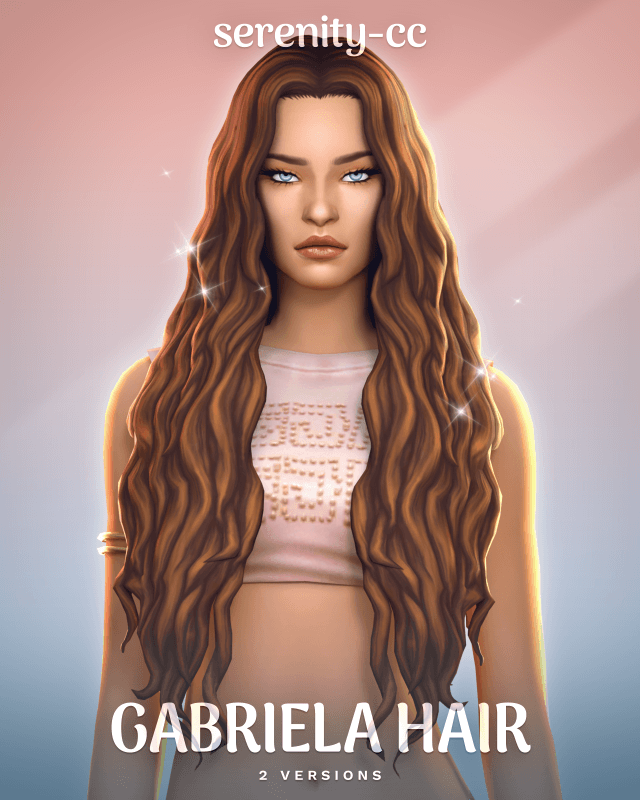
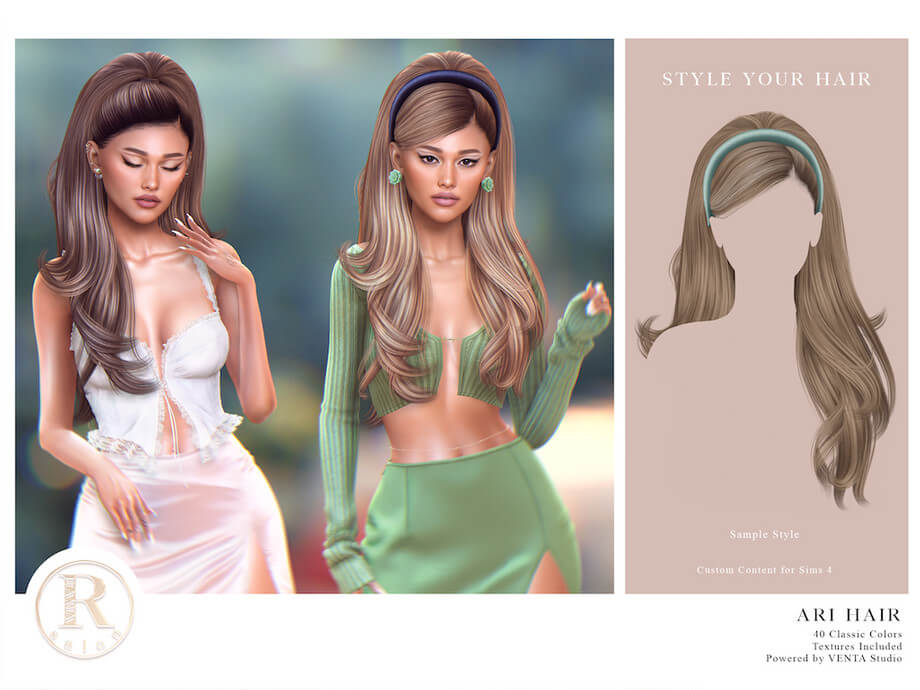
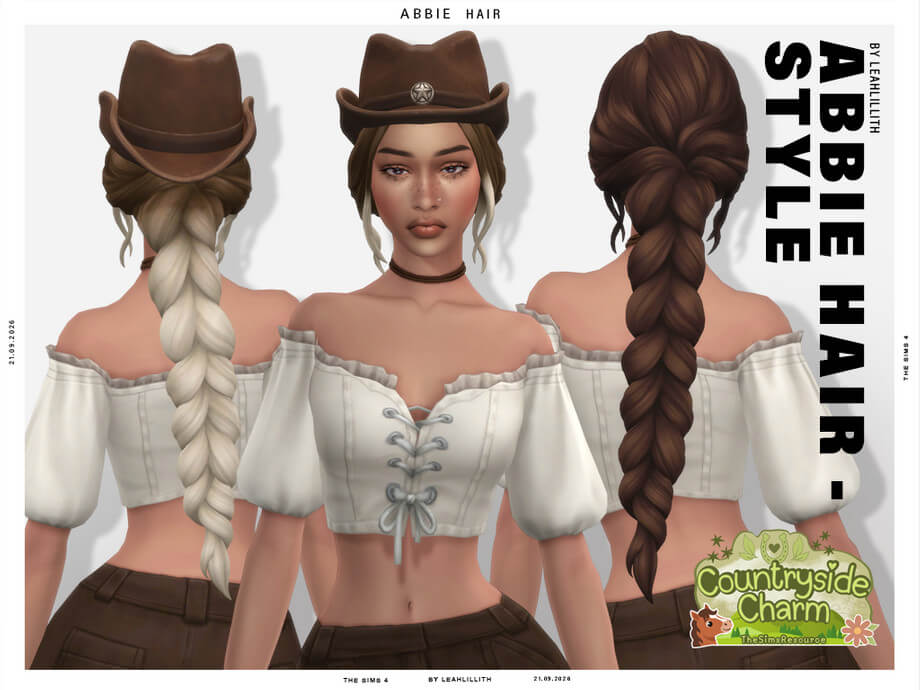
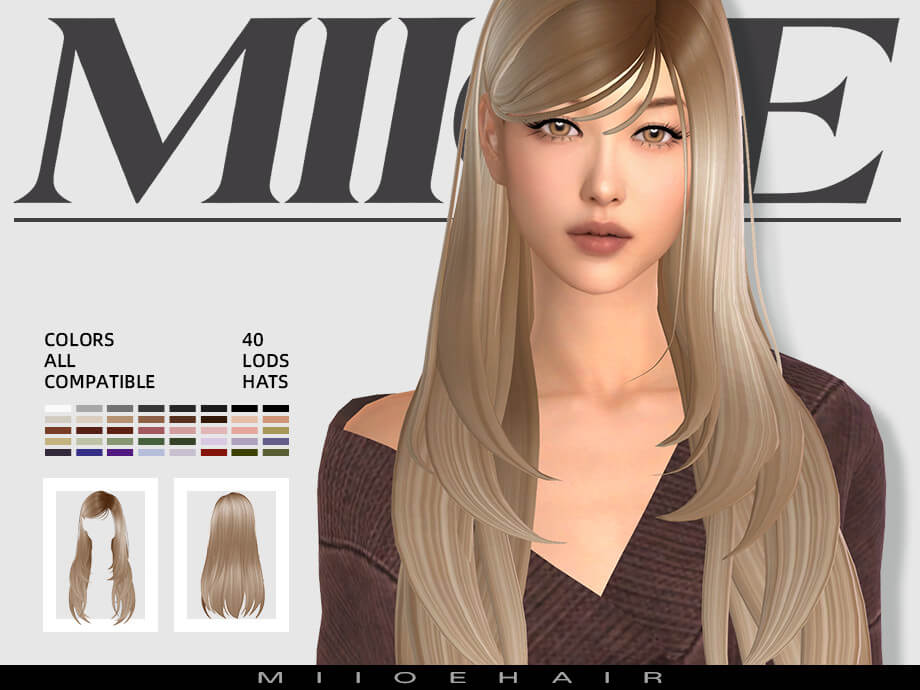
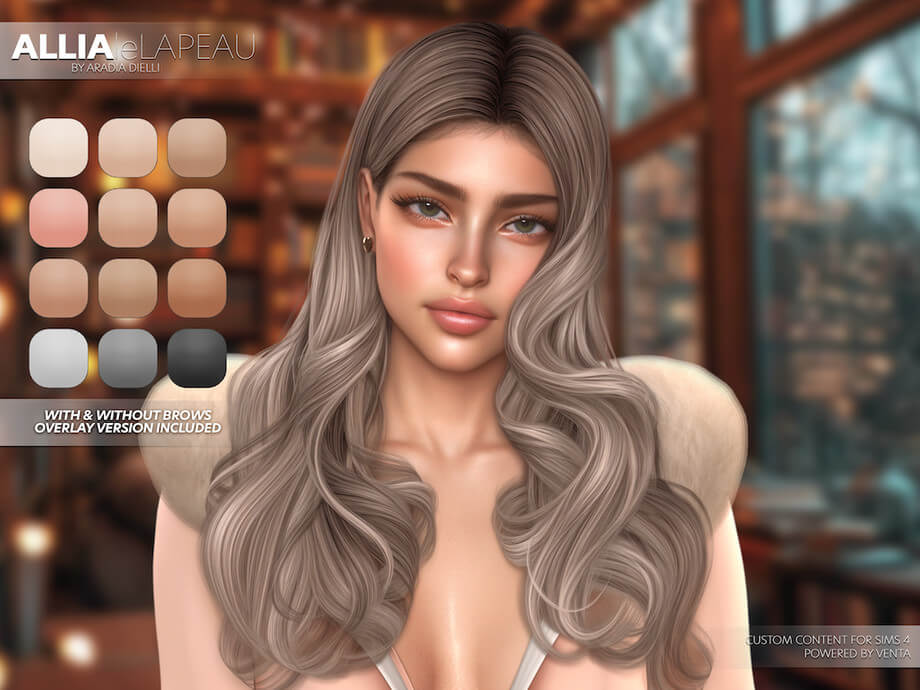
- Signature Hairstyle: Styled with long, flowing textured locks featuring soft face-framing tendrils and warm brunette tones that highlight her delicate facial contouring.
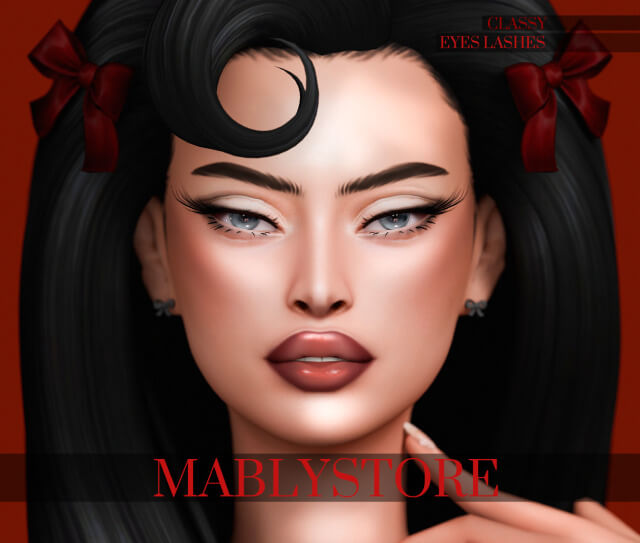
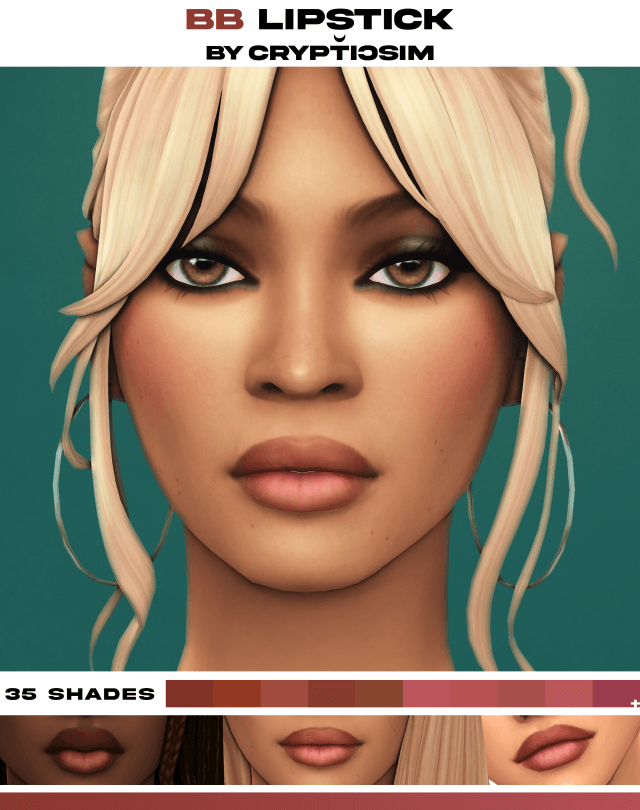
- Understated Makeup Palette: Subtle winged eyeliner, neutral nude lip gloss, soft blush along the apples of the cheeks, and well-groomed feathery brows that enhance rather than overpower her natural features.
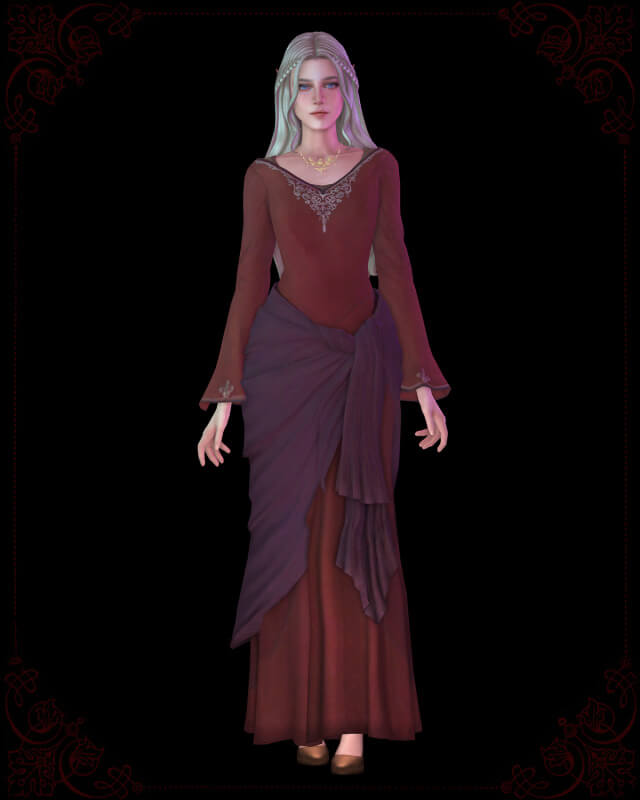
- Versatile Wardrobe Outfits: Outfitted with chic everyday casuals, elegant formal attire, cozy athletic lounge pieces, and stylish sleepwear, providing complete ready-to-play convenience.
The creator thoughtfully provided separate links for all custom content items used in her lookbook, ensuring players can achieve the exact visual presentation seen in creator promotional previews.
Players who prefer using their own custom content collections can easily restyle her hair, clothing, and makeup in CAS while preserving her exquisite facial sculpture.
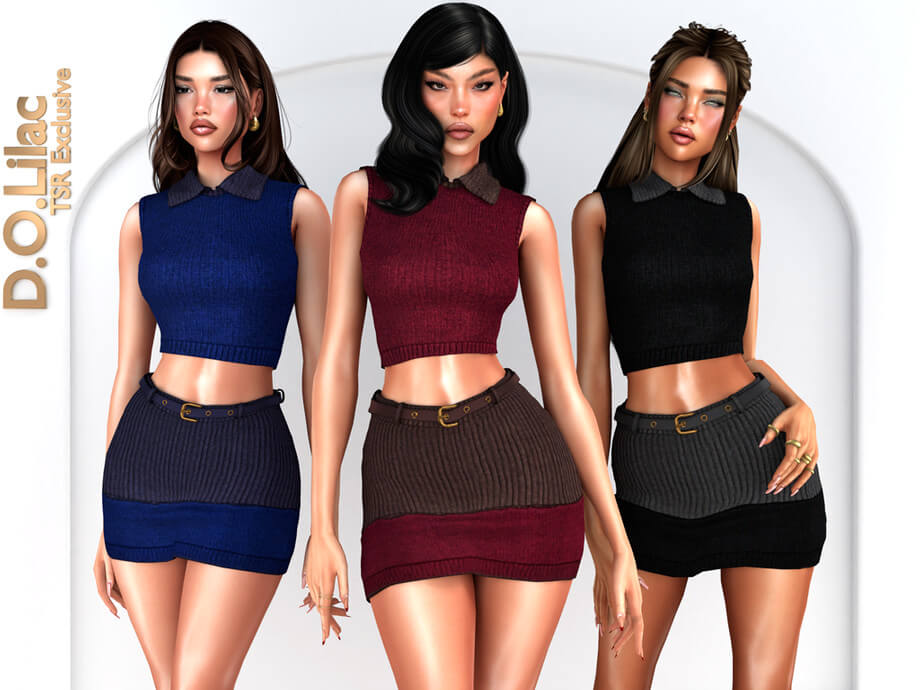
Her wardrobe balances cozy knitted cardigans with sharp tailored blazers, offering a believable and cohesive wardrobe that feels genuine rather than assembled at random.
Storytelling Synergy and Gameplay Potential
Keri adapts effortlessly into numerous engaging gameplay narratives:
San Myshuno Modern Ambition: Move Keri into an arts district apartment as a rising fashion stylist, food blogger, or digital content creator navigating city life, romance, and career promotions.
Britechester College Student: Enroll her at the University of Britechester majoring in Fine Arts or Communications, balancing late-night dorm study sessions with lively campus social mixers.
Legacy Challenge Matriarch: Establish Keri as the founding matriarch of a ten-generation family dynasty, passing down her distinctive facial genetics to future generations of Sims.
Virtual photographers will relish staging lookbook shoots and atmospheric portrait albums, where Keri's photogenic features catch natural environment lighting with cinematic grace.
Her versatile personality traits allow players to guide her toward creative, social, or entrepreneurial life goals with equal satisfaction.
Tray File Structure and CC Management
Unlike standard custom content items that come strictly as .package files, pre-made Sims rely on Tray files to store character genetic data and household presets. The Keri download package includes the required household binary files (.trayitem, .householdbinary, .hhi, .sgi).
These files load directly into your in-game Library, accessible via the Gallery panel even while offline. The character uses standard base game sliders for her core facial structure, meaning her face will not glitch or deform even if custom slider mods are updated or removed.
For players who prefer maxis match aesthetics, Keri's underlying facial proportions look just as lovely when swapped with vanilla EA clay hairstyles and basic makeup.
The package is clean, lightweight, and completely free of corrupted or broken tuning data, ensuring seamless integration into your saved worlds.
Download and Installation Guide
Downloading and placing Keri into your game is straightforward via Patreon. Click the green verified download button below to access the creator's official post. Unzip the downloaded archive. Move the Tray files (.trayitem, .householdbinary, etc.) directly into your Sims 4 Tray directory (Documents/Electronic Arts/The Sims 4/Tray). Place any accompanying .package custom content files into your Mods directory. Launch The Sims 4, open your Gallery/Library panel, check the "Include Custom Content" box under advanced filters, and place Keri into your game world.
Frequently Asked Questions
Where do I place Tray files for Keri?
Tray files (.trayitem, .householdbinary, .hhi, .sgi) must be placed directly into the Tray folder located at Documents/Electronic Arts/The Sims 4/Tray.
Why doesn't Keri appear in my Library?
Make sure to open the left filter sidebar in your in-game Library, scroll down to the Advanced section, and check the "Include Custom Content" box.
Can I use Keri without downloading her custom hair?
Yes, Keri's facial sculpting is completely independent. If you do not install the recommended hair, you can simply choose any hairstyle from your own game library.