Micro-Pore Texture and Realistic Facial Contouring
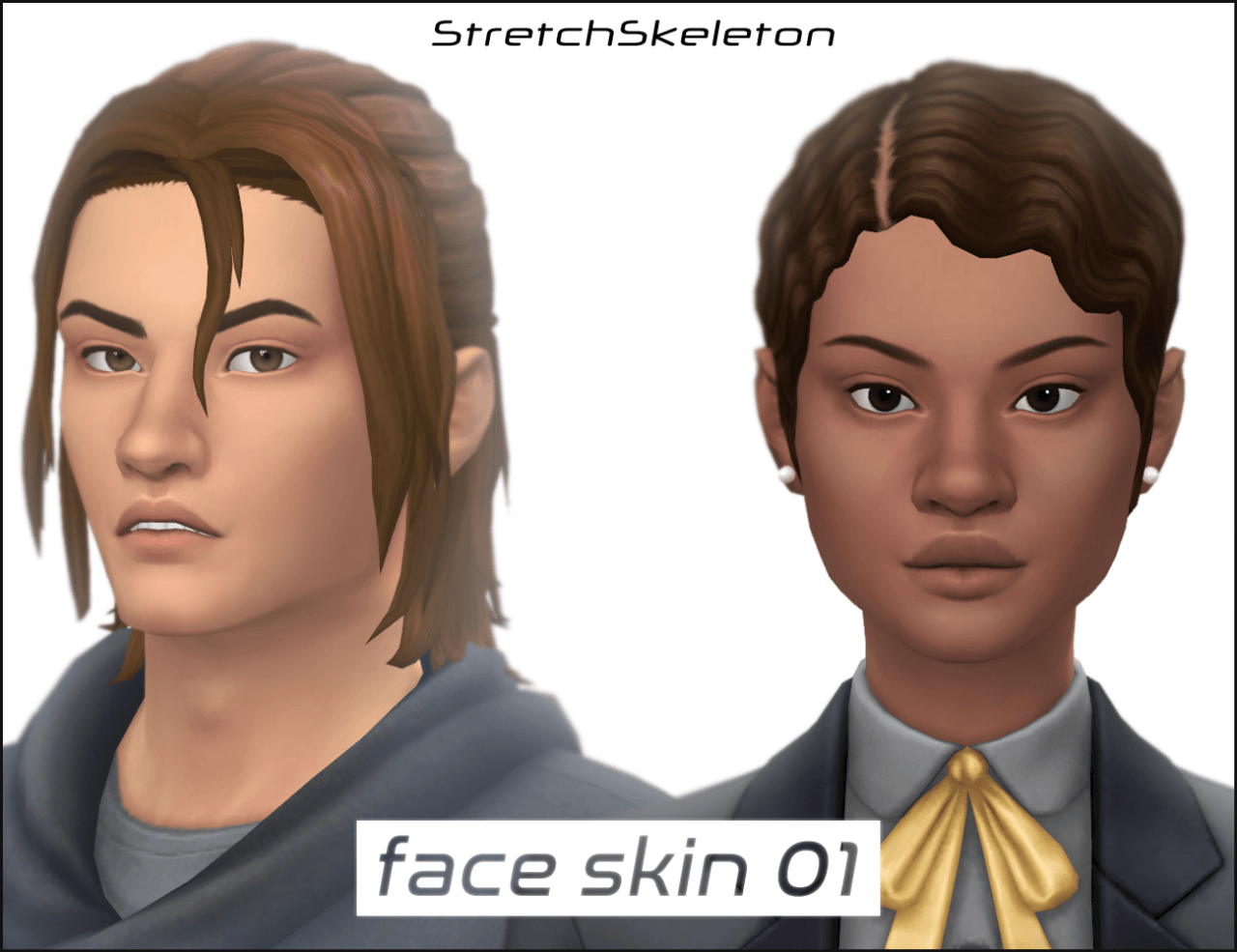
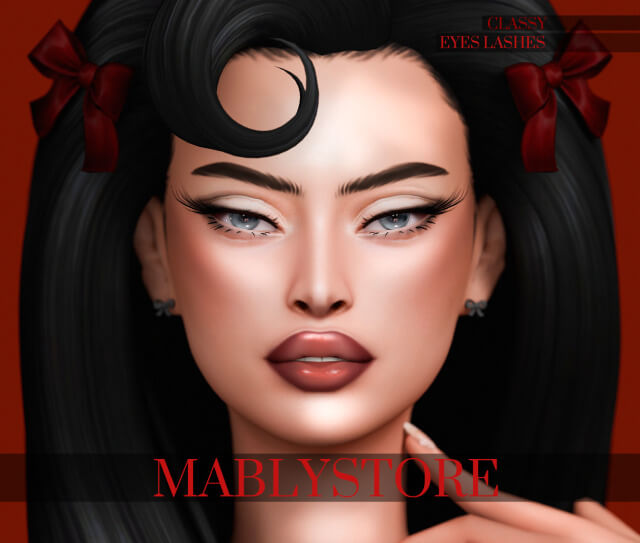
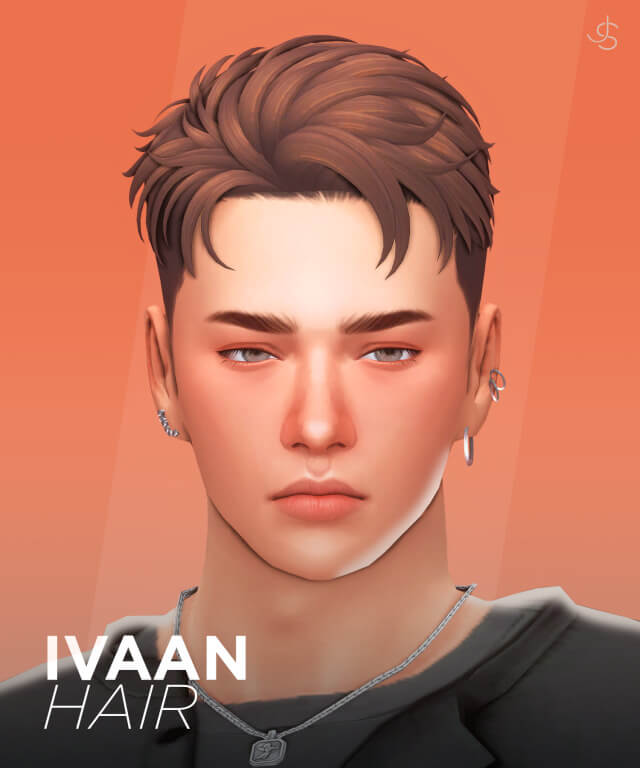
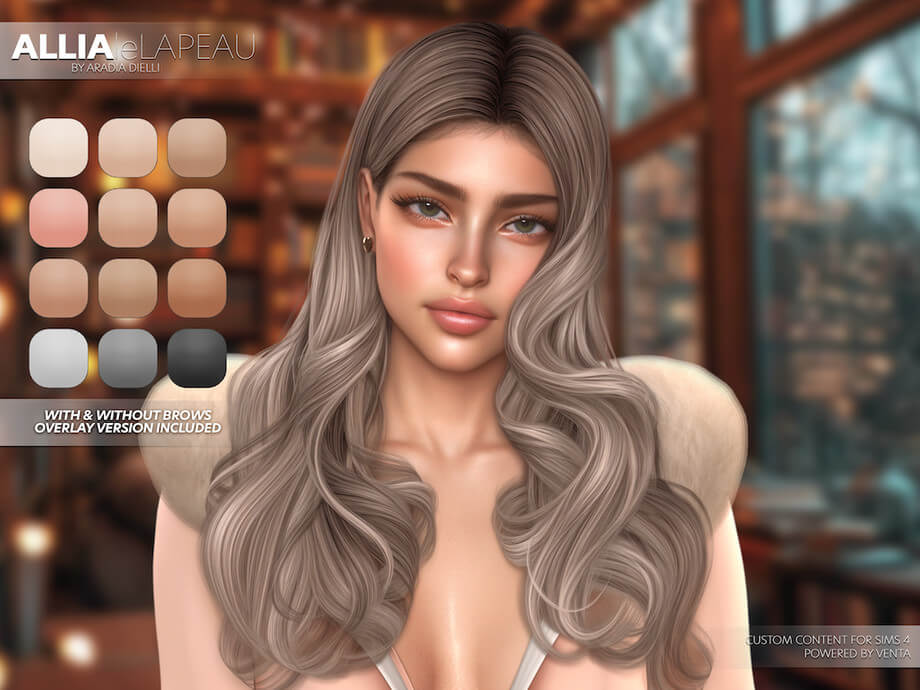
The standout quality of the Kota Skin Overlay is its balanced micro-texture mapping. Rather than blurring facial features into flat porcelain, VentaStudio embedded delicate skin pores across the nose bridge, forehead, and cheeks. The nose tip receives subtle ambient shading that adds natural bridge definition under directional lighting.
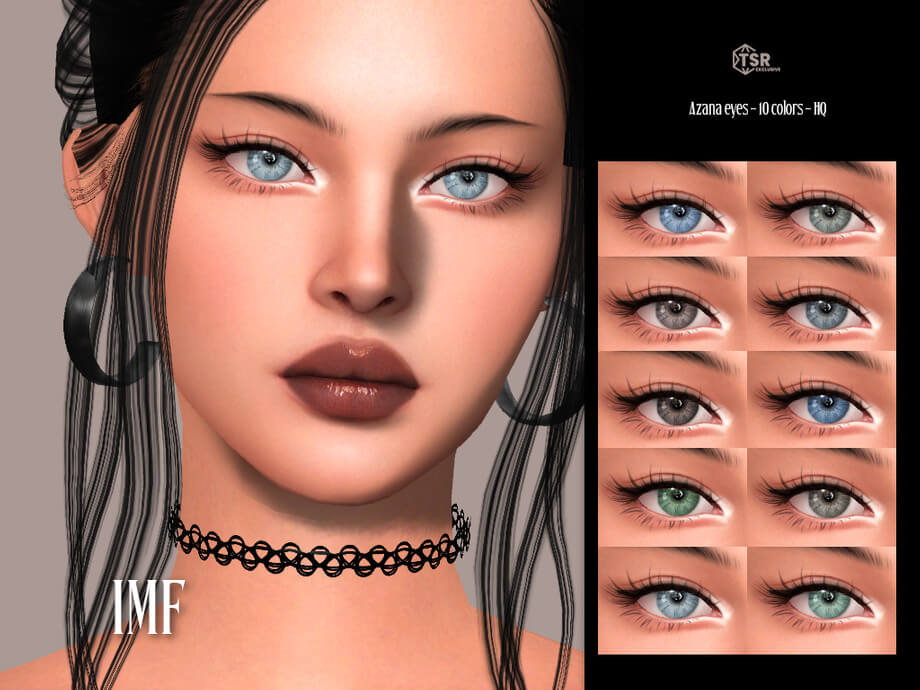
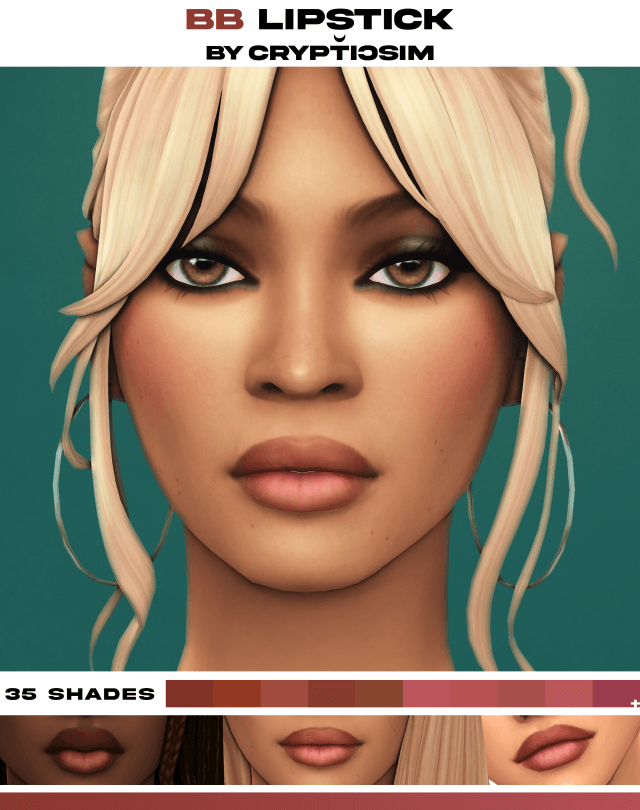
Around the eye sockets, soft tear trough definition and gentle eyelid creases give Sims a mature, alert gaze. The lip mapping presents fine vertical grooves and a hydrated, natural sheen that enhances default or custom lipstick applications without conflicting opacity.
Skin Detail Category Swatches and Opacity Blending
Kota Skin is available under the Skin Details category, allowing it to layer seamlessly over default EA skin tones without locking out tattoos, scars, or facial hair. The overlay adapts organically to dark, olive, and pale undertones, adjusting highlight warmth naturally to avoid chalky discoloration.
The package file includes multiple opacity swatches, giving players complete control over texture intensity. Whether you desire a whisper-soft Maxis Match enhancement for everyday family gameplay or a pronounced semi-realistic finish for virtual photography, the slider options accommodate your artistic style.
CAS Customization Tips and In-Game Compatibility
Maximize your character design with these skin overlay combinations:
- Natural Everyday Sims: Combine with subtle matte lip tints, natural wispy eyelashes, and soft brow pencil details for authentic legacy characters.
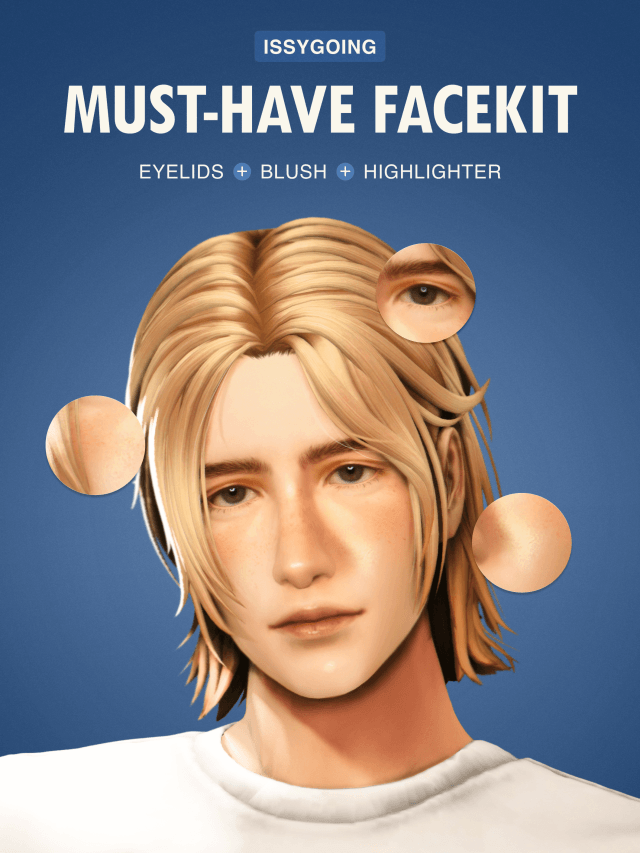
- Glamour Photography: Layer beneath highlighter blush and smoky eyeshadow to stage high-fashion close-up portraits in CAS and photo studios.
- Diverse Age Groups: Apply across young adult, adult, and elder Sims to preserve consistent family genetics across generations.
Engineered with pristine texture compression, the Kota Skin Overlay eliminates harsh pixel artifacting around the jawline and neck seams. The overlay maintains smooth frame rates during busy community lot visits and high-resolution screenshot sessions.
Downloading leLAPEAU Kota Skin Overlay
Elevate your Sims' facial realism with the refined craftsmanship of VentaStudio. Follow the verified link below to download the leLAPEAU Kota Skin Overlay directly from The Sims Resource.