Edgy Alternative Aesthetic and Distinctive Facial Sculpting
Lilith Hardin is crafted with nuanced facial bone sculpting that sets her apart from generic Create-a-Sim presets:
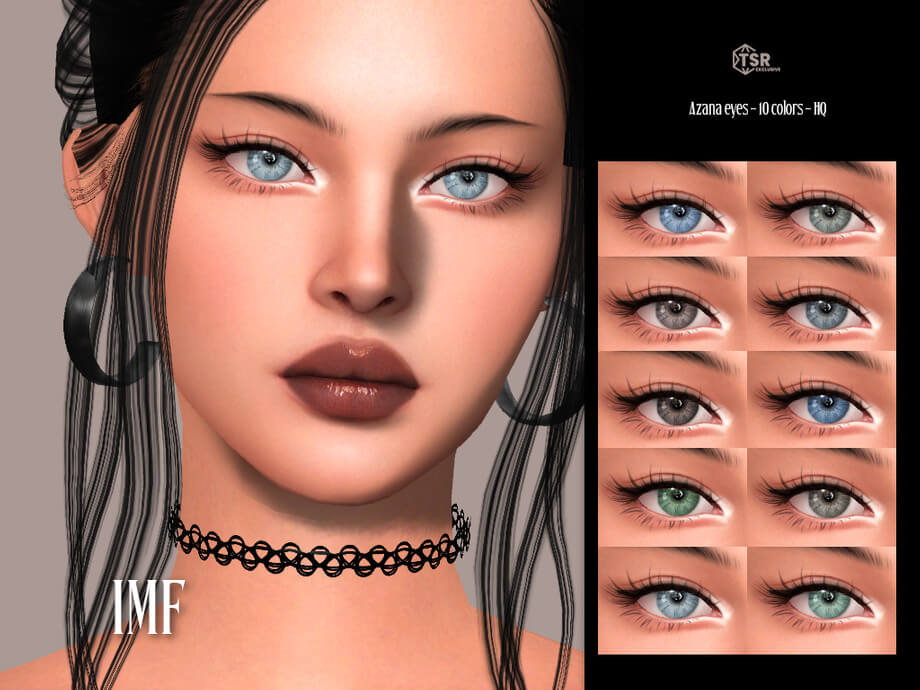
- Sculpted Facial Geometry: High, defined cheekbones, a sharp jawline, and delicately downturned feline eyes that convey brooding intelligence.
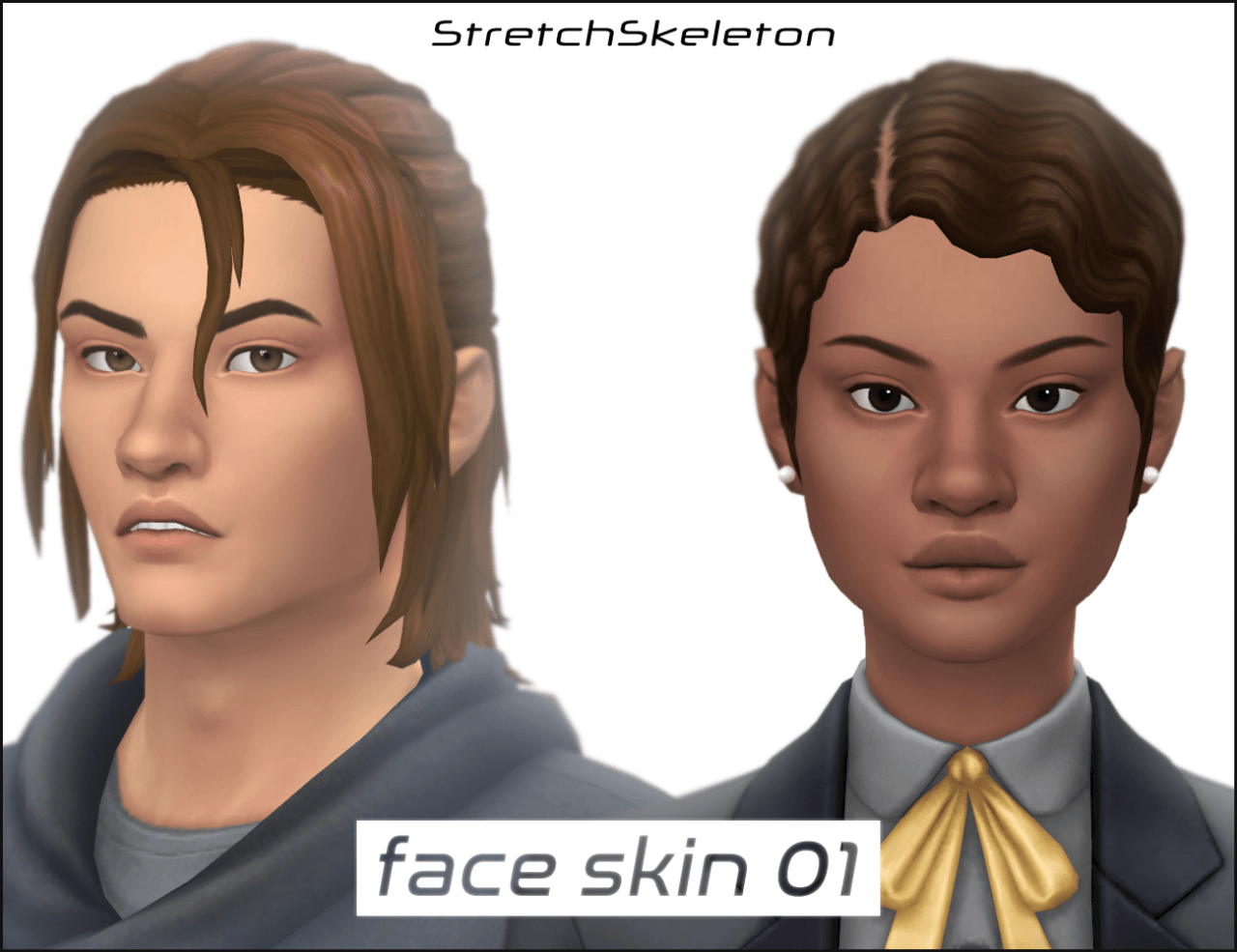
- Layered Skin Detailing: Subtle skin blends, realistic matte overlays, clavicle definition, and natural facial blush that add lifelike realism.
- Edgy Piercings and Tattoos: Curated septum piercings, nostril rings, and intricate sleeve tattoos that reflect authentic alternative subcultures.
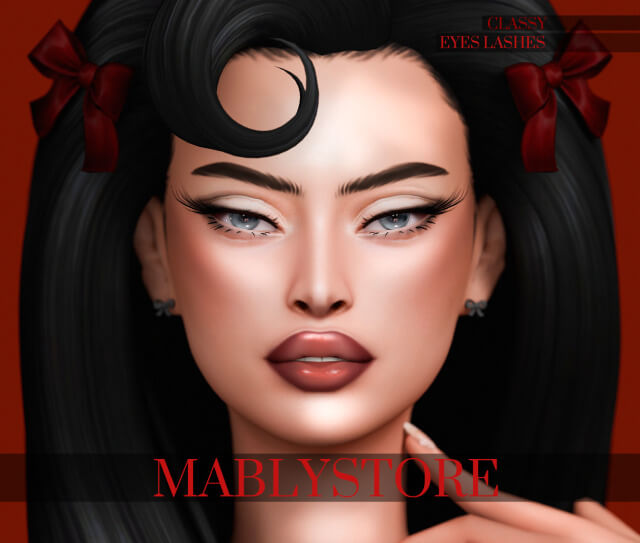
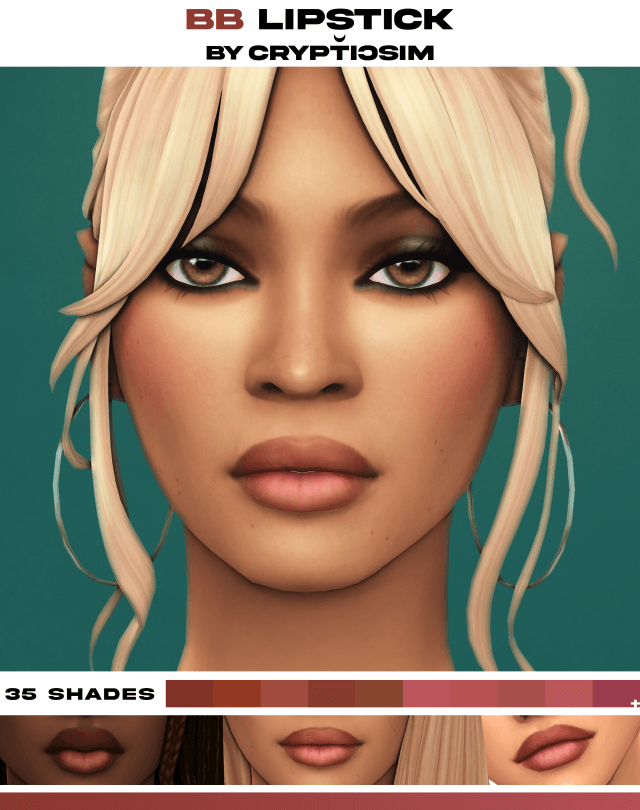
- Dramatic Eye Makeup: Smudged kohl eyeliner, winged shadow accents, and dark plum lip tints that accentuate her character presence.
- Complete Tray Bundle: Tray files and required custom clothing, hair, and cosmetics included together in a single zip archive for effortless setup.
The facial proportions were calibrated to avoid the repetitive look often seen in gallery uploads. Her expression shifts naturally during conversations, smiling warmly or glaring with cold disdain without facial distortion.
Her skin textures and eye shaders interact smoothly with dynamic game lighting. In bright sunlight or dim nightclub neon, Lilith maintains a sharp, photogenic presence that looks magnificent in screenshot photography.
Curated 8-Category Wardrobe Lookbook
Unlike simple gallery Sims who arrive wearing random randomized outfits, Lilith Hardin includes a fully styled wardrobe spanning all 8 clothing categories:
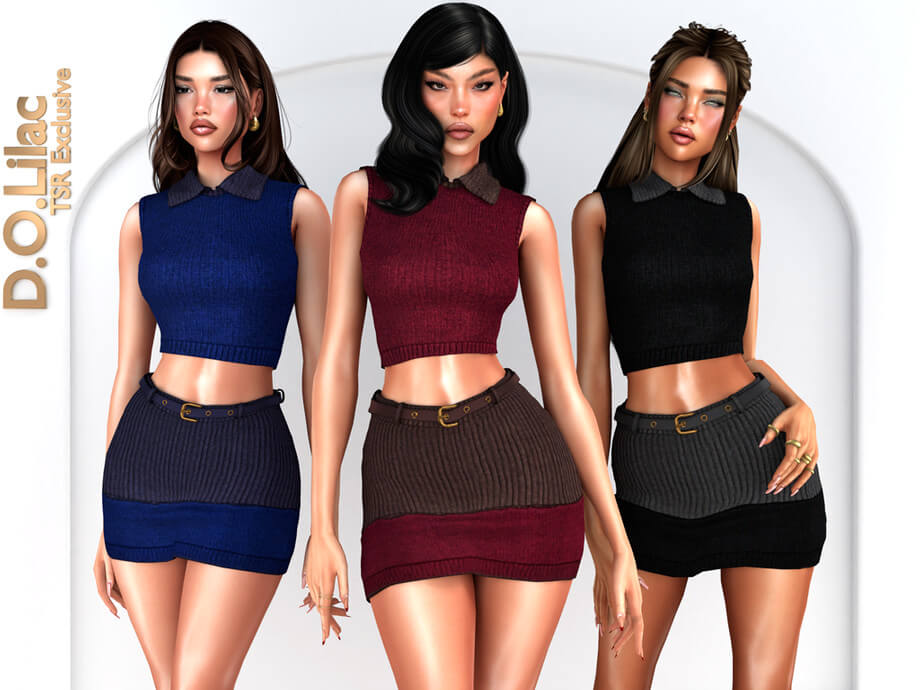
- Everyday Cool: Distressed oversized band tees, high-waisted ripped denim, chunky combat boots, and layered silver chains.
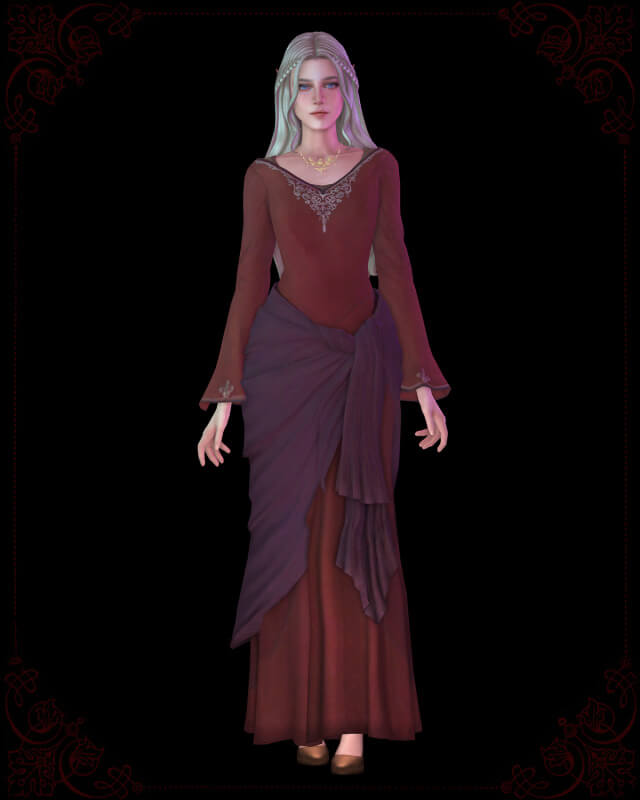
- Formal Gothic Glamour: Floor-length velvet slip dresses paired with fishnet gloves, platform heels, and vintage choker necklaces.
- Athletic Edge: Sleek black sports bras, compression leggings with mesh cutouts, and lightweight running trainers.
- Sleepwear and Loungewear: Soft oversized thermal shirts, cozy flannel pajama shorts, and messy bedhead hairstyles.
- Party and Clubbing: Leather mini skirts, cutout bodysuits, dark makeup, and studded leather harness accessories.
- Swimwear and Weather Outfits: High-leg black monokinis for hot weather and tailored wool trench coats with knit beanies for cold weather.
Every outfit was curated by the creator to ensure that Lilith retains her signature alternative identity across all activities without awkward stylistic clashes.
Storytelling Opportunities and Character Roles
Lilith Hardin provides instant inspiration for diverse narrative storytelling themes:
In supernatural gameplay, install Lilith as a mysterious vampire fledgeling learning dark arts under Vladislaus Straud in Forgotten Hollow, or an independent spellcaster who brews forbidden potions in the woods of Glimmerbrook. In modern drama saves, she serves as the charismatic lead guitarist in an underground indie band struggling to make it big in the city.
In university campus saves, place Lilith in Britechester or Foxbury as an art history student who challenges traditional academic norms, curating radical student exhibitions and organizing underground poetry readings at local pubs. In Copperdale high school environments, she can serve as an influential senior rebel who guides younger outcasts through adolescent challenges, forming tight-knit garage rock bands and hosting late-night rooftop discussions.
She also makes an intriguing romantic rival or best friend for existing household Sims, introducing rebellious unpredictability into suburban neighborhoods.
Her pre-set personality traits and aspiration can be tailored to match your specific narrative vision in CAS.
Live Mode Performance and Tray Stability
During thorough live gameplay testing across residential and community lots, Lilith Hardin performed with complete technical stability. Animations executed smoothly without missing mesh errors or broken texture warnings.
Her custom makeup and piercing accessories do not deform during facial animation morphs, ensuring that her distinct aesthetic stays intact across all emotional moodlets.
Because all required CC files are bundled directly in the creator's zip download, players avoid the frustration of missing mesh blue patches or bald character heads upon loading.
The files are optimized to run smoothly, causing zero frame rate drops even during active club parties with multiple Sims present.
Base game compatibility ensures that every simmer can import Lilith into their game without requiring specific expansion packs.
Installation Steps for The Sims 4
To install Lilith Hardin into your game, download the zip archive from the creator Patreon post linked below. Unzip the file and place the tray files (.trayitem, .householdbinary, .bpi) directly into your Electronic Arts / The Sims 4 / Tray folder. Place all included .package CC files into your Mods folder. Enable custom content and script mods in game options, open your in-game Library, check 'Include Custom Content', and place Lilith into your world.
Frequently Asked Questions
Where do the tray files go?
Tray files belong in Electronic Arts / The Sims 4 / Tray, while .package files go into your Mods folder.
Are all custom content items included in the zip?
Yes, the creator bundled all required custom content and tray files together in the download archive.
Why is Lilith not showing in my Library?
Ensure you have checked the 'Include Custom Content' box in your in-game Library filter settings.
Download Lilith Hardin Sim Tray CC
Bring an edgy alternative icon and complete lookbook to your Sims 4 world. Download the Lilith Hardin Sim tray bundle via the direct Patreon link below.