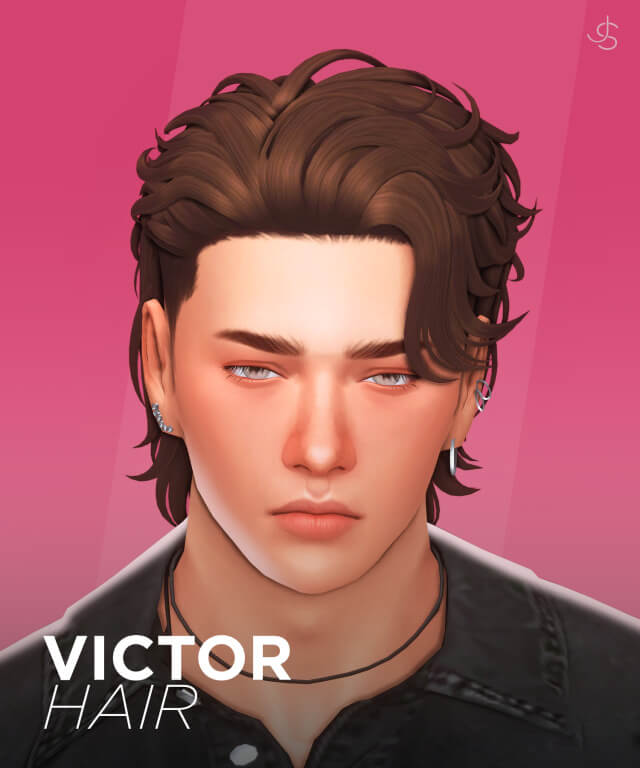
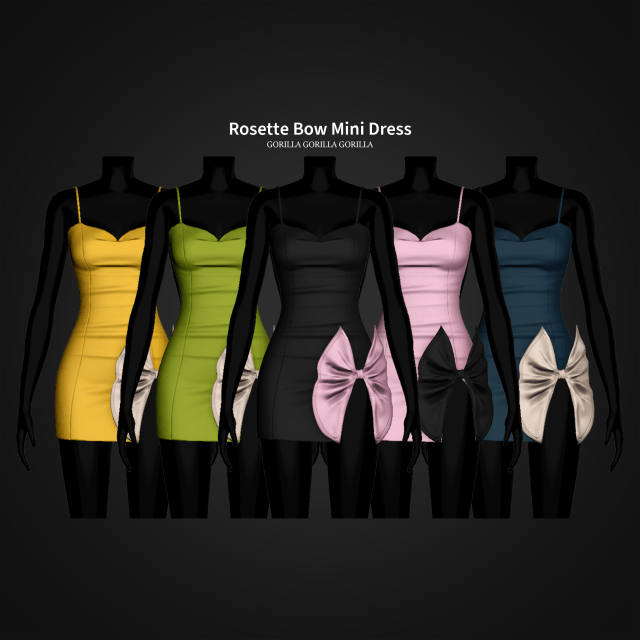
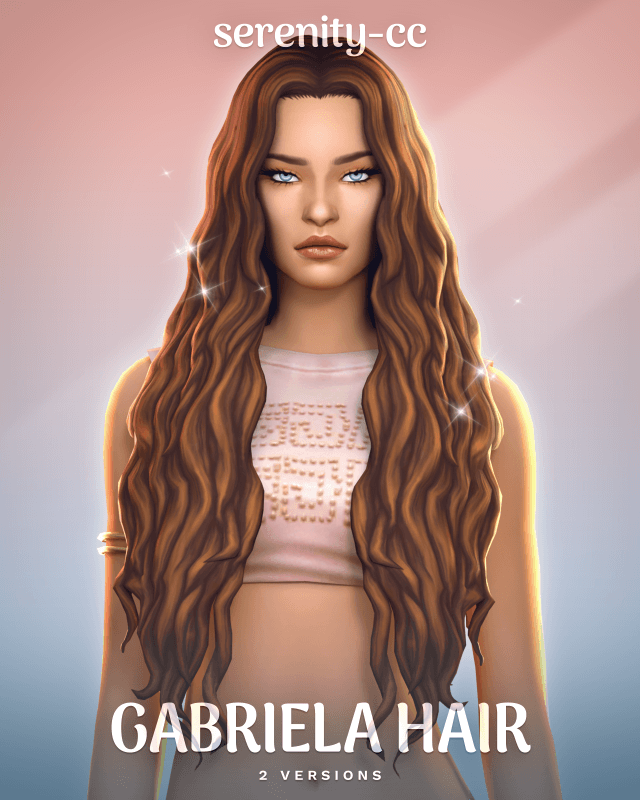
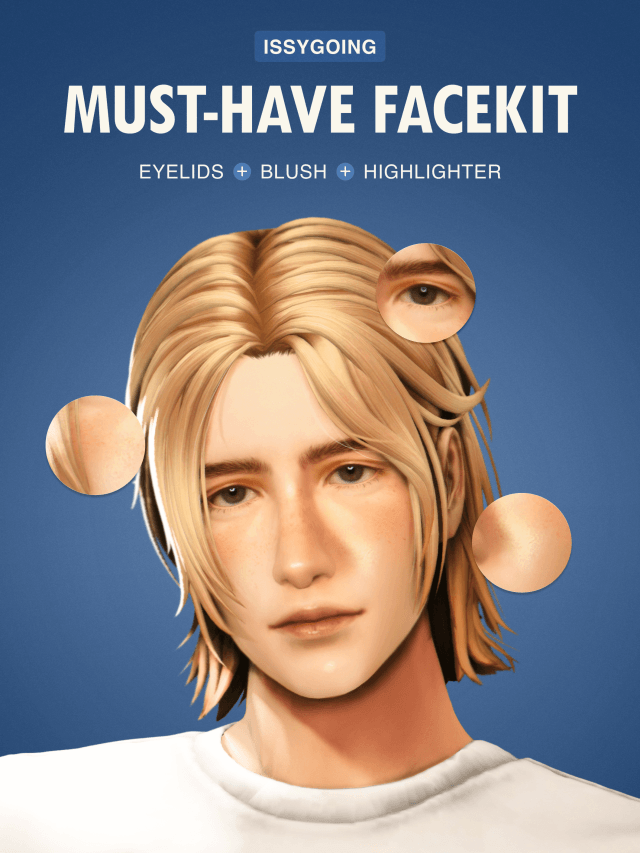
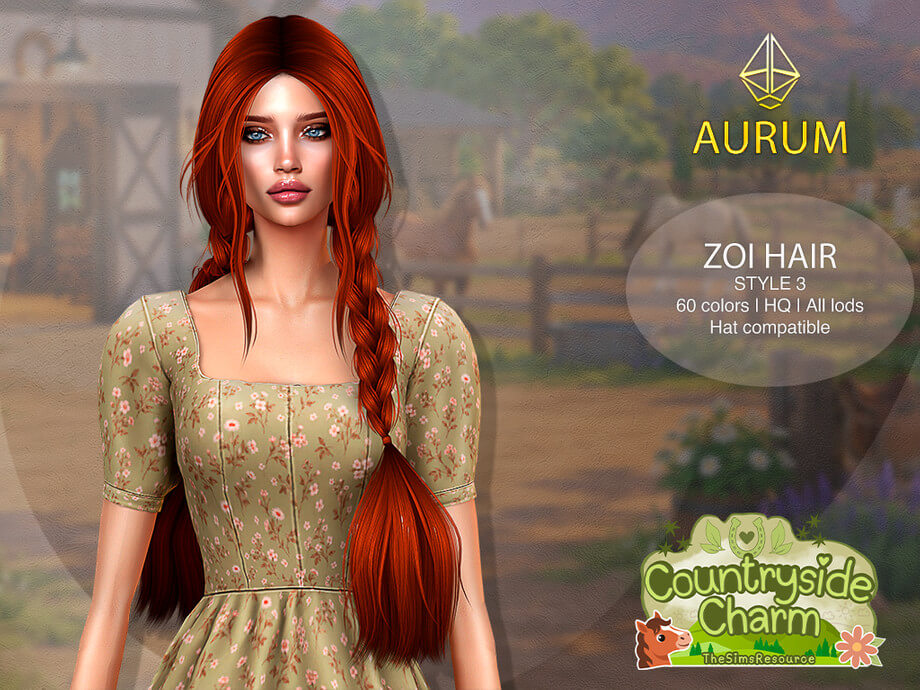
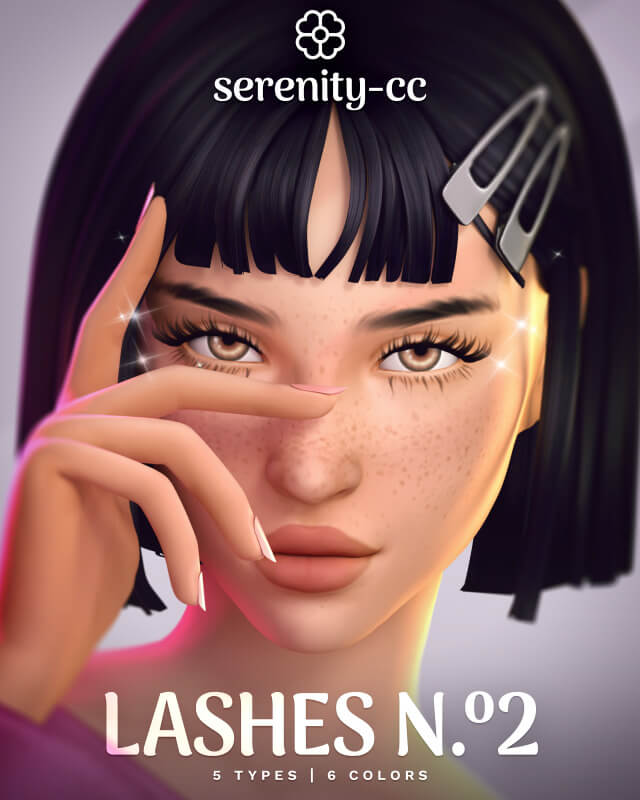
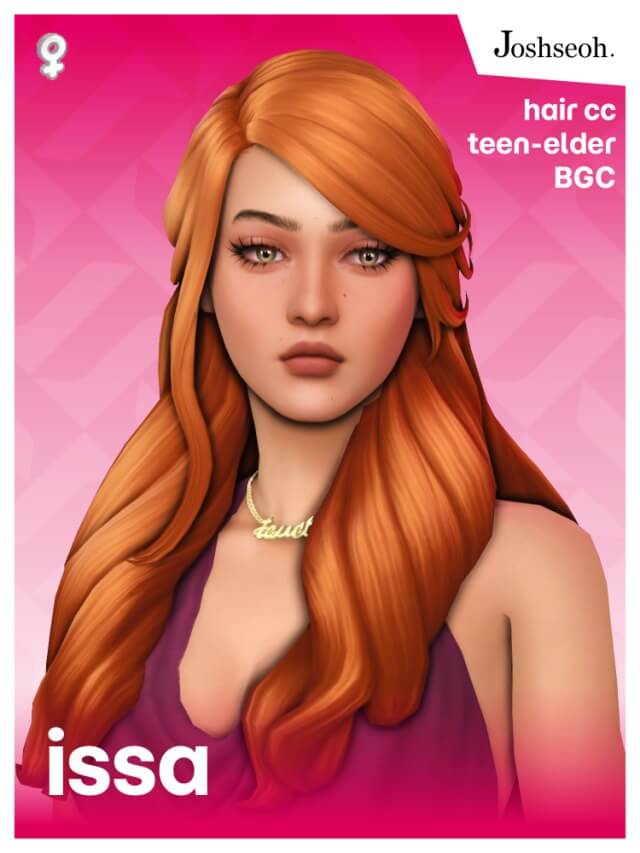
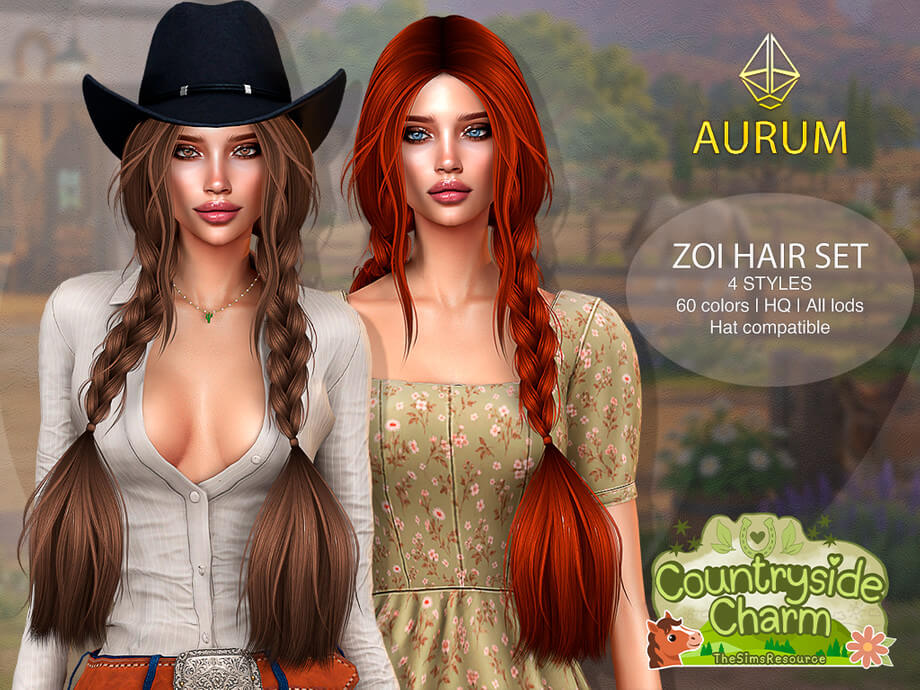
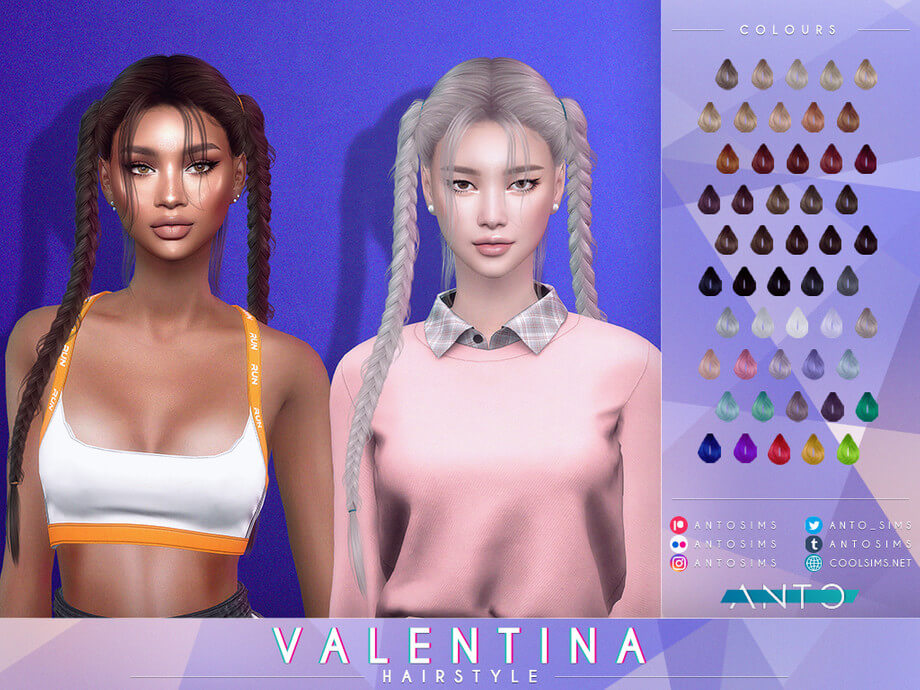
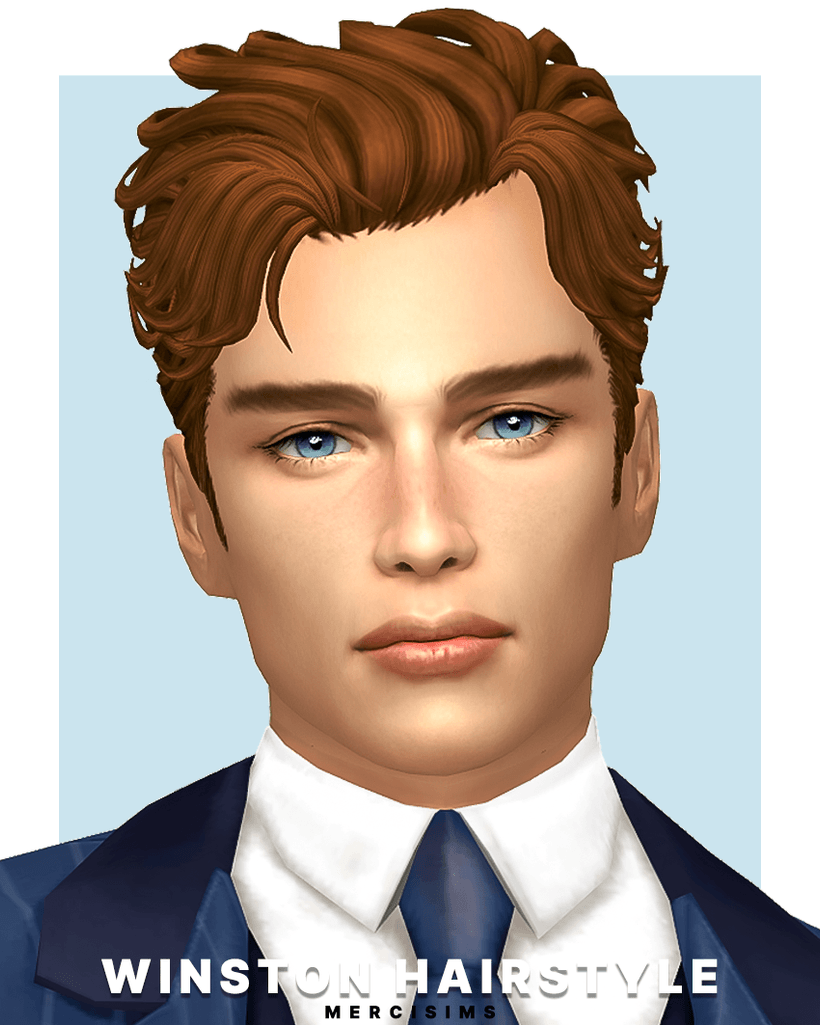
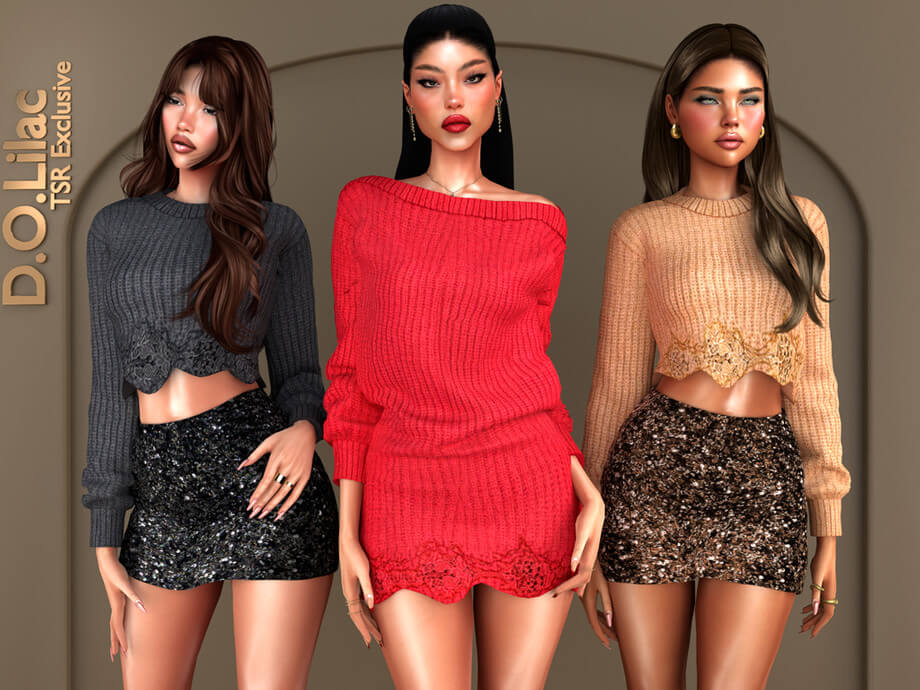
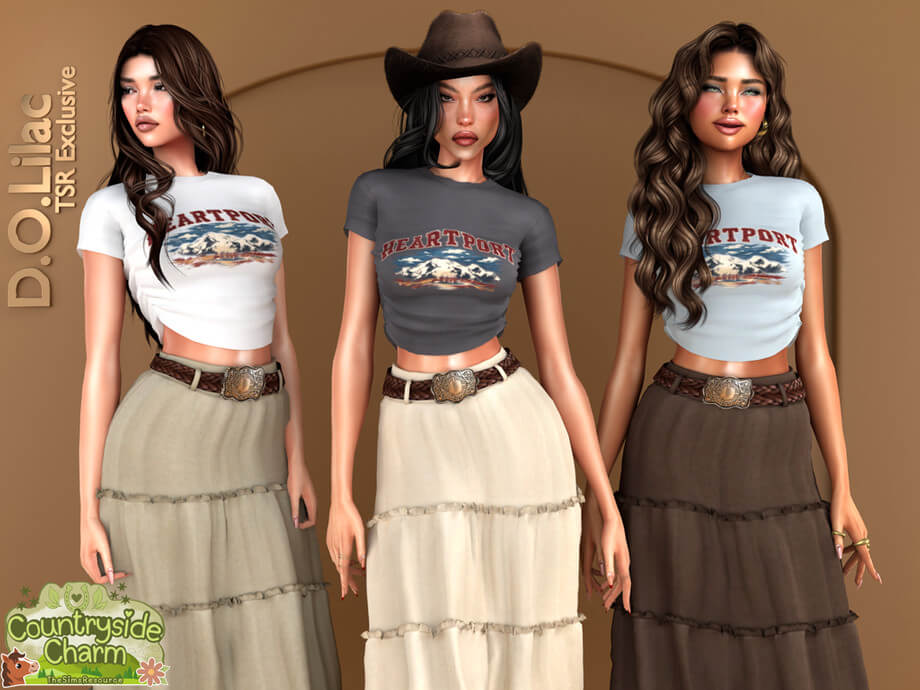
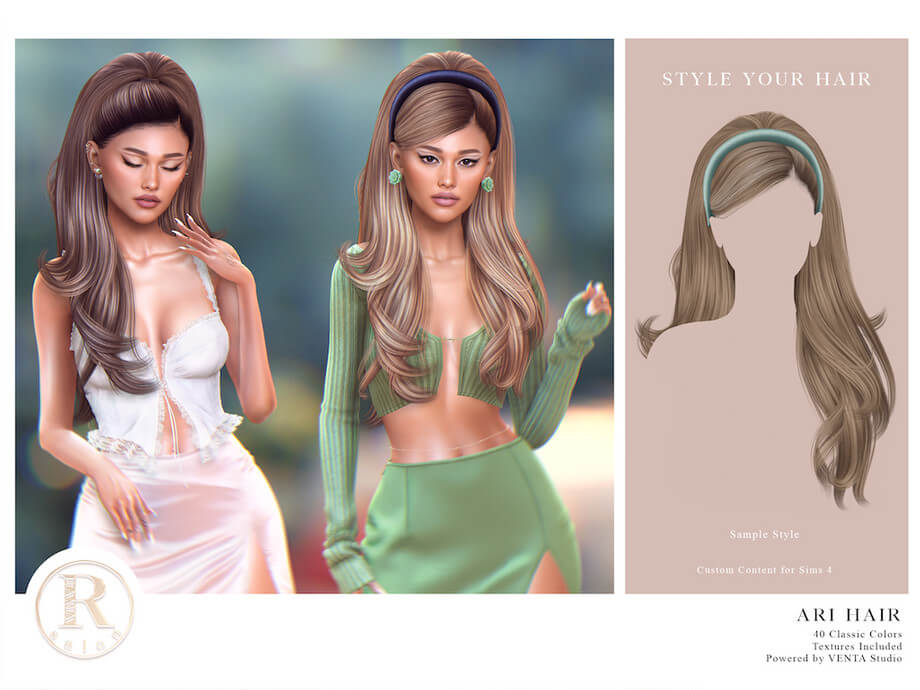
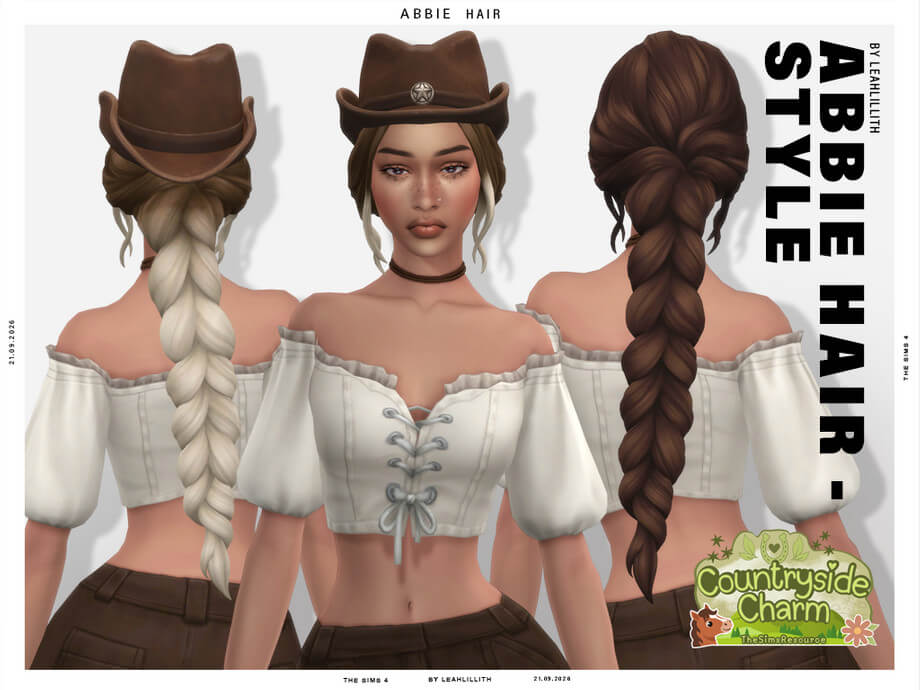
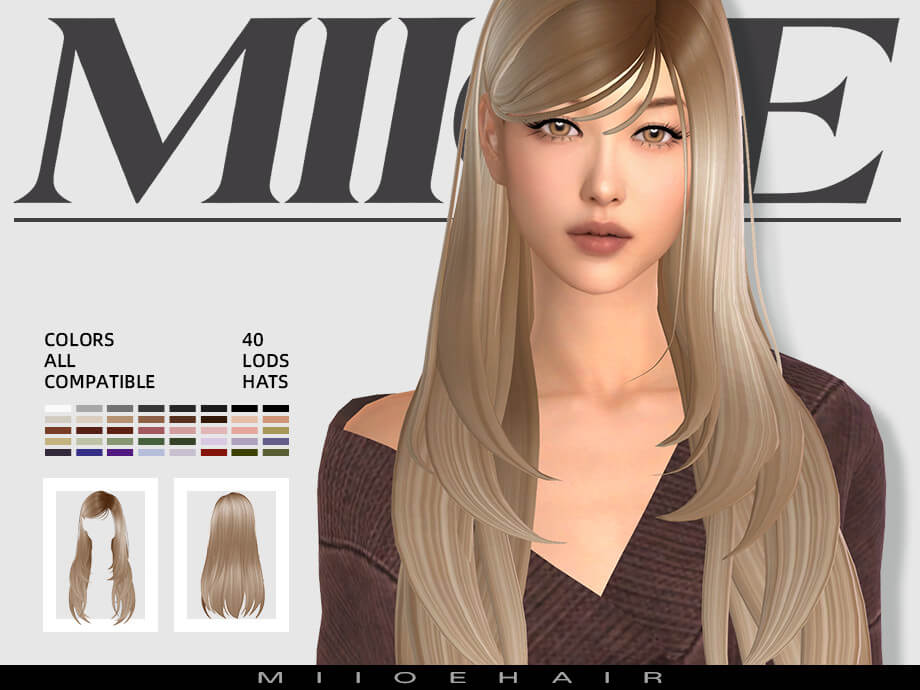
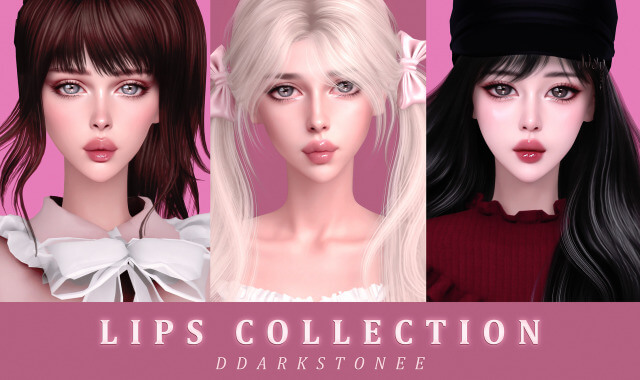
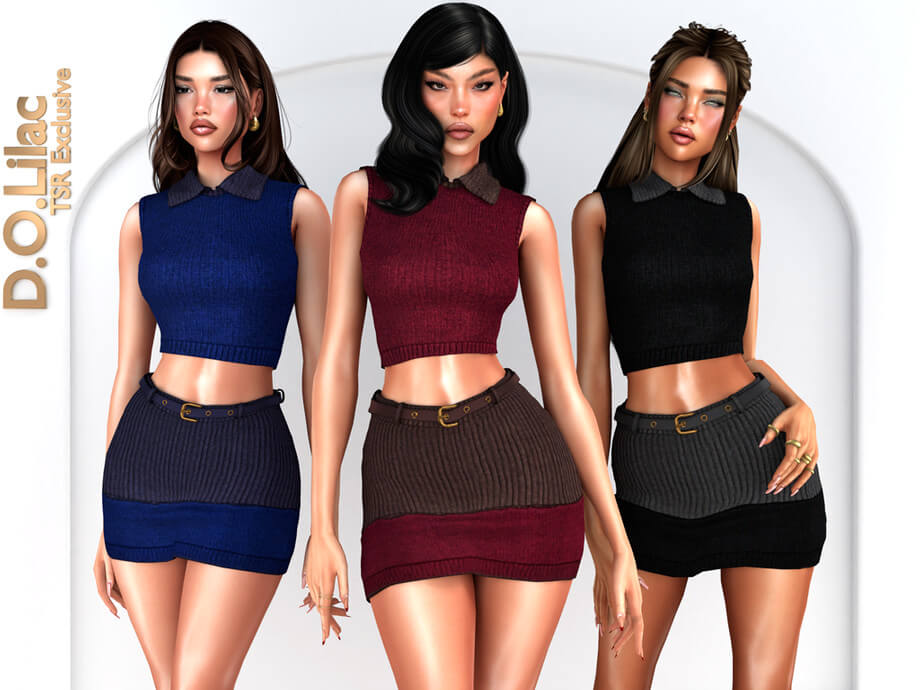
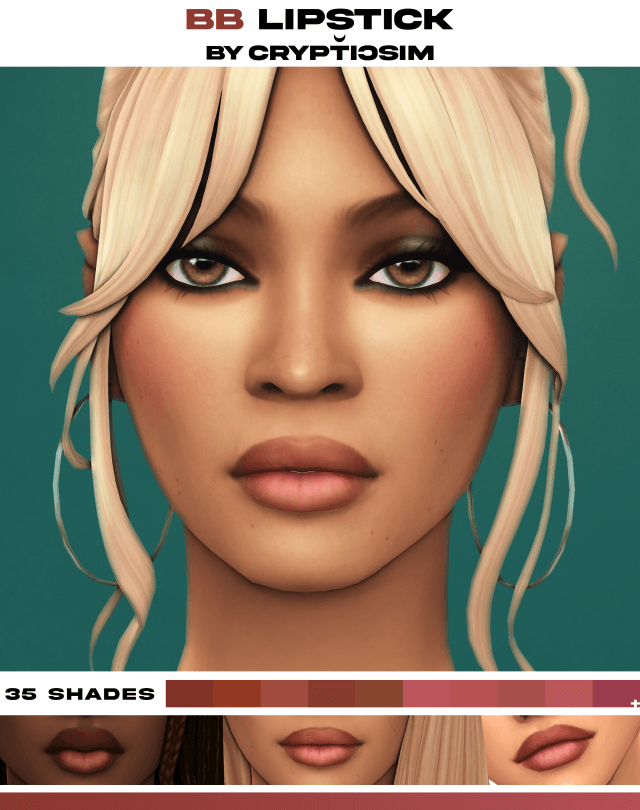
Dual File Structure: In-Game Package and Raw Blender Project
This release is packaged into two distinct components tailored for different creative workflows within the Sims modding community:
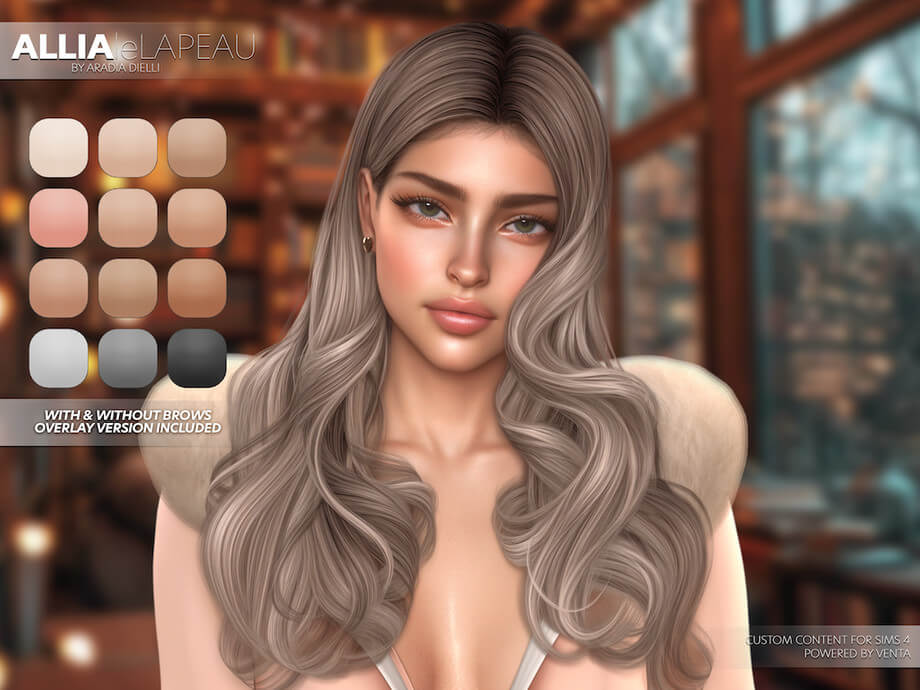
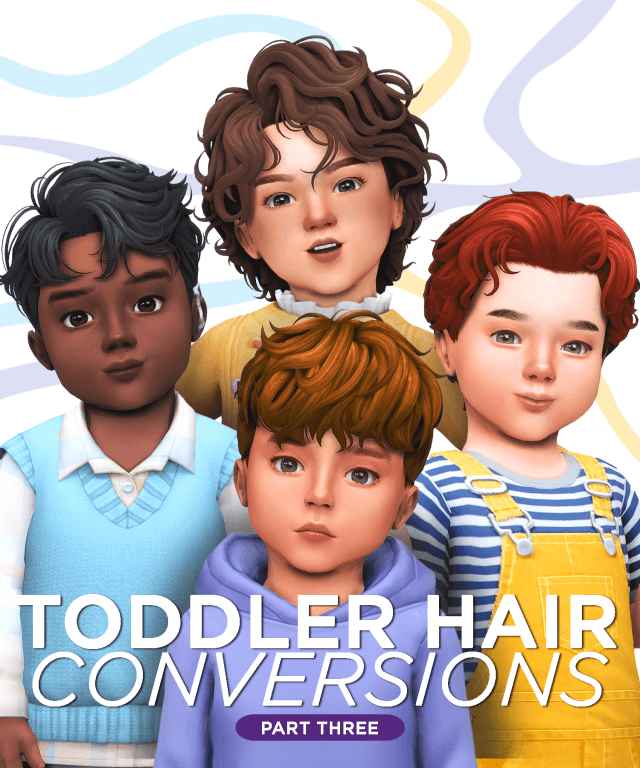
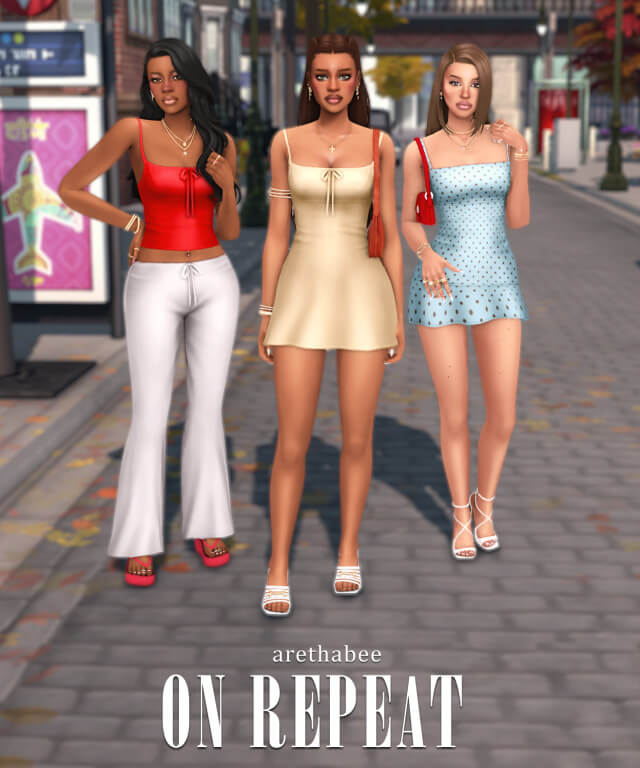
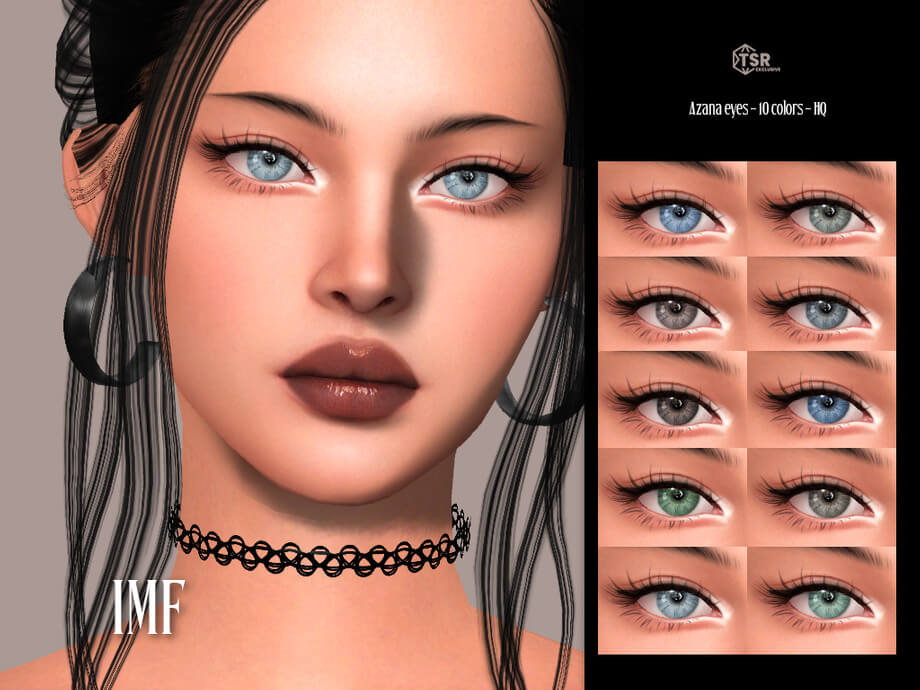
- Ready-to-Play Package File: A fully compiled Sims 4 package file ready for immediate placement in your mods folder, featuring tuned LODs and CAS tags.
- Exclusive Blender File (.blend): The master 3D workspace containing clean mesh groups, UV layout maps, vertex weights, and camera lighting rigs.
- Clean Topological Edge Loops: Carefully sculpted polygon flow that demonstrates professional mesh reduction techniques for modding students.
- Rigged Armature Bones: Pre-assigned Sims 4 armature bones ready for custom posing, character rigging, and high-definition studio rendering.
- Material and Texture Shaders: Pre-configured Cycles and Eevee shader nodes that allow artists to produce photorealistic portfolio renders.
- High-Resolution UV Unwrap Maps: Uncluttered UV space layout that provides generous margin padding, preventing texture bleed during personal recoloring.
For custom content learners, having direct access to an original creator's Blender file is an invaluable educational resource. You can deconstruct how the artist arranged UV islands, painted vertex weights across difficult joint areas, and organized shadow bakes.
The creator included clean texture map bakes directly inside the project file, including diffuse color palettes, grayscale normal height maps, and specular roughness layers. Studying how these maps correspond to 3D surface geometry gives aspiring modders a clear roadmap for creating their own standalone assets.
The package file itself is cleanly optimized, ensuring swift loading times and zero texture conflicts when imported into Sims 4 Studio or loaded into the game client.
The mesh geometry avoids messy non-manifold geometry, duplicate vertices, and reversed normals, reflecting disciplined 3D modeling standards.
Blender Rendering and Studio Photography Utility
Render artists in the community regularly produce breathtaking character artwork using external 3D software rather than relying solely on in-game screenshots:
With the included .blend file, artists can bypass the tedious process of exporting meshes and texture diffuses through extraction tools. You can immediately open the file in Blender, position your Sim's armature into dynamic editorial poses, and set up three-point studio lighting with softboxes and rim lamps.
The scene is primed for high-end rendering with realistic camera focal lengths. Using an 85mm portrait camera setting paired with depth-of-field focal tracking, artists can achieve soft, dreamy background blurs that emphasize character expressions and fine fabric details.
Post-processing is also made easier because the scene includes separate object alpha masks, enabling quick background replacement in image editors without manual cutouts.
The materials react realistically to raytraced global illumination, producing soft ambient occlusion shadows beneath garment folds and hair tresses. This setup is ideal for creating YouTube thumbnail artwork, custom story banners, and Tumblr lookbook teasers.
Advanced modders can also utilize the base mesh as a reference template for creating their own recolors, mesh frankenmesh combinations, or companion accessory packs.
In-Game CAS Integration and Gameplay Testing
Beyond its utility in external rendering software, the compiled package file delivers reliable in-game functionality inside The Sims 4 client:
During testing across diverse gameplay scenarios in Willow Creek and San Myshuno, the package file loaded without errors or catalog script warnings. The item appears under its appropriate CAS category with custom thumbnail previews, enabling fast identification.
In live mode, the mesh tracks character movement cleanly. Sims walked through neighborhood lots, performed expressive social interactions, and sat on various furniture items without polygon tearing or visual anomalies.
LOD models scale cleanly across graphics presets, maintaining sharp geometry in close-up camera mode while shedding polygon count gracefully during wide neighborhood overview shots.
The package is tagged correctly to avoid spawning randomly on generated townies, preserving world aesthetic control for storytellers.
Installation and Workflow Guidelines
To use this download effectively, download the archives from the creator Patreon post linked below. If you want to use the asset inside The Sims 4, place the .package file directly into your Electronic Arts / The Sims 4 / Mods folder. Ensure mods and custom content are enabled in game options.
If you plan to use the Blender project for 3D art, extract the .blend file into a dedicated project folder on your computer. Open it with Blender 2.79 or newer versions compatible with Sims 4 Studio tools, and begin posing and rendering.
Frequently Asked Questions
Do I need Blender to use the in-game item?
No, Blender is only required if you wish to create 3D renders; regular players only need to install the .package file into their Mods folder.
What version of Blender is recommended?
The creator prepared the project file for standard community workflows, functioning smoothly across Blender 2.79 and modern Blender 3.x+ releases.
Can I recolor or modify the mesh?
Yes, having the raw Blender file and clean UV maps makes personal recoloring and texture modification remarkably simple for modders.
Download Package File & Blender Project CC
Expand your game catalog and digital rendering toolkit with this versatile package and Blender release. Download the files via the direct Patreon link below.