Ultra-Smooth Texture Blending and Universal Life Stage Rigging
The defining artistic accomplishment of the Soft Skinblend is its velvety, ultra-smooth finish that gently softens skin texture while preserving crucial facial landmarks like cheekbones, eyelids, and philtrum grooves. Creating an overlay that enhances without blurring away character individuality requires precise balance in opacity and alpha masking.
Key technical specifications and features of the skinblend include:
The nose shading is especially noteworthy. By softening harsh EA angular nose bridges into gentle, rounded gradients, the overlay creates a youthful, button-nosed silhouette that flatters diverse facial presets.
The forehead and temple zones feature soft, diffused light mapping that prevents the shiny forehead glare often produced by in-game lighting engines. Sims appear naturally radiant under bright daylight and soft indoor lamps alike.
Under-eye circles and nasolabial folds are smoothed gently without looking completely airbrushed into flatness. The overlay maintains natural anatomical depth, ensuring avatars retain their unique personality and expressive emotional range.
Because the skinblend is mapped to the forehead crease slot within Skin Details, it coexists harmoniously with other popular makeup and accessory layers. You can freely combine it with custom eyeliner, blush, lipstick, freckles, and beauty marks without conflict.
The four available swatches offer crucial flexibility. Subtle swatches provide a soft Maxis Match enhancement for everyday family gameplay, while higher-opacity swatches deliver the flawless porcelain complexion desired for glamorous high-fashion photography.
CAS Customization and Multi-Generational Synergy
In Create-A-Sim, the skinblend is located under Body / Skin Details (Forehead Crease), equipped with a custom thumbnail for effortless catalog identification. Its broad compatibility makes it an indispensable asset for family legacy creators.
Applying the skinblend to toddler and child Sims gives their cheeks a soft, cherubic glow that looks utterly charming in family portraits. The texture scales cleanly down to smaller child skulls without texture stretching or pixelation around the mouth.
On teen and young adult Sims, the overlay provides a clear, luminous complexion that serves as the perfect canvas for creative makeup. Eye shadows blend smoothly over the silky eyelids, and lipsticks apply with crisp, defined borders.
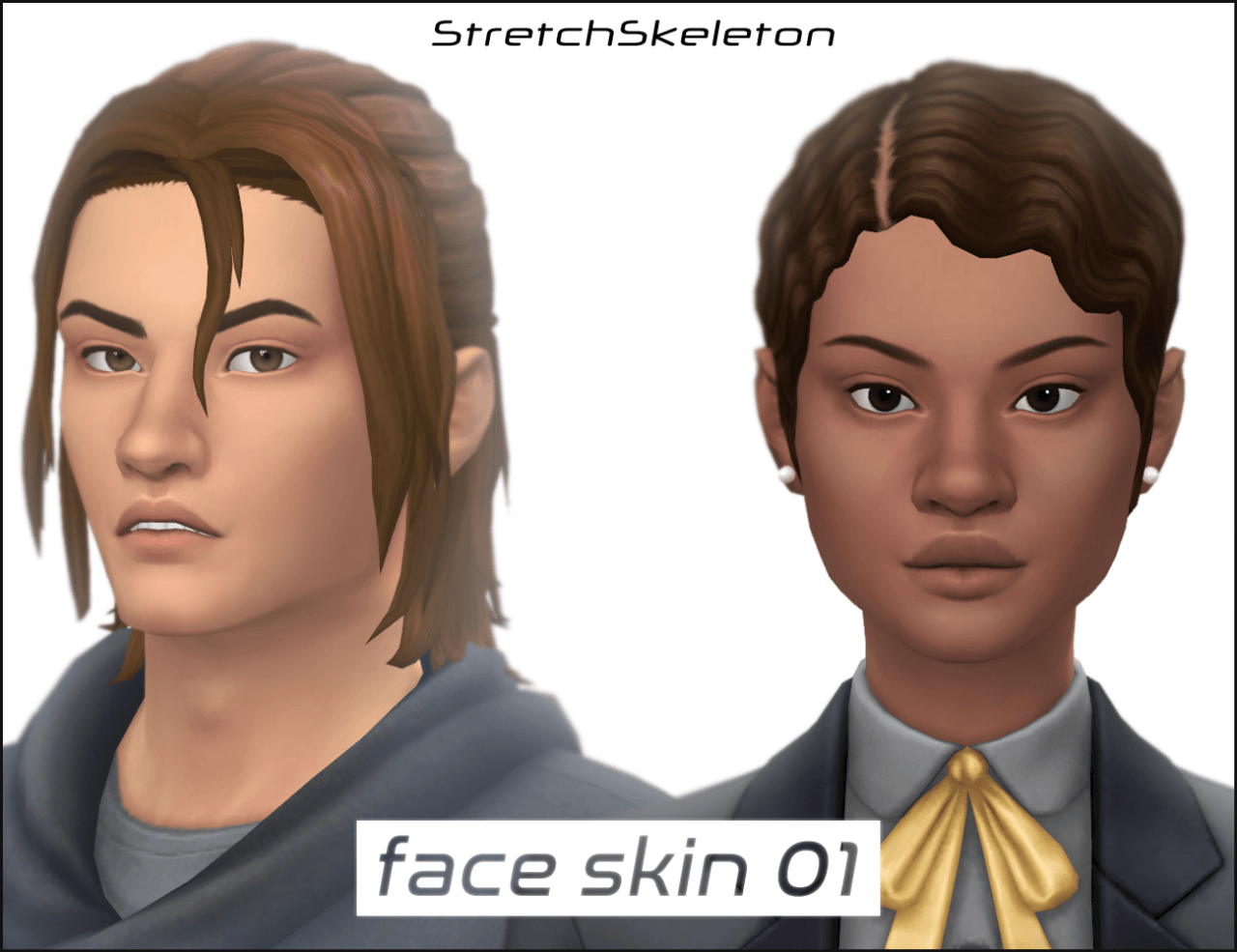
Masculine Sims benefit equally from the subtle swatches. The smoothing softens harsh skin noise while preserving strong jawlines and brow ridge structures, making male avatars look polished yet natural.
Elder avatars wearing the lighter opacity swatches project graceful dignity. The overlay softens deep facial crevices into gentle, distinguished laugh lines, providing an elegant alternative to rough default aging maps.
The skinblend also performs magnificently on occult Sims. Vampires in Forgotten Hollow, spellcasters in Glimmerbrook, and mermaids in Sulani display ethereal porcelain radiance that accentuates mystical character themes.
In-Game Facial Animations and Lighting Performance
During active gameplay testing, the Soft Skinblend demonstrated flawless texture stability across all emotional facial animations. When Sims smile widely, express shock, or cry dramatically, the texture flexes smoothly with facial bones without stretching glitches.
Dynamic lighting transitions revealed exceptional alpha blending. In direct midday sunshine, the skin does not blow out into overexposed white spots; during moody candlelit dinners, the facial contours catch warm golden glows with natural subtlety.
Virtual storytellers capturing close-up portrait screenshots will adore the velvety softness. Cropping in closely on an avatar's eyes and smile produces magazine-quality character renders that require zero post-processing or Photoshop touch-ups.
Performance remains completely lightweight. Because the overlay is an efficient texture asset rather than a polygon-heavy 3D mesh, equipping it across hundreds of neighborhood Sims causes zero performance impact or memory strain.
Frequently Asked Questions
Is this skinblend a default replacement for EA skins?
No, this is a non-default skin detail located under the forehead crease category, meaning it will not overwrite any original game textures and can be toggled on or off at will.
Can I use this skinblend on children and toddlers?
Yes, the creator enabled the skinblend for all ages—from toddlers and children to elders—as well as both masculine and feminine frames.
Does the skinblend work across darker and fantasy skin tones?
Yes, the calibrated alpha transparency allows the overlay to adapt smoothly to all skin tones, including rich deep complexions and vibrant occult fantasy tones.