Hyper-Realistic Facial Anatomy and Sculpted Contours
The Tyla Seethal skin overlay captures the distinctive facial structure and delicate beauty traits that define the renowned artist. The creator hand-painted intricate facial details that accentuate cheekbone structure and jawline definition without appearing heavy or artificial.
Key cosmetic features and anatomical nuances include:
- Luminous Highlighting: Natural dewiness across the bridge of the nose, cupid bow, cheekbone crests, and forehead center.
- Defined Collarbone and Neck Contours: Crisp anatomical shading along the clavicle and throat that complements open-neck dresses and swimwear.
- Soft Eye Bag and Lid Shading: Delicate orbital depth that gives character eyes expressive emotional realism.
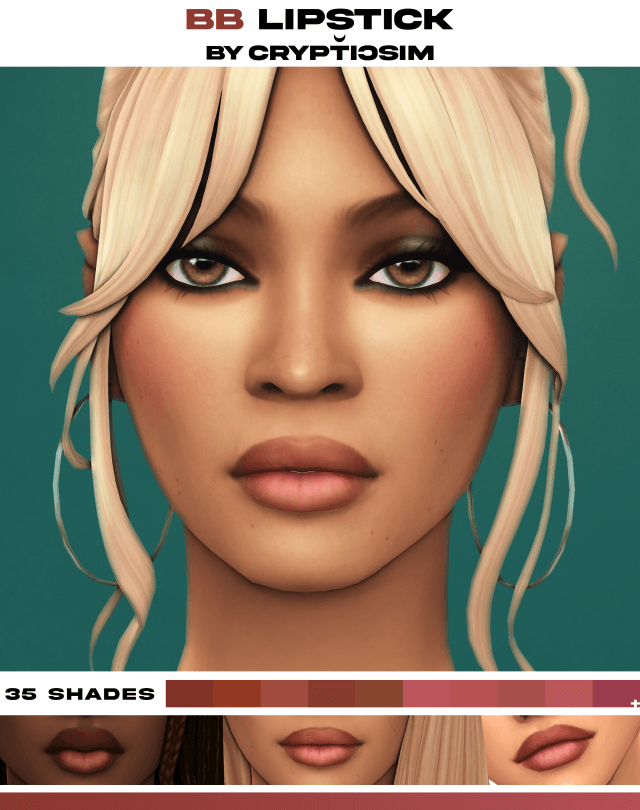
- Realistic Lip Texture: Subtle lip lines and moist sheen that work seamlessly with or without additional lipstick cosmetics.
- High Definition Specular Mapping: Dynamic light reflection that mirrors real-world skin shine under direct sunlight and studio lamps.
- Base Game Compatible: Works smoothly in standard game environments without external DLC dependencies.
The facial shading emphasizes soft feminine contours while preserving crisp jawline angles. This balance ensures your Sim looks striking in still close-up portraits as well as during full gameplay animations.
Pore textures are rendered with micro-fine delicacy, avoiding the harsh graininess that sometimes plagues overly compressed custom skins.
Subtle warmth along the bridge of the nose and cheek apples introduces youthful vitality, making characters appear healthy, energetic, and camera-ready in every setting.
Rich Tone Swatches and Color Slider Flexibility
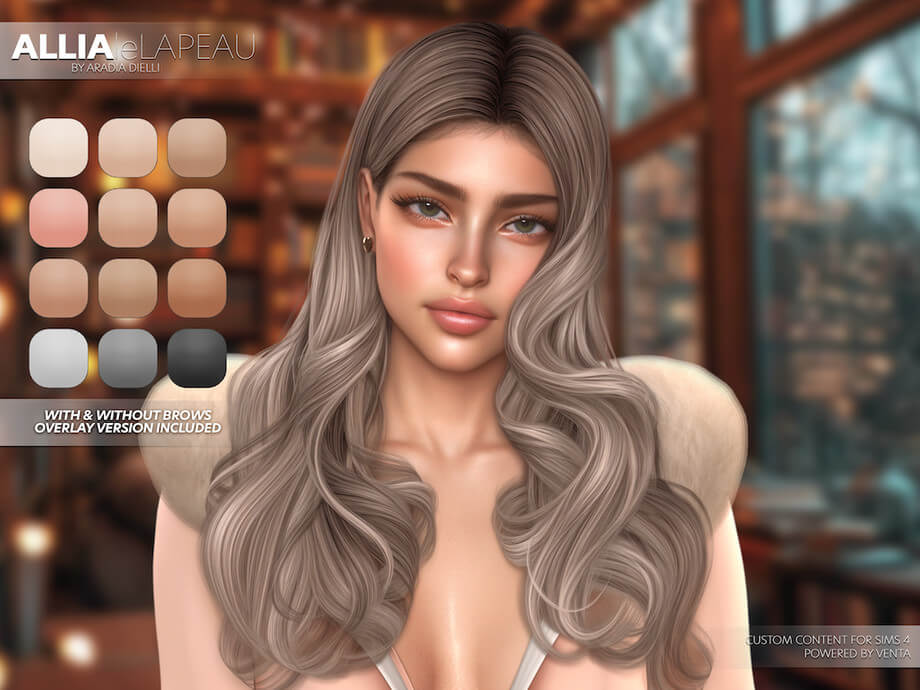
A major strength of the Tyla Seethal skin collection is its diverse range of undertones. The package features multiple swatches calibrated for warm golden, rich bronze, neutral honey, and deep olive complexions.
Each swatch retains rich pigmentation without turning ashy or greyish under harsh in-game sunlight. The warm golden undertones reflect natural radiance, capturing the iconic sun-kissed aesthetic associated with African and island aesthetics.
In addition, the skin package is categorized under Skin Details, meaning it operates harmoniously alongside vanilla skin tones. Players can fine-tune the character tone using the in-game color value and saturation sliders, granting infinite tonal adjustments for diverse ethnic representations.
The skin detail maintains complete consistency across body sections, ensuring arms, torso, and legs share identical pigment tones and specular gloss.
Even under moody interior lighting in night clubs or soft twilight in Sulani, the undertones retain their warmth, avoiding flat clay discoloration.
Celebrity Pop Star Storytelling and Staging
This custom skin serves as an exceptional foundation for musical career playthroughs and high-profile storytelling. Equipping your Sim with this overlay instantly imparts an A-list presence suitable for red carpet award shows and concert arenas.
Pair the skin with beachy wet-look curls, dramatic glossy lip lacquers, and metallic body chains to recreate viral music video aesthetics. In performance venues across San Myshuno and Starlight Boulevard, your character will stand out under stage spotlights with captivating radiance.
For players focused on social media modeling and fashion editorial content, this skin overlay responds remarkably well to reshade presets and studio lighting rigs, requiring minimal post-processing for magazine-worthy screenshots.
The skin also pairs naturally with casual streetwear, crop tops, and athletic leisurewear, proving that high-glamour beauty transitions effortlessly into everyday casual life.
Capturing candid paparazzi photos of your celebrity Sim walking through downtown boulevards will produce stunning portfolio shots for fan blogs and Simstagram accounts.
Compatibility with Makeup and CAS Sliders
One common concern with custom skin overlays is whether they clash with external makeup or slider modifications. The Tyla Seethal skin demonstrates superior layer hierarchy compliance.
Because the overlay uses clean alpha blending, you can apply custom eyeshadows, eyeliners, blushes, and lipsticks directly on top without unsightly color bleeding or texture corruption. Custom eyelashes and 3D brows lay smoothly across the facial canvas.
The skin responds fluidly to custom bone sliders for cheek height, nose tip curvature, and jaw width. The texture stretches and compresses without warping nostrils or creating seam tearing along the earlobes.
Performance remains optimal even during long simulation sessions, with lightweight texture compression ensuring smooth CAS loading times.
The skin detail also persists smoothly through age transitions, remaining stable as teens mature into young adults and mature adults throughout generation legacies.
This long-term visual reliability makes it a staple skin detail for legacy storytellers who want generational descendants to inherit gorgeous, cohesive facial aesthetics.
Frequently Asked Questions
Where is this skin located in Create A Sim?
The Tyla Seethal skin is located under the Skin Details category in Create A Sim, typically under Forehead Creases or Mole slots for easy layering.
Is this skin compatible with default skin replacements?
Yes, because this is a non-default skin detail overlay, it can be applied over any default or non-default skin tone without overriding your core game files.
Do I need Get Famous to use this celebrity skin?
No, the skin is completely Base Game Compatible and works in any Sims 4 game setup without needing the Get Famous expansion pack.
Bring superstar radiance and red carpet glamour into your game by downloading the Tyla Seethal skin overlay for The Sims 4 today.