Comprehensive Breakdown: Forehead N1 and Forehead Wrinkles N1
The collection is divided into two distinct modular packages, giving you tailored control over character aging and bone structure:
- Forehead N1 MM Overlay: Offers 5 unique structural types across 3 tonal gradients (light, medium, dark) and 2 transparency versions (opaque and soft blend), totaling 30 swatches. Available for all ages and genders from Toddler through Elder.
- Forehead Wrinkles N1 MM Overlay: Features 10 expressive wrinkle configurations across 2 tonal variations and 2 transparency strengths, totaling 40 swatches. Available for Young Adult, Adult, and Elder Sims of all genders.
- 70 Total Swatches: A combined catalogue of seventy options ensures precise blending across every EA default skin tone and custom skinblend.
- Maxis Match Texturing: Painted with soft clay textures that blend seamlessly into standard Sims 4 lighting without harsh alpha artifacts.
- Layer-Friendly Category Placement: Uses skin detail slots that stack harmoniously with freckles, beauty marks, and custom makeup.
- Anatomical Realism: Respects the natural curvature of the forehead and brow ridge for organic emotional expression.
- Age Continuity: Enables players to maintain consistent facial characteristics across life stages from toddlerhood to senior years.
Having two separate transparency strengths for each variation is a welcome feature for subtlety. You can apply a gentle, barely-there expression line for an active Young Adult or choose the stronger opacity for a seasoned Elder who has spent decades working in the sun.
Realistic Aging and Storytelling Applications
Skin details breathe life into character storytelling by conveying personality, hardship, and emotional history:
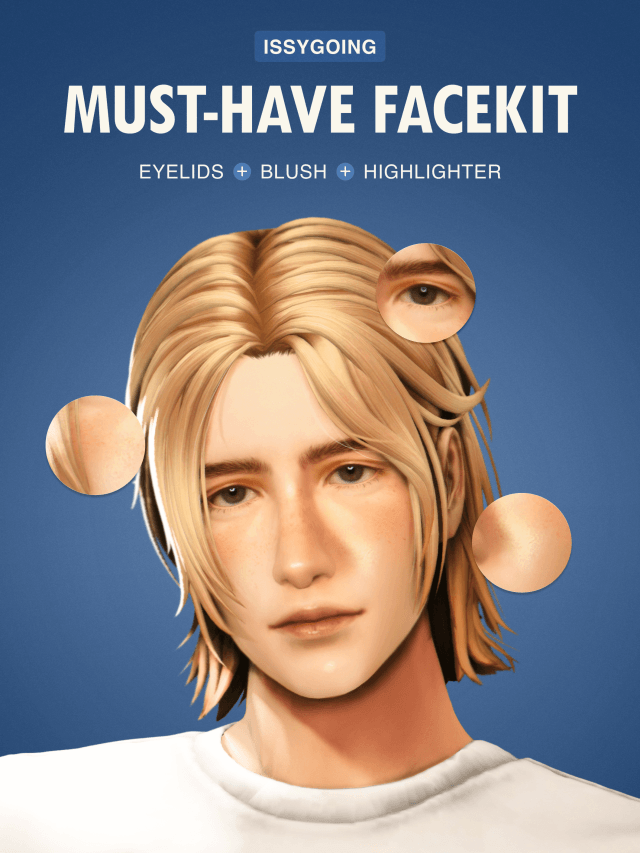
For career-driven Sims working long hours in corporate, medical, or political fields, the Forehead Wrinkles N1 overlay adds believable stress lines that illustrate dedication and exhaustion. Combining these lines with comprehensive facial essentials like the MUST-HAVE FACEKIT creates an extraordinarily authentic portrait of middle-aged professionals balancing family life and ambition.
In multi-generational family gameplay, the Forehead N1 overlay provides structural continuity. Applying similar forehead contours across grandparents, parents, and children creates believable genetic resemblance that default Sims 4 genetics frequently overlook.
Occult and historical Simmers will also find great utility here. Stately vampires, ancient sages, and weathered frontier pioneers all benefit from subtle facial creases that ground their timeless wisdom and past struggles in physical form.
Younger Sims also gain individuality. Adding the softest forehead type to teenagers gives their faces structure and uniqueness without making them appear prematurely aged.
Characters living rugged outdoor lives in Chestnut Ridge or Henford-on-Bagley gain sun-kissed expression lines that reflect long days working under open skies, establishing authentic working-class identities.
In-Game Performance and CAS Layering
Because these skin details rely on 2D texture overlays rather than additional 3D polygon meshes, they impose virtually zero performance cost on your graphics processor. You can apply them across dozens of neighborhood townies without worrying about frame rate drops or memory bloat.
The texture maps are aligned carefully with EA UV maps, ensuring they do not bleed into neighboring texture zones like ears, cheeks, or eyebrows. They remain sharp during live gameplay conversations and facial animations, stretching and compressing naturally as your Sims smile, frown, or express surprise.
They do not conflict with facial hair, glasses, or custom eyelashes, maintaining clean visual boundaries across all layered cosmetics in CAS.
Compatibility with Skin Tones and Sliders
Thanks to the inclusion of multiple tone options, the overlays blend effortlessly with the full Sims 4 skin tone palette, from pale cool tones to deep warm hues. They also adapt smoothly when you adjust forehead height, brow depth, or temple width sliders in CAS, maintaining their alignment without texture warping.
Custom skinblend users will appreciate how smoothly the soft transparency variant merges over custom nose masks and contour details without creating sharp visual borders.
Installation and Setup Guide
To install the A Thousand Nights overlays, download the package files from the creator post linked below and place them into your Documents/Electronic Arts/The Sims 4/Mods directory.
Ensure custom content is activated in your Game Options menu and open CAS. You will locate the overlays under the Skin Details section, ready to stack alongside your favorite skinblends and cosmetic items.
Final Thoughts on A Thousand Nights Overlays
The A Thousand Nights skin detail set by sims4ccworld is an invaluable asset for Simmers who value nuanced character creation and believable aging. With seventy carefully calibrated swatches across forehead shaping and expression wrinkles, it delivers unparalleled flexibility while staying true to the Maxis Match art style. If you want to make your Sims' faces more expressive and lifelike, this collection is an essential addition.