Adaptive UI Architecture and Resolution-Responsive Grids
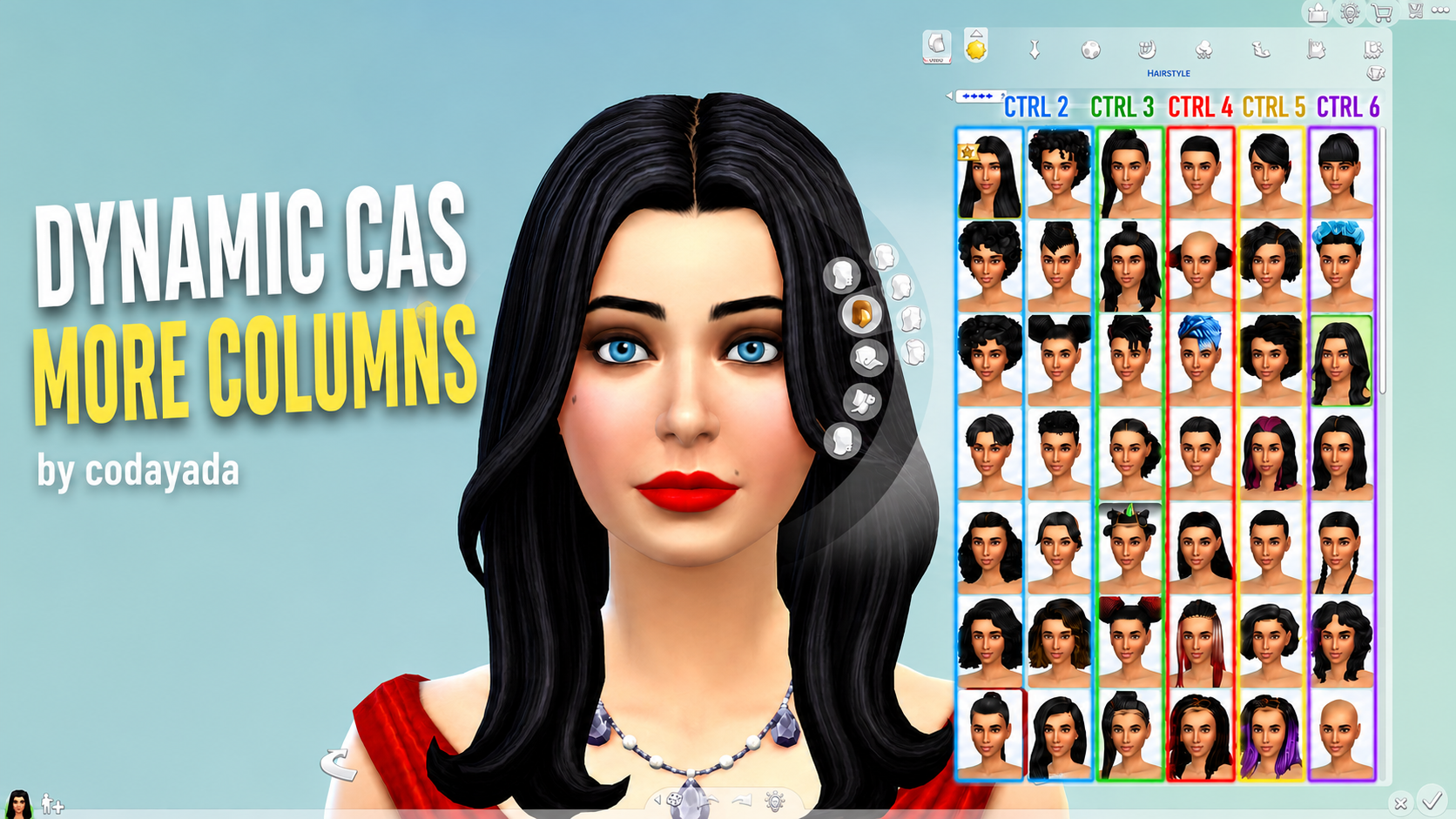
Traditional column mods require players to choose between rigid static installations, such as three, four, or five columns. While useful, static mods often fail when switching between windowed mode, varied monitor aspect ratios, or multiple display resolutions. Codayada resolved this fundamental issue by developing a responsive system that dynamically measures available horizontal screen space and calculates the optimal column count automatically.
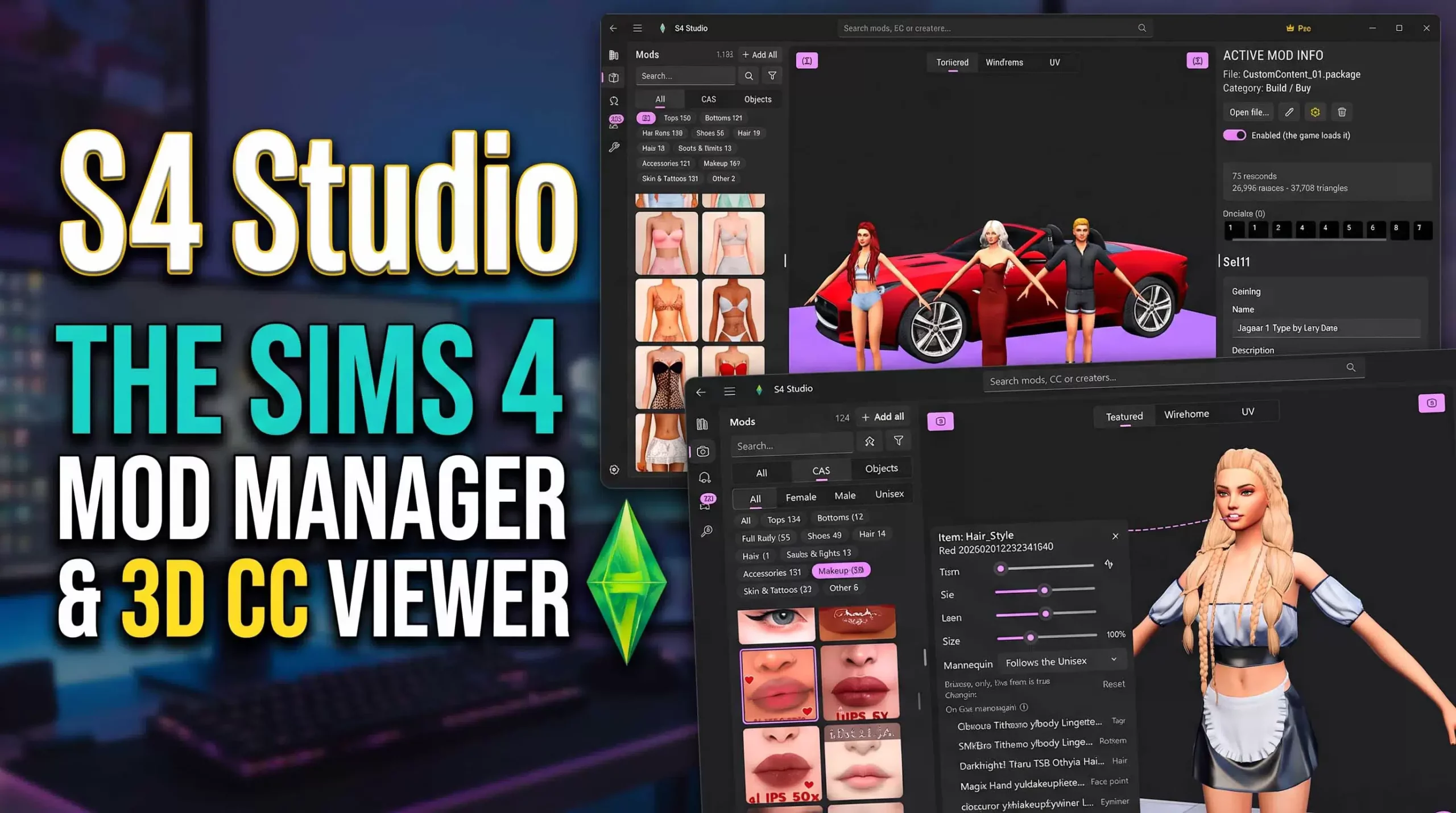
On ultrawide monitors and high-resolution 4K screens, the mod smoothly expands the catalog view to present extensive rows of hairstyles, clothing items, and accessories simultaneously. This massive increase in visible real estate drastically reduces scrolling fatigue, enabling sim creators to locate specific swatches and newly installed packages in seconds.
Conversely, if you play on a compact laptop display or resize your game window to stream or multitask, the mod intelligently dials back the column count to prevent overlapping UI panels. Character preview frames remain completely unobstructed, ensuring your sim is fully visible while adjusting clothing or facial sliders.
The dynamic calculations occur instantly whenever the game client launches or whenever display settings change, eliminating the need for manual restarts or file swapping.
UI buttons, filter menus, and color swatch flyout panels adjust their positioning naturally to harmonize with the expanded catalog area.
The smooth responsiveness prevents thumbnail clipping, maintaining pristine visual presentation across all Create-A-Sim categories.
Players with extensive custom content collections will immediately appreciate how much faster styling sessions become with expanded grid views.
The layout engine reallocates screen margins intelligently, ensuring that category icons and sort buttons remain comfortably clickable without visual overlap.
Users who frequently drag their game window across dual-monitor setups will find that the grid recalculates smoothly without crashing the user interface.
This dynamic adjustment makes browsing comprehensive cc collections feel like shopping in an intuitive, modern online fashion store.
Enhanced Workflow Efficiency for Enthusiastic Sim Stylists
The practical benefits of dynamic catalog scaling become apparent during intensive character creation projects. When styling full families, townie overhauls, or story characters, the standard two-column EA interface requires endless scrolling through hundreds of tops, bottoms, and shoes. With Codayada's mod active, hundreds of item thumbnails appear within a single viewable window.
Comparing similar clothing options becomes remarkably intuitive because complementary items appear side-by-side without having to scroll up and down repeatedly. You can quickly assess texture quality, swatch compatibility, and accessory layering with unmatched convenience.
The mod preserves full compatibility with custom content thumbnail overlays, brand icons, and rarity tags, keeping your catalog organized and aesthetically clean.
Filter tags for packs, styles, colors, and content sources remain fully functional, sliding gracefully into place without overlapping grid borders.
The responsiveness extends across all age categories, ensuring toddlers, infants, children, teens, and elders enjoy identical interface benefits.
Even secondary panels like occult forms, pet customization, and tattoo selectors scale proportionately, delivering consistent performance throughout.
Styling complex occult characters such as vampires, spellcasters, and werewolves becomes far less overwhelming when alternate forms can be dressed quickly.
The swift visual overview allows players to spot duplicate packages or broken mesh thumbnails immediately, assisting with mods folder maintenance.
Seamless Integration with Popular Custom Content and UI Mods
A crucial consideration for any user interface modification is its ability to coexist harmoniously with existing mod setups. Dynamic CAS More Columns has been carefully programmed to avoid conflicting with popular utility mods like UI Cheats Extension, More CAS Traits, and custom CAS background rooms. The script cleanly hooks into catalog layout classes without altering unrelated game scripts.
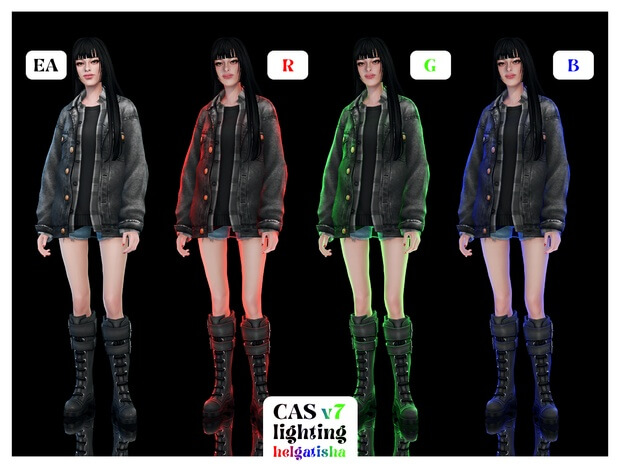
Custom CAS lighting presets and standalone replacement backdrops render cleanly alongside the expanded grid. Because the catalog panels align tightly against screen edges, your sim remains centered in the main viewing stage under ideal lighting conditions.
The mod handles custom thumbnail sizes with ease, maintaining crisp resolution without blurring package icons or stretching preview badges.
Streamers and content creators will find this mod particularly valuable when presenting Create-A-Sim showcases, as viewers can easily see extensive catalog choices at a glance.
The lightweight architecture produces negligible performance overhead, ensuring smooth frame rates even during heavy catalog browsing sessions.
The responsive nature means you will never have to redownload different package variants whenever you change monitor setups or graphics cards.
Compatibility with default EA skin detail selectors and custom makeup sliders remains entirely unimpeded, preserving precise cosmetic customization.
Installation Guidelines, Game Patch Updates, and Best Practices
Installing Dynamic CAS More Columns is straightforward and follows standard community practices. Download the mod package and script files directly from Codayada's official release page and place them inside your electronic arts mods directory. Remember that script mods must not be buried deeper than one subfolder level to ensure the game engine loads them correctly.
Ensure that script mods and custom content are enabled in your in-game game options menu under the other tab. A quick game restart after installation activates the dynamic scaling automatically.
Because UI mods interact directly with game interface files, official EA game patches can occasionally require compatibility updates. Codayada maintains active development, releasing swift fixes whenever major game updates alter Create-A-Sim interface coding.
Removing old static column mod packages before installing this dynamic version is essential to avoid conflicting layout scripts.
The mod runs efficiently without generating unnecessary error logs in your user directory, preserving overall game stability.
For any simmer seeking a smarter, adaptive, and stress-free styling workflow, Dynamic CAS More Columns by Codayada is an indispensable upgrade.