Texture Resampling Engine, DXT Compression, and Package Processing
A closer look at the technical architecture behind CmarNYC's HQ Texture Converter highlights software mastery:
- Automated Resource Detection: Identifies RLE2, LRLE, and DDS image resources embedded within package archives.
- High-Fidelity Resampling Algorithms: Scales textures to 2048x4096 using bicubic filtering to preserve sharp edge contrast.
- Mipmap Regeneration: Generates complete mipmap chains to prevent shimmering and moire patterns at distant zoom levels.
- Batch Processing Architecture: Converts hundreds of clothing, hair, skin, and makeup packages in a single automated queue.
- Non-Destructive Backup Protection: Creates optional backups of original packages before writing converted files.
- Lightweight Desktop Footprint: Runs swiftly on Windows systems without requiring heavy third-party software suites.
The core achievement of CmarNYC's utility is the automation of mipmap generation. When amateur creators manually upscale textures, they often omit mipmaps, causing hair strands and patterned garments to flicker violently when pulling the camera back. HQ Texture Converter builds mathematically flawless mipmap pyramids, ensuring silky smooth rendering from extreme close-up portraits to wide lot sweeps.
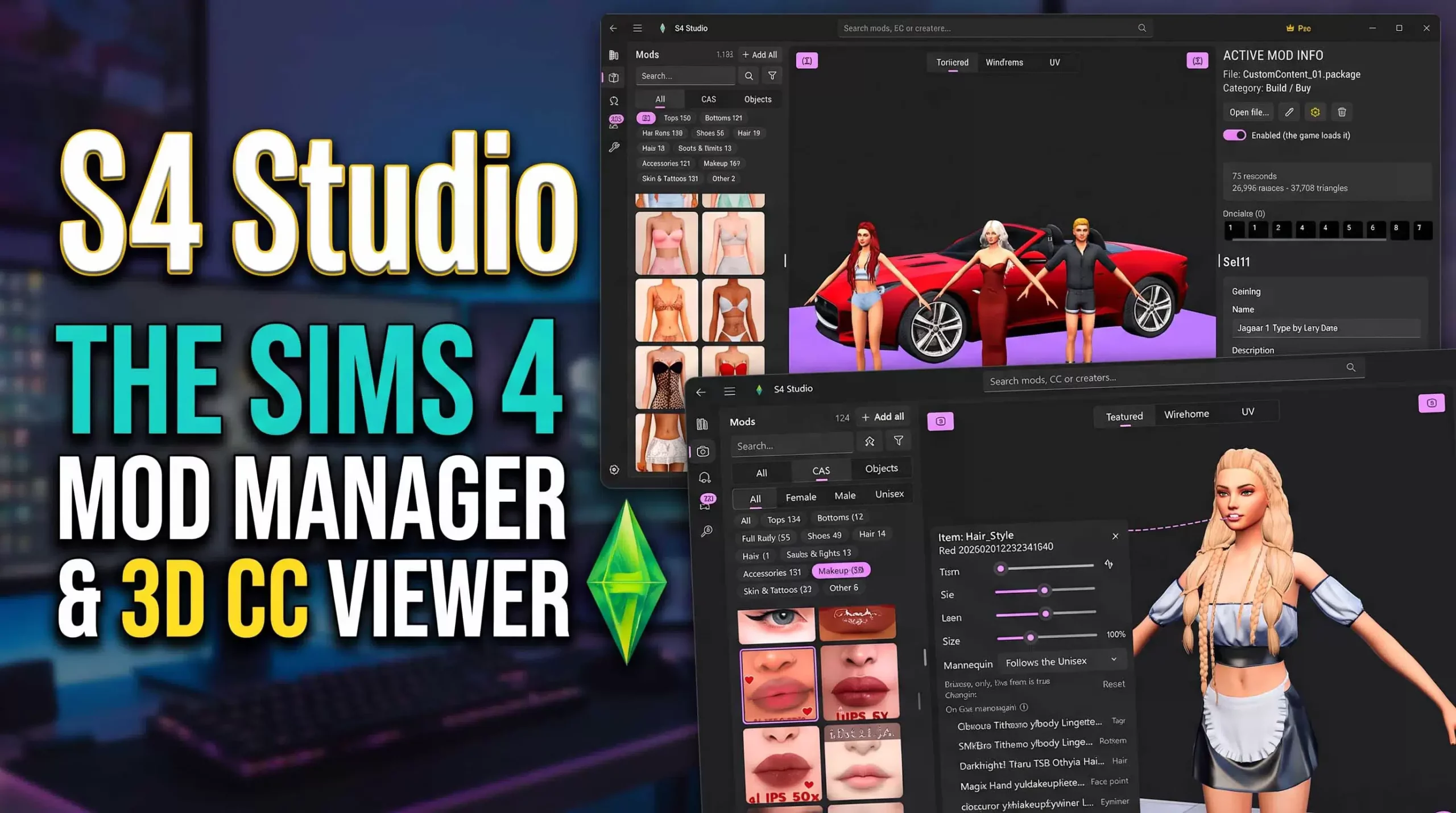
The batch conversion workflow saves countless hours. Rather than opening Photoshop, resizing layers, exporting DDS files, and repackaging with Sims 4 Studio for every single swatch, you simply point the converter at your CAS clothing folder, click convert, and let the software handle the entire library automatically.
Additionally, the utility accurately handles both classic RLE2 and modern LRLE texture formats introduced in recent EA game updates.
High-End Visual Showcases and Cinematic Storytelling Across Worlds
The breathtaking visual fidelity unlocked by the HQ Texture Converter transforms cinematic storytelling across all worlds:
In San Myshuno, capture high-fashion editorial portraits where individual fabric threads of custom apparel and delicate makeup details look indistinguishable from real photography. Coordinating your converted HQ wardrobe with sharp, textured coiffures like the Look At Them Buzz Cut gives your characters an astounding 4K magazine-cover realism that commands attention.
Cinematic storytellers in Tartosa can film high-definition romantic films where delicate wedding lace and skin details look breathtaking.
In Del Sol Valley, capture stunning celebrity red-carpet close-ups that showcase every glimmer of jewelry and makeup shimmer.
Virtual photographers will love how facial expressions, freckles, and lip textures remain razor-sharp under high-end Reshade presets.
In Chestnut Ridge, capture rustic western scenes where weathered leather saddles, denim jackets, and horse coats look tangible.
Custom content creators can use the tool to rapidly prepare their personal CC catalogs for high-definition community releases.
Legacy challenge players can document generational family portraits in pristine 4K resolution for lasting family archives.
Live Mode Graphical Fidelity, Hardware Requirements, and Stability
Running HQ textures in The Sims 4 requires adequate graphics hardware and VRAM, as 4K textures consume significantly more video memory than standard assets. CmarNYC engineered the tool's compression algorithms to maximize visual quality while keeping memory footprints optimized.
Converted packages load cleanly into the game engine without causing texture corruption, black skin glitches, or crashes.
Live mode rendering remains crisp, with characters displaying razor-sharp clothing patterns under both sunlight and interior lamps.
The tool includes verification logs that alert users if any corrupted or unreadable packages were encountered during batch runs.
Recommended Workflow and HQ Mod Setup Practices
To use HQ textures, ensure you have installed the base HQ Mod framework into your game files. Always make a safety backup of your original custom content folder before initiating large batch conversions, and verify that your GPU has ample VRAM to handle high-resolution texture caches comfortably.
Installing and Running the HQ Texture Converter
To use the tool, download the standalone program from CmarNYC's ModTheSims page via the link below and extract the folder to your desktop or utility drive.
Launch HQTextureConverter.exe, select either a single package or your target CC folder, configure your preferred output directory, and click Convert. Once processing concludes, place your converted packages into your Mods folder and experience pristine 4K visual fidelity.
Wrapping Up the HQ Texture Converter
The HQ Texture Converter by CmarNYC on ModTheSims is an indispensable technical utility that makes high-definition gaming accessible to all Sims 4 players. By completely automating the complex process of upscaling, compressing, and mipmapping custom content for the HQ Mod, it saves simmers countless hours of tedious manual labor. If you want your Sims to look breathtaking with razor-sharp 4K textures and unmatched visual clarity, this powerful tool is thoroughly recommended.