Checksum Delta Verification, Manifest Comparison, and Repair Architecture
A closer look at the technical architecture behind Anadius's file verification utility illustrates robust software engineering:
- Automated SHA Checksum Analysis: Compares local game file hashes against remote master manifests to detect corrupted bytes.
- Granular Delta Downloading: Downloads only damaged or missing archive sectors rather than full redundant packages.
- Multilingual String Restoration: Replaces missing locale packages to restore proper dialogue and interface text.
- Multi-Drive Installation Support: Automatically scans secondary SSDs and custom partition paths without configuration friction.
- Non-Destructive File Replacement: Leaves user mod folders, save games, and Tray libraries completely untouched during scans.
- Lightweight Executable Framework: Runs as a standalone portable tool requiring zero bloated system dependencies.
The practical efficiency of this repair system saves simmers countless hours of downtime. In standard launcher environments, an unexpected file error often forces the application to re-verify or redownload the entire game footprint, consuming hours of bandwidth. With targeted delta comparison, only the specific corrupted archive is patched, completing the repair in a fraction of the time.
Language localization fixes represent another major technical benefit. Simmers playing in international languages often encounter strange blank bubbles or numerical placeholders following major patches. The utility instantly recognizes missing locale files and repacks the correct string tables, restoring crisp, legible text across all menus.
Additionally, keeping core game files verified ensures that custom script mods and tuning packages execute under optimal engine conditions without random simulation crashes.
Troubleshooting Realities and Long-Term Stability Across Save Files
A clean, verified game installation provides the foundation for ambitious storytelling across all neighborhoods:
In San Sequoia, guide complex multi-generational households through elaborate family milestones without fearing game-breaking simulation freezes or missing animation assets. Coordinating this technical file verification with deep developmental overhauls like the Character Values Overhaul guarantees that custom child-rearing mechanics and behavioral traits operate with absolute architectural stability across decades of domestic gameplay.
San Myshuno high-rise penthouses load smoothly without texture pop-in or missing elevator assets during festival days.
In Tartosa, coastal wedding ceremonies execute without broken audio tracks or stuttering live cutscenes.
Suburban Willow Creek neighborhoods remain resilient against file corruption, preserving treasured family save histories.
In Chestnut Ridge, expansive horse ranches and equestrian trails render seamlessly with complete environmental textures.
University scholars in Britechester experience reliable graduation ceremonies free from missing presentation board assets.
Legacy challenge players will enjoy peace of mind knowing their ten-generation save files run on verified core binaries.
In Strangerville, complex narrative mystery stages progress predictably without script triggers failing to execute.
Diagnostic Execution Steps, Backup Best Practices, and Engine Stability
Executing repair tools requires following orderly maintenance steps to protect personal user data. Anadius engineered the utility to read only core installation folders, ensuring that user content stored in Documents remains safely isolated from repair routines.
Always create a manual desktop backup of your Saves and Tray folders before initiating any game file repair operation.
The utility displays real-time download speed meters and progress bars, giving users complete transparency during repairs.
Scans execute with minimal CPU overhead, allowing background multitasking without freezing desktop performance.
Recommended File Maintenance and Folder Hygiene Protocols
To keep your Sims 4 installation operating in peak condition, establish a regular maintenance routine. Run file integrity checks after every major quarterly game patch, clear your localthumbcache.package file regularly, and store heavy custom content on high-speed solid-state drives to ensure rapid read-write speeds.
How to Use The Sims 4 Update Repair Tool
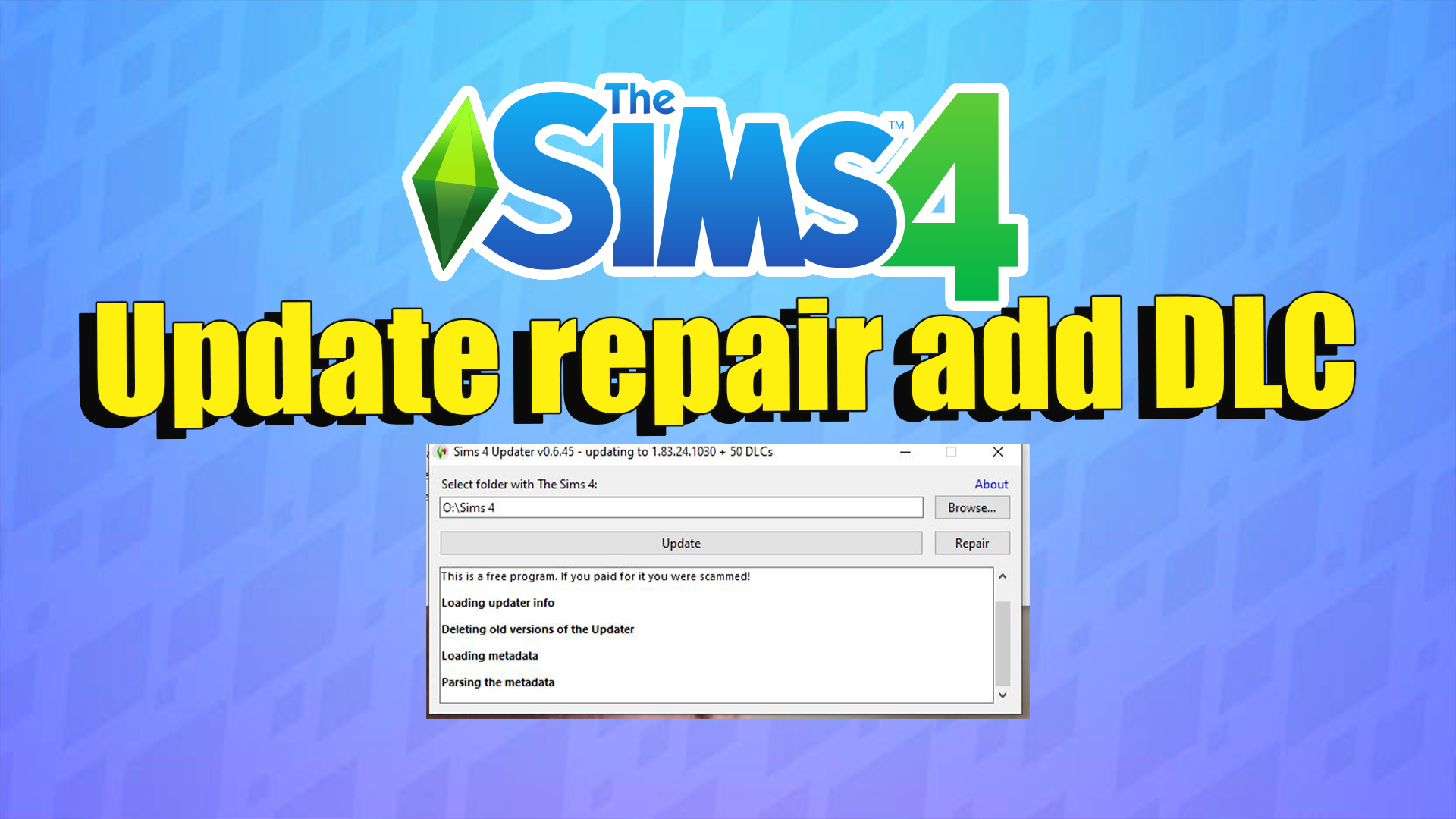
To use the utility, launch the application executable, click Browse, and select your primary The Sims 4 root installation folder (do not select subfolders). Click Update or Repair to initiate the automated file integrity scan.
The program will analyze your local files against remote manifests, download any missing or damaged archives, and install matching language string packs. Once the process completes with a confirmation message, launch The Sims 4 normally through your official launcher.
Wrapping Up The Sims 4 Update Repair Tool
The Sims 4 Update Repair and DLC utility framework by Anadius is an indispensable diagnostic companion for serious simmers who demand peak system stability and rapid file maintenance. By replacing sluggish, monolithic reinstallations with surgical checksum verification and targeted delta repairs, it rescues broken saves and resolves corrupt files with unmatched technical precision. If you want to keep your game running flawlessly and eliminate technical installation headaches, this utility is thoroughly recommended.