Engine scheduling optimization, time speed synchronization and autonomy loops
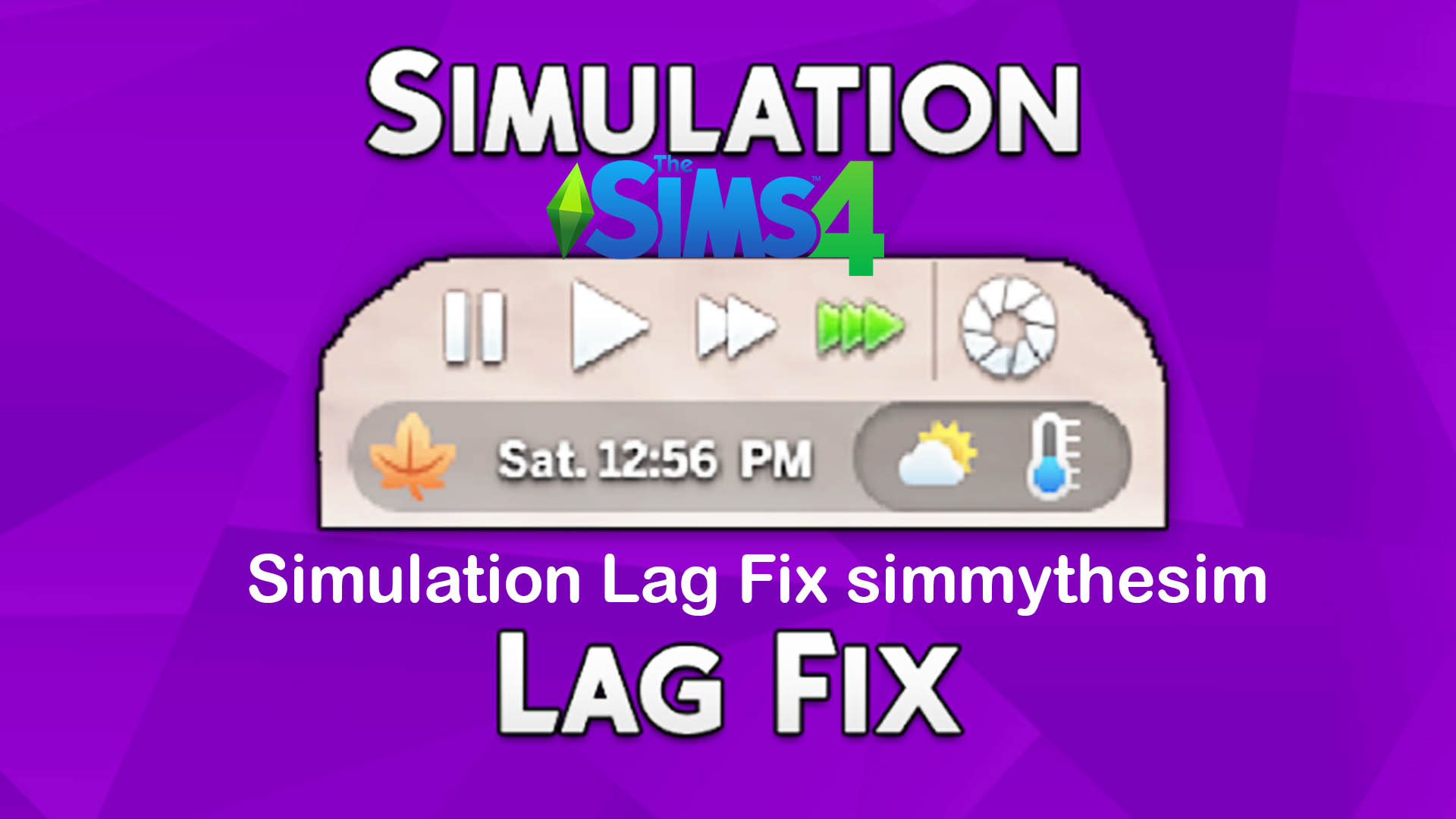
Examining the technical foundation and algorithmic tuning inside the Simulation Lag Fix reveals impressive engineering:
- Autonomy Scheduling Throttling: Optimizes how frequently the engine evaluates background environmental stimuli.
- Clock Desync Prevention: Keeps the live mode clock and Sim animation queues tightly coupled during high-speed play.
- Idle Loop Interruption: Forces characters out of frozen pathfinding loops so queued interactions execute promptly.
- Large Household Optimization: Dramatically reduces simulation stutter in busy households packed with family members and pets.
- Microscopic System Footprint: Featherweight script package that introduces zero additional processor overhead.
- Effortless Package Setup: Drops directly into your mods folder without requiring external injection software.
The difference in day-to-day gameplay feel after installing Simulation Lag Fix is nothing short of night and day. Morning routines that used to turn into agonizing management nightmares—where Sims would freeze by their beds for hours while carpools drove away—now execute with smooth, realistic speed.
Preparing meals and dining together becomes enjoyable again. A Sim ordered to cook breakfast immediately walks to the refrigerator, retrieves ingredients, and begins chopping on counters without standing around for thirty simulated minutes in a frozen trance.
Social interactions and conversations flow with natural responsiveness. Characters reply to jokes and friendly greetings promptly, creating lively, dynamic party atmospheres rather than awkward groups of frozen, staring townies.
Speed-three fast-forwarding while Sims sleep or attend school runs reliably without the clock jumping backward two hours the moment characters awaken.
By restoring core simulation responsiveness, this mod allows players on both high-end gaming rigs and modest laptops to enjoy The Sims 4 as Maxis originally intended.
Fluid chronicles and responsive households across neighborhood worlds
The Simulation Lag Fix restores smooth performance across all residential neighborhoods in The Sims 4:
In bustling San Myshuno apartments, where crowded city streets, neighboring apartments, and elevator pathing often choke the game engine, Simulation Lag Fix ensures that urban Sims move freely and respond instantly to commands. Combining this crucial performance enhancement with open-world activity mods like the Explore Mod by KawaiiStacie Review guarantees that sending family members on off-lot adventures, shopping excursions, and educational classes runs without background simulation bottlenecks.
In Willow Creek, busy multi-generational households with eight family members prepare holiday dinners and open presents with zero animation stalling.
Henford-on-Bagley cottage farms operate smoothly, with Sims tending cows, chickens, and garden plots without freezing on muddy garden paths.
Oasis Springs poolside parties remain lively and energetic as guests swim, dance, and drink cocktails without lagging interaction queues.
In Windenburg, crowded dance clubs and large social gatherings progress with fluid animations and responsive DJ interactions.
Sulani islanders swim, sail outrigger canoes, and comb beaches seamlessly without getting trapped in water edge routing loops.
Legacy challenge players find this mod indispensable for keeping decade-old multi-generational save files running smoothly and stably.
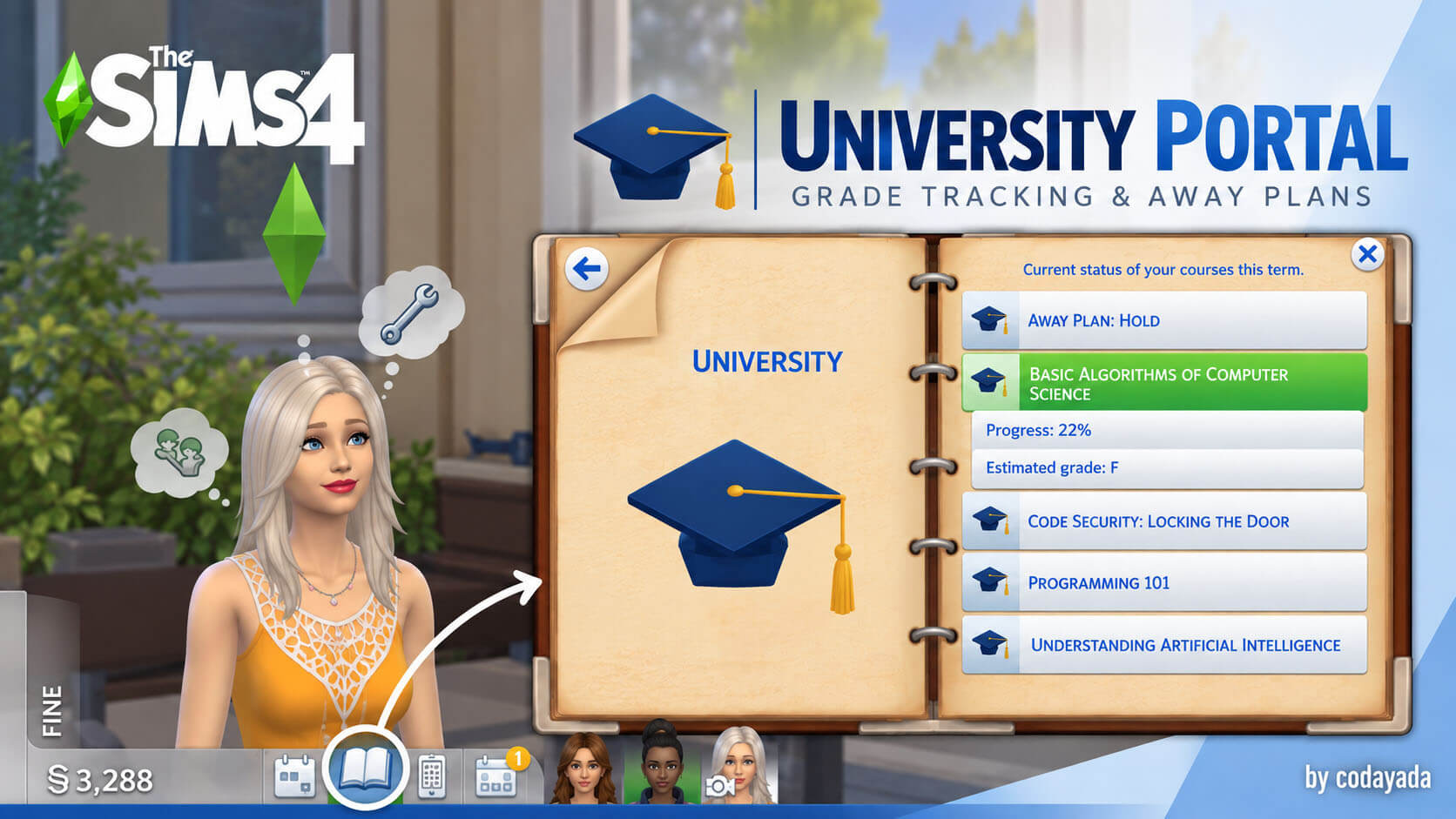
In Britechester, busy university students navigate tight class schedules and study sessions without losing precious hours to frozen idle stares.
Content creators and streamers rely heavily on this fix to ensure professional, stutter-free recording sessions during live gameplay broadcasts.
The consistent simulation responsiveness makes every single hour spent playing feel fluid, productive, and thoroughly satisfying.
Script engineering, save file safety and mod compatibility
simmythesim and SrslySims crafted this modification using non-destructive script overrides that adjust engine timing parameters without touching core save file databases. It leaves your save files completely clean and intact.
The mod works harmoniously alongside other major performance mods, CC folders, and gameplay overhauls.
It can be safely added or removed at any time without leaving broken object references or corrupted traits.
SrslySims maintains the mod with regular testing and updates to ensure continued compatibility with current EA game patches.
Recommended folder structure in your Mods directory
Place the Simulation Lag Fix package and ts4script files directly into your primary Mods folder or within a single subfolder named Srsly_SimulationLagFix. Keeping the script close to the root level ensures maximum priority loading and reliable execution.
Installing The Sims 4 Simulation Lag Fix Mod
Download the official mod archive using the direct SrslySims link below. Extract the package and ts4script files directly into your Documents/Electronic Arts/The Sims 4/Mods directory.
Ensure that Script Mods and Custom Content are checked inside your game options menu. Restart The Sims 4, load your favorite household, and experience smooth, lag-free gameplay with responsive Sims.
Final Thoughts on The Sims 4 Simulation Lag Fix Mod
The Sims 4 Simulation Lag Fix by simmythesim and SrslySims is an absolute life-saver of a technical modification. By solving the game engine’s most frustrating performance bottleneck and eliminating frozen idle stares, it restores speed, responsiveness, and pure fun to every play session. If you are tired of watching your Sims freeze in place while the clock runs away, this mod is a mandatory, non-negotiable download that belongs in every player’s mods folder.