Coordinate Transformation Matrices, Elevation Mathematics, and Multi-Select Logic
A closer look at the technical architecture behind TwistedMexi's TOOL system illustrates legendary programming prowess:
- Direct Object Matrix Hooking: Manipulates underlying 3D transformation matrices directly within the game's simulation layer.
- Off-Lot Boundary Bypass: Safely circumvents hardcoded lot boundary checks to anchor objects permanently in world coordinates.
- Granular Decimal Accuracy: Supports micro-adjustments down to thousandths of a coordinate unit for pixel-perfect alignment.
- Live Mode Hotkey Interface: Activates instantly with simple keyboard hotkeys (Shift + T) without interrupting active gameplay.
- Multi-Object Grouping Engine: Links hundreds of individual items into coherent assemblies that rotate and scale in unison.
- Non-Destructive Persistence: Encodes object transformations into standard save file data, ensuring builds survive future game updates.
The boundless creative freedom unlocked by TOOL fundamentally redefines what is possible in Sims 4 architecture. Placing a fallen log diagonally across a woodland stream, tilting empty soda cans on messy teen desks, creating custom vehicle collisions, or angling picture frames haphazardly on vintage gallery walls becomes effortless.
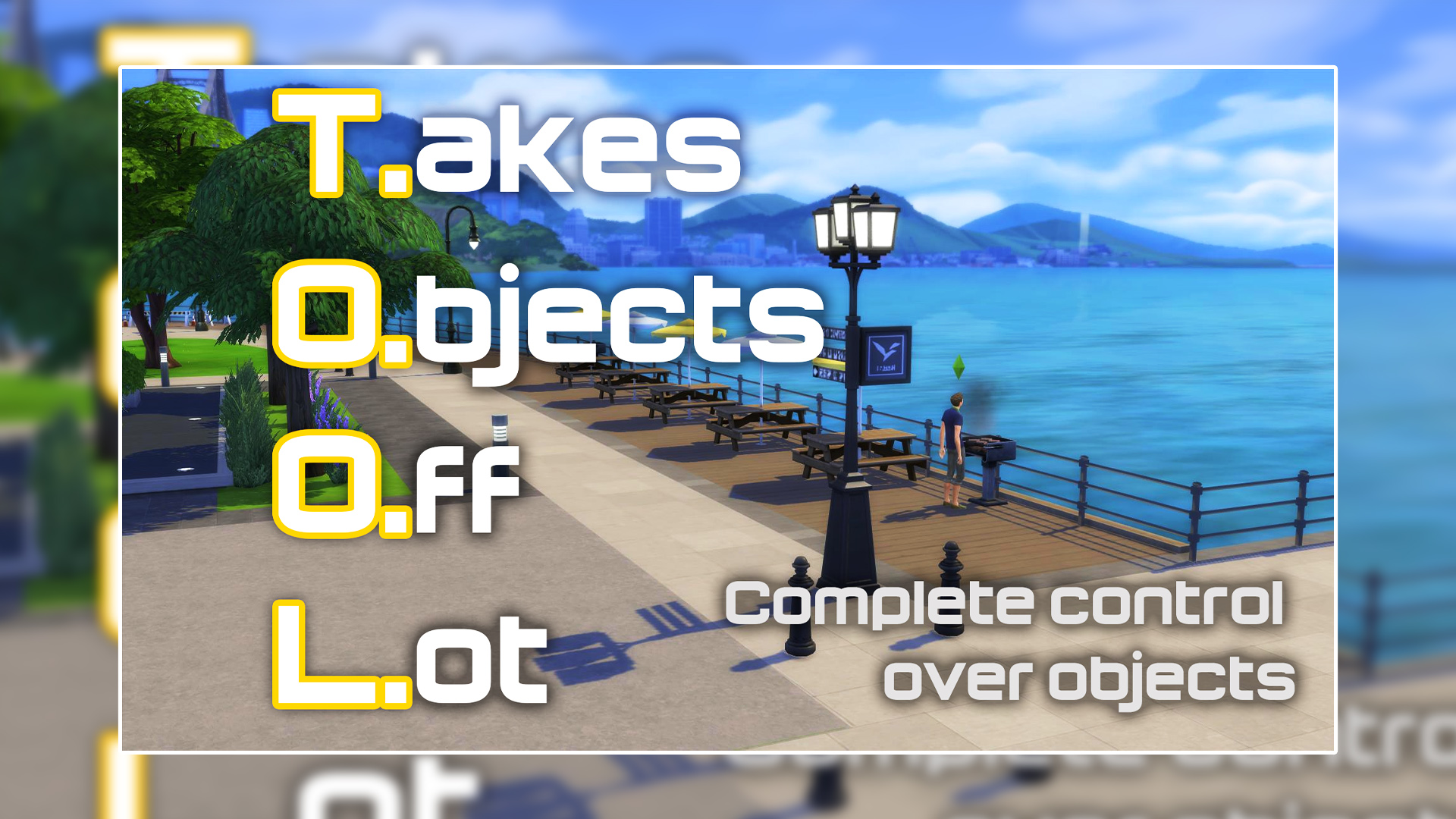
The off-lot building capability is an absolute monumental transformation for world builders. Rather than staring at empty, sterile sidewalks outside your home, you can populate public squares with food trucks, playground equipment, decorative lampposts, and lush landscaping that persists across your entire save file.
In addition, the ability to scale down oversized EA objects—such as giant dollhouses or massive microscope machines—allows them to fit neatly into cozy family homes.
Neighborhood Overhauls and Masterpiece Architecture Across Game Worlds
The revolutionary spatial control provided by the TOOL Mod transforms building possibilities across all neighborhoods:
In San Myshuno, transform drab, sterile concrete rooftop plazas into vibrant urban rooftop farms packed with lush planters, fairy-light canopies, and cozy outdoor seating areas extending far beyond your penthouse lot perimeter. Coordinating these detailed urban renovations with dynamic social overhauls like WonderfulWhims by TurboDriver creates a thriving city environment where breathtaking custom architecture and deep character relationships flourish together.
Coastal boardwalks in Tartosa can be decorated with seaside souvenir kiosks, beach umbrellas, and moored fishing boats bobbing in the water.
In Windenburg, historic town squares take on lively medieval charm with outdoor cobblestone market stalls and decorative fountains.
Henford-on-Bagley village commons can be customized with community prize crop displays and rustic wooden fence perimeters.
In Oasis Springs, desert roads can feature realistic roadside diners surrounded by tumbleweeds, telephone poles, and vintage cars.
Britechester campus quads become bustling academic hubs decorated with outdoor study desks, bulletin boards, and bike racks.
Legacy challenge players can craft sprawling generational family estates where memorial statues and heirloom gardens span expansive grounds.
In Del Sol Valley, hillside celebrity mansions can feature dramatic cantilevered infinity pools jutting daringly out over steep canyon cliffs.
Live Mode Performance Tuning, Undo History, and Engine Stability
Manipulating core game object coordinates requires foolproof fail-safes to avoid losing items under the map. TwistedMexi incorporated an extensive undo and redo history stack directly into TOOL, allowing builders to reverse mistakes with standard keyboard shortcuts.
Objects placed off-lot retain proper Sim routing footprints, allowing characters to sit on off-lot benches and interact with decor normally.
The script maintains a tiny performance footprint, ensuring zero framerate drops even when transforming massive multi-object groupings.
Transforms are safely preserved across lot moves and game restarts without corrupting household inventory or world coordinates.
Recommended World Building Workflow and Hotkey Mastery Tips
To master TOOL, activate the mod in live mode by pressing Shift + T, click your target object, and use the radial menu to select Elevate, Rotate, or Scale. Practice grouping multiple decorative clutter items—such as books, lamps, and coffee cups—to manipulate an entire styled vignette simultaneously.
Installing TwistedMexis TOOL Mod
To install the mod, visit TwistedMexi's official Patreon page via the button below, download the latest TOOL release archive, and extract the package and script files into your Documents/Electronic Arts/The Sims 4/Mods directory.
Verify that script modifications and custom content are active within your Game Options menu, restart The Sims 4, and load any lot. Press Shift + T in live mode to activate the TOOL interface and start building beyond all boundaries.
Wrapping Up TwistedMexis TOOL Mod
TwistedMexis TOOL Mod is an undeniable masterpiece of community engineering that completely liberates builders from the artificial constraints of The Sims 4. By offering true three-axis rotation, granular decimal scaling, off-lot placement, and effortless multi-select manipulation, it transforms the entire game world into an open canvas for your architectural imagination. If you are serious about building, world design, or creative staging, this essential download is thoroughly recommended.